By transforming computer drawings into precise physical products, 3D printing software is essential to modern production. This program facilitates effective modeling, slicing, and print control across a range of use cases, from research teams and large-scale manufacturers to enthusiasts and designers.
In 2026, 3D printing software will have expanded to include AI-driven optimization, cloud collaboration, material simulation, and real-time monitoring. Selecting the appropriate tool is crucial due to its growing use in sectors like consumer goods, healthcare, automotive, and aerospace.
In this article, we’ve listed the top 15 best 3D printing software used by makers, engineers, and professionals worldwide. Each tool is explained in simple language so you can easily understand what it does and who it’s best for. Whether you’re just starting out or upgrading your workflow, this guide will help you choose the right software with confidence.
Why Choosing the Right 3D Printing Software Matters
- The right software ensures accurate slicing, proper layer bonding, and correct extrusion, which directly improves print strength, surface finish, and dimensional accuracy.
- Good 3D printing software helps detect and fix common issues like mesh errors, overhang problems, and weak supports before printing starts.
- It reduces material waste and failed prints by optimizing infill patterns, support placement, and print orientation.
- Beginner-friendly software shortens the learning curve, while advanced tools allow professionals to fine-tune every parameter for complex prints.
- Using reliable software improves workflow efficiency by saving time during design, slicing, and printer setup stages.
How to Choose the Best 3D Printing Software for Your Needs
- Check if the software is compatible with your 3D printer type (FDM, SLA, or resin) and supports your specific printer model.
- Decide whether you need design software, slicing software, or an all-in-one solution depending on your workflow, especially if your projects align with standards followed by 3D Game Animation Companies Worldwide.
- Evaluate the learning curve and available tutorials, especially if you are new to 3D modeling or 3D printing.
- Compare free vs paid options based on features like advanced supports, multi-material printing, and automation tools.
- Ensure the software supports commonly used file formats such as STL, OBJ, and STEP for smooth file handling.
Comparison Table
| Software Name | Best For | Supported Printing Type |
| Ultimaker Cura | Beginners & Hobbyists | FDM |
| PrusaSlicer | Hobbyists & Professionals | FDM |
| Simplify3D | Professionals | FDM |
| Autodesk Fusion | Professional Design & Engineering | FDM, Resin |
| Tinkercad | Beginners & Education | FDM |
| Blender | Advanced Modeling & Sculpting | FDM, Resin |
| MatterControl | All-in-One Printing Workflow | FDM |
| FreeCAD | Mechanical & Functional Parts | FDM, Resin |
| Solid Edge Community Edition | Advanced CAD Users | FDM, Resin |
| Onshape | Collaborative CAD Design | FDM, Resin |
| Meshmixer | Model Repair & Optimization | FDM, Resin |
| SelfCAD | Beginner to Intermediate Users | FDM, Resin |
| Kiri:Moto | Quick Web-Based Slicing | FDM |
| Lychee Slicer | Resin Printing & Miniatures | Resin |
| IdeaMaker | Reliable Multi-Printer Slicing | FDM |
List of 15 Best 3D Printing Software
1. Ultimaker Cura
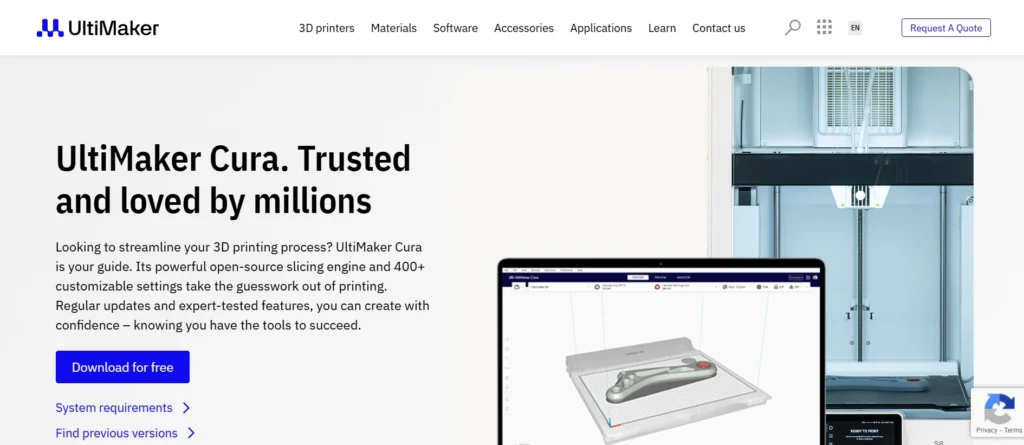
Ultimaker Cura is one of the most widely used and beginner-friendly 3D printing slicer software available today. It converts 3D models into printable G-code while offering an intuitive interface that works well for both hobbyists and professionals. The software is completely free and supports a wide range of 3D printers, not just Ultimaker machines.
Cura stands out because of its powerful slicing engine combined with customizable settings. Beginners can rely on default profiles, while advanced users can fine-tune parameters such as infill, layer height, supports, and print speed. Regular updates and a large community make Cura a reliable long-term choice.
Top Features
- Free and open-source
- Supports hundreds of 3D printers
- Customizable print profiles
- Smart support generation
- Plugin marketplace for extended features
Website: https://ultimaker.com/software/ultimaker-cura
Pricing: Free version available. Premium Quote Available on request
2. PrusaSlicer
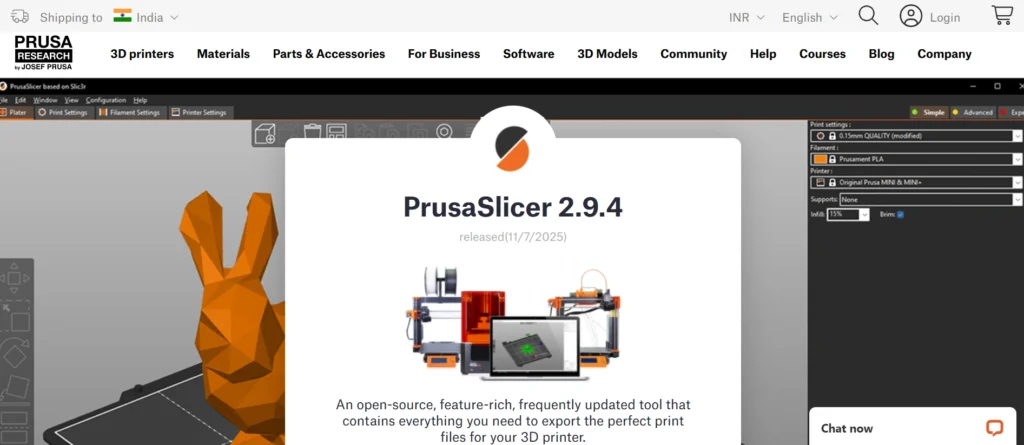
PrusaSlicer is a powerful slicing software developed by Prusa Research and is known for its accuracy and advanced control options. Although it is optimized for Prusa printers, it also supports many third-party 3D printers, making it a versatile choice for a broad audience.
The software offers advanced features such as variable layer height, multi-material printing, and detailed support customization. PrusaSlicer is especially popular among users who want precise control over print quality and material usage without compromising reliability.
Top Features
- Advanced slicing algorithms
- Variable layer height for better surface finish
- Multi-material and multi-color support
- Custom support painting
- Regular updates with new features
Website: https://www.prusa3d.com/page/prusaslicer_424/
Pricing: Free
3. Simplify3D
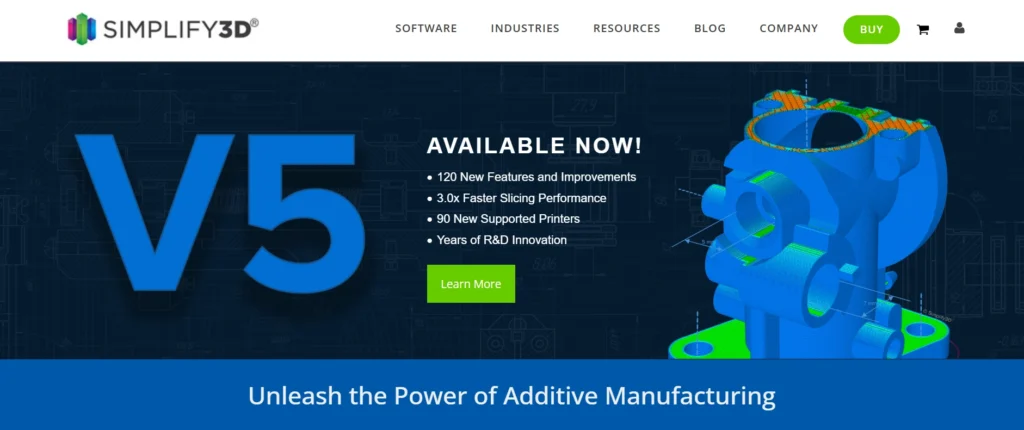
Simplify3D is a premium 3D printing software designed for professionals and serious enthusiasts. It combines slicing, model repair, and printer management into a single powerful platform. The software is known for producing high-quality prints with excellent support control.
Unlike free slicers, Simplify3D focuses on advanced customization and efficiency. Its ability to control multiple processes within a single print makes it ideal for complex models and industrial-grade printing workflows.
Top Features
- Advanced support structure control
- Multiple process settings in one print
- High-quality G-code generation
- Real-time print simulation
- Wide printer compatibility
Website: https://www.simplify3d.com/
Pricing: $199
4. Autodesk Fusion (Fusion 360)
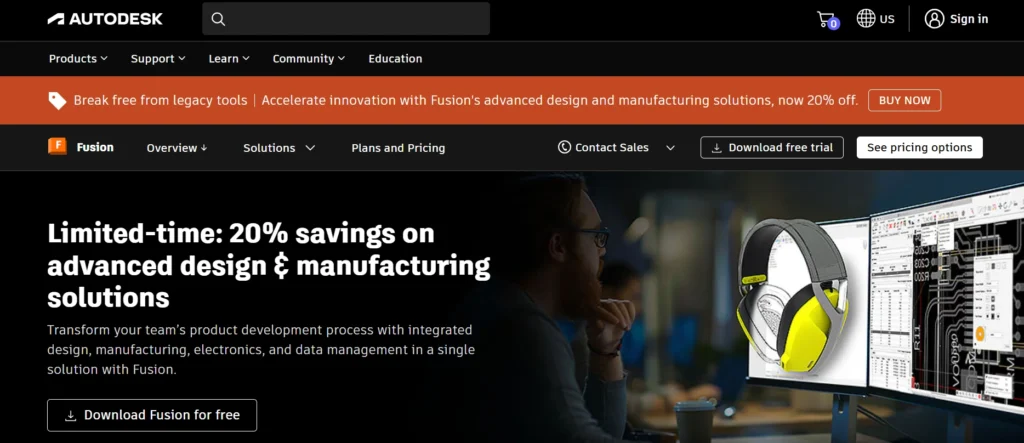
Autodesk Fusion is a professional-grade CAD, CAM, and CAE software widely used for product design and engineering. For 3D printing, it allows users to design highly detailed and parametric models that are ready for manufacturing and prototyping.
Fusion is especially useful for engineers and designers who want precise control over dimensions and tolerances. It supports simulation, generative design, and direct integration with manufacturing workflows, making it much more than just a modeling tool.
Top Features
- Parametric and freeform modeling
- Cloud-based collaboration
- Simulation and stress analysis
- Direct export for 3D printing
- Ideal for professional product design
Website: https://www.autodesk.com/products/fusion-360/overview
Pricing: $680/yr
5. Tinkercad
Tinkercad is a browser-based 3D design software created specifically for beginners and educational use. Its simple drag-and-drop interface makes it easy for anyone to start creating 3D printable models without prior design experience.
Despite its simplicity, Tinkercad is powerful enough for basic prototyping and hobby projects. It is widely used in schools and by first-time 3D printing users who want quick results without a steep learning curve.
Top Features
- Web-based, no installation required
- Extremely beginner-friendly interface
- Ideal for education and learning
- Easy STL export for 3D printing
- Free to use
Website: https://www.tinkercad.com/
Pricing: Free
6. Blender
Blender is a powerful open-source 3D creation and animation software widely used for modeling, sculpting, animation, and rendering. While it is not exclusively built for 3D printing, its advanced modeling tools make it an excellent choice for creating highly detailed and artistic printable models.
For 3D printing, Blender supports precise mesh editing and offers add-ons that help with STL checks and model optimization. It is best suited for users who want complete creative freedom and are willing to invest time in learning a professional-grade tool.
Top Features
- Free and open-source
- Advanced sculpting and modeling tools
- Highly detailed mesh control
- Supports STL export for 3D printing
- Large community and add-on ecosystem
Website: https://www.blender.org/
Pricing: Free
7. MatterControl
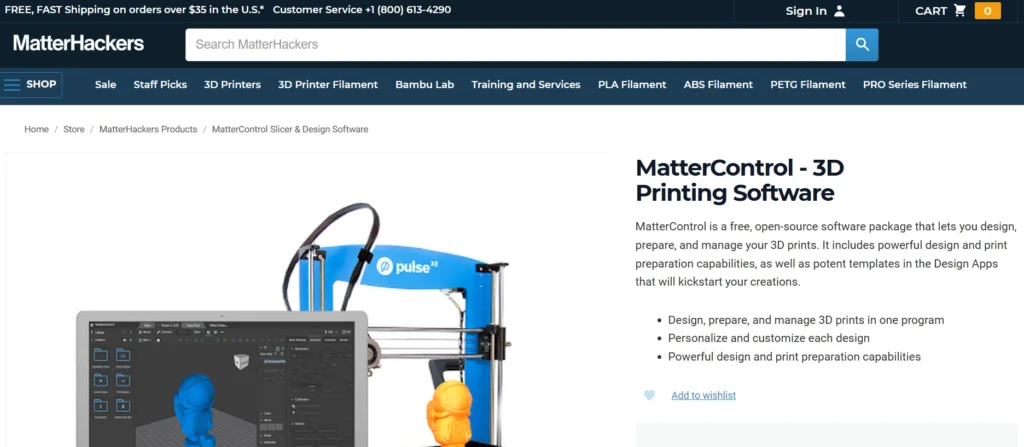
MatterControl is an all-in-one 3D printing software that combines design, slicing, and printer control into a single platform. It is especially useful for users who want to manage the entire printing workflow without switching between multiple tools.
The software includes basic CAD tools for simple model creation and offers cloud integration for file storage and collaboration. MatterControl works well for both beginners and professionals looking for a streamlined 3D printing experience.
Top Features
- Built-in CAD and slicing tools
- Integrated printer control
- Cloud-based file management
- Supports multiple printers
- Beginner-friendly interface
Website: https://www.matterhackers.com/store/l/mattercontrol/sk/MKZGTDW6
Pricing: Free
8. FreeCAD
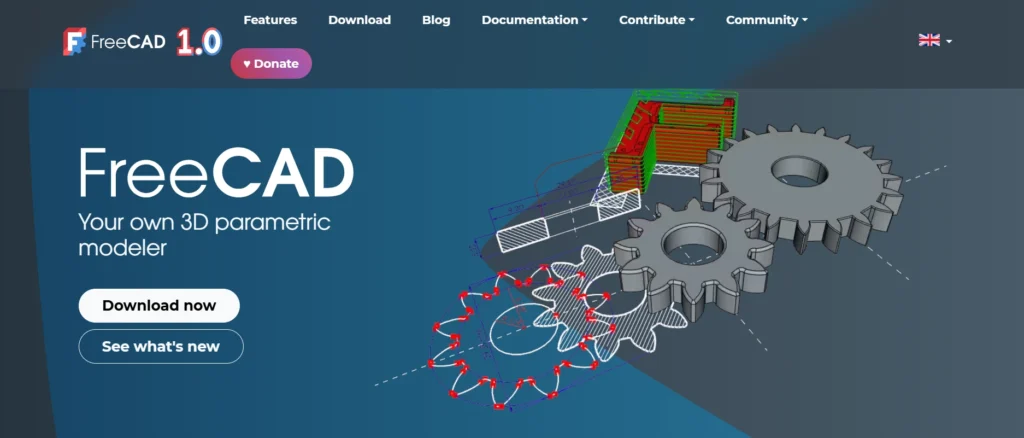
FreeCAD is a parametric 3D modeling software ideal for engineers and technical users who need precision and control. It allows users to design models by defining dimensions and constraints, making it perfect for functional and mechanical parts.
Because of its parametric nature, FreeCAD makes design revisions simple and efficient. It is commonly used for prototyping, product design, and engineering applications where accuracy is critical.
Top Features
- Parametric modeling system
- Free and open-source
- Ideal for mechanical and functional designs
- Supports STL and STEP export
- Strong community support
Website: https://www.freecad.org/
Pricing: Free
9. Solid Edge Community Edition
Solid Edge Community Edition is a professional-grade CAD software offered free for hobbyists and makers. It is based on industrial design tools and provides advanced modeling capabilities suitable for complex 3D printing projects.
The software includes synchronous technology, which allows fast and flexible design changes. It is a great option for users who want industry-level features without the high cost associated with professional CAD tools.
Top Features
- Professional-grade CAD tools
- Free for personal use
- Synchronous modeling technology
- High-precision design capabilities
- Suitable for advanced projects
Website: https://solidedge.siemens.com/en/solutions/users/hobbyists-and-makers/
Pricing: Free
10. Onshape
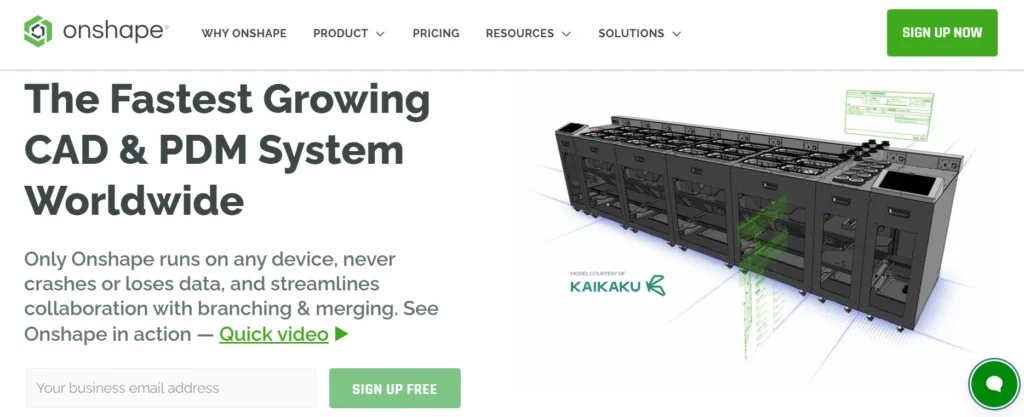
Onshape is a cloud-based CAD software that runs entirely in a web browser. It is especially popular for collaborative design, allowing multiple users to work on the same model in real time from different locations.
For 3D printing, Onshape offers precise modeling tools and easy export options. Its cloud-first approach eliminates installation issues and ensures designs are always saved and accessible from any device.
Top Features
- Fully cloud-based CAD platform
- Real-time collaboration
- Automatic version control
- No installation required
- Ideal for team-based projects
Website: https://www.onshape.com/
Pricing:
| Free | Standard | Professional | Enterprise |
| $0 | $1500 | $2500 | Available on request |
11. Meshmixer
Meshmixer is a specialized 3D printing software developed for working with mesh-based models. It is particularly useful for repairing, modifying, and optimizing STL files before printing. The software is widely used to fix common issues such as holes, non-manifold edges, and intersecting faces.
Meshmixer also includes advanced sculpting and support-generation tools, making it ideal for preparing complex models for successful prints. It is especially helpful when working with models downloaded from online repositories.
Top Features
- Powerful mesh repair tools
- Automatic model analysis
- Custom support generation
- Sculpting and smoothing tools
- Free to use
Website: https://meshmixer.com/
Pricing: Free
12. SelfCAD
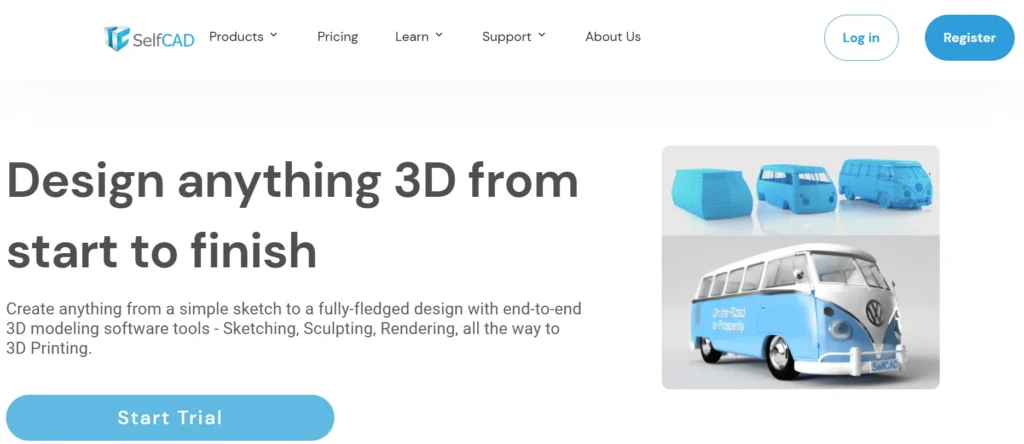
SelfCAD is a user-friendly 3D modeling software designed specifically with 3D printing in mind. It combines modeling, sculpting, slicing, and file preparation tools into a single platform, making it a convenient choice for beginners and intermediate users.
The software runs directly in a web browser and also offers a desktop version. Its guided tools and tutorials make it easier for users to learn 3D design while quickly producing printable models.
Top Features
- All-in-one modeling and slicing
- Browser-based and desktop versions
- Built-in tutorials
- Beginner-friendly interface
- Direct STL export
Website: https://www.selfcad.com/
Pricing:
| Free | Pro | Organisation |
| $0 | $14.99/mo | Custom |
13. Kiri:Moto
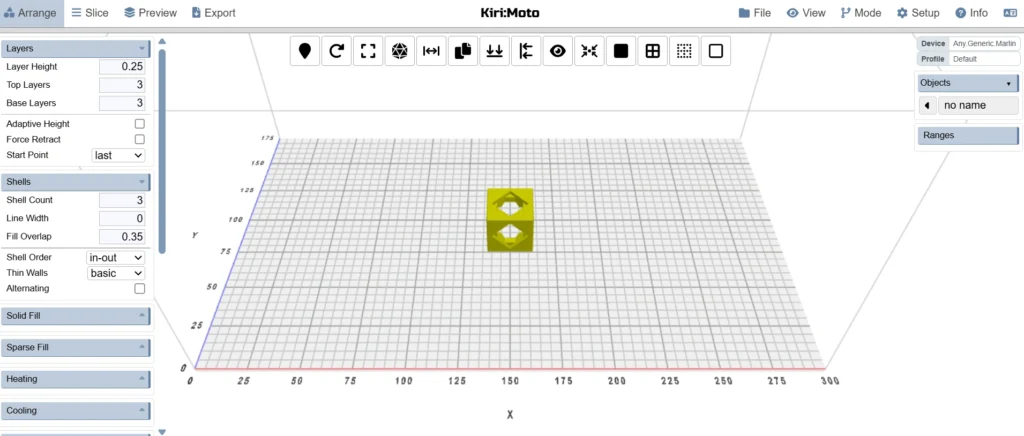
Kiri:Moto is a web-based slicing software that supports 3D printing, CNC machining, and laser cutting. It is known for its fast processing and lightweight design, making it accessible even on low-end devices.
For 3D printing, Kiri:Moto offers precise slicing controls and supports multiple output formats. Its cloud-based nature allows users to prepare prints without installing heavy software, which is ideal for quick and remote workflows.
Top Features
- Web-based slicing tool
- Supports 3D printing, CNC, and laser cutting
- Fast and lightweight performance
- No installation required
- Multi-format export support
Website: https://grid.space/kiri/
Pricing: Free
14. Lychee Slicer
Lychee Slicer is a popular slicing software designed primarily for resin 3D printing. It is widely used with SLA and MSLA printers and is known for its excellent support-generation capabilities and intuitive workflow.
The software provides both free and premium versions, catering to hobbyists and professionals alike. Its focus on resin printing makes it an essential tool for creating highly detailed and high-quality prints.
Top Features
- Optimized for resin 3D printing
- Advanced support generation
- Beginner-friendly workflow
- Regular updates and improvements
- Community-driven features
Website: https://mango3d.io/
Pricing:
| Lite | Plus | Plus and Library |
| $0 | $11.66/mo` | $23.34/mo |
15. IdeaMaker
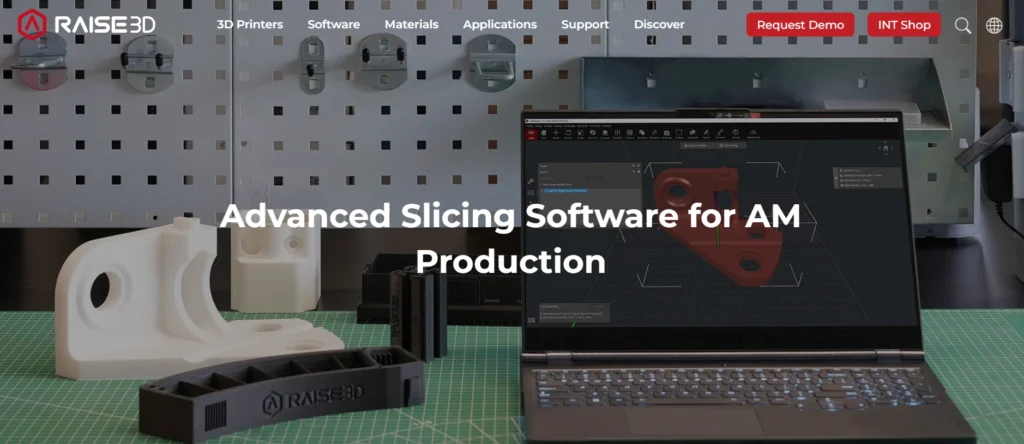
IdeaMaker is a slicing software developed by Raise3D that supports both Raise3D printers and many third-party machines. It offers a clean interface combined with powerful customization options, making it suitable for users at different skill levels.
The software provides detailed control over print settings and includes a large library of ready-to-use profiles. IdeaMaker is well-suited for users who want consistent print quality with minimal trial and error.
Top Features
- Advanced slicing and customization
- Large library of print profiles
- Supports multiple printers
- Real-time print preview
- Free to use
Website: https://www.raise3d.com/ideamaker/
Pricing: Free version available. Contact sales for advanced version
Conclusion
In conclusion, choosing the right 3D printing software can make a big difference in your printing results. Everything is impacted by the software you choose, including the design of your model, the efficiency of your printer, and the strength of the finished product. You may conserve material, get consistent prints, and prevent frequent mistakes with the use of a decent tool.
This article covers 15 software solutions, including tools for novices, enthusiasts, and experts. Some concentrate on straightforward design, some on strong slicing, while some provide comprehensive all-in-one solutions. Start with software that is appropriate for your printer type and ability level rather than attempting everything. You can always transition to more sophisticated tools as you acquire experience and gradually enhance your workflow.
FAQs
1. Do I Need Both Design and Slicing Software for 3D Printing?
Yes, in most cases you need both. Design software is used to create or modify 3D models, while slicing software converts those models into printable instructions for the 3D printer.
2. Is Free 3D Printing Software Good Enough for Quality Prints?
Absolutely. Many free tools offer excellent features and are widely used by professionals. Print quality depends more on correct settings and printer calibration than on whether the software is paid or free.
3. Which Software is Best for Resin 3D Printing?
Resin printers require specialized slicing software. Lychee Slicer is a popular choice because it offers strong support tools and is optimized for high-detail resin prints.
4. Can One Software Work With All 3D Printers?
Most software supports multiple printers, but not all tools work with every model. It’s important to check printer compatibility before choosing software to avoid setup and slicing issues.
5. How do I Choose the Right 3D Printing Software for My Needs?
Start by considering your skill level, printer type, and goals. Beginners should choose simple tools, while advanced users may prefer software with detailed customization and professional features.