

Have you ever questioned the reason why you do not receive more replies now that you send more emails? Sales outreach has changed. Customers receive too many messages, pitches, and follow-ups daily. Sending emails manually, copy-pasting LinkedIn messages, and random follow-ups are not working anymore, particularly in cases when you are attempting to scale. This is where sales outreach tools get their way in.
Nowadays, sales teams make use of effort, but not only that, they make use of systems. The sales outreach software assists the teams in getting the right prospects, at the right time, and the right message, without wasting hours in doing the same thing over and over again. These tools automate outreach, enhance personalisation, and introduce order to the whole process of sales as opposed to manually chasing down leads.
What Are Sales Outreach Tools?
Sales outreach tools refer to software platforms that facilitate the automation of sales teams’ communications with potential customers by organising and optimising them. Their primary objective is to eliminate manual effort on outbound sales, besides enhancing personalisation and consistency. Unlike using separate email communications or LinkedIn messages, sales outreach software enables sales teams to develop structured sequences. These programs automatically deliver emails, follow-ups, and occasionally LinkedIn activities according to a set future schedule and the behaviour of the prospect.
The majority of the modern outreach tools also have such features as email tracking, reply detection, scheduling, lead segmentation, and analytics. This implies that sales reps can have access to who opened an email, who replied to it, and which message is performing best, all of which is in a single dashboard. Personalisation at scale is also another important benefit.
Outreach tools also allow the team to tailor messages based on any dynamic fields (such as name, company, role, or even personalised pictures or GIFs). Consequently, messages are human even when bulk messages are sent. Sales outreach devices help enable a team to access more opportunities within a shorter period of time, remain organised, and make better use of leads without the benefit of sounding like a robot.
What Can Sales Teams Do With Outreach Tools?
The outreach sales tools enable the teams to:
Find new opportunities and get to more prospects. Automate outreach in large amounts without human intervention.
- Run multichannel campaigns: Email, LinkedIn, and in some cases, Twitter/X outreach.
- Individualise mass communication: Use dynamic fields, pictures, and custom messaging.
- Smart segment leader: Role stage, industry prospect,s and funnel stage.
- Monitor and keep track of performance: Follows, replies, conversions, and campaign performance.
- Close deals faster: Dwelling time on discussions rather than repetitive work.
Why Do Sales Teams Use Outreach Tools?
- Increased Productivity: Automates repetitive activities such as follow-ups to enable the reps to concentrate on selling.
- Centralised Sales Workflow: Every outreach, response and tracking occurs in a single location.
- More Personalisation on a large scale: Even when the message is being sent to hundreds of prospects, the message also seems human.
- Multichannel Reach: Email is not sufficient; LinkedIn and others are used to increase the response rates.
- Scalability & Optimisation: A/B testing and analytics allow teams to scale their work.
How to Choose the Right Sales Outreach Software?
The selection of an appropriate sales outreach tool is not merely the process of picking the most popular platform or the one used by your competitor. The tool must be the appropriate one to match your sales model, team set-up, objectives, and budget. When done appropriately, it will enhance productivity, raise the level of conversions, and your overall sales will be greatly enhanced.
The following are the step-by-step instructions for selecting the most effective sales outreach software in your business:
1. Delimit Your Channel of Outreach.
First, where do you want to get to your prospects:
- Email alone: When your campaign is mainly based on email sequences, solutions such as Lemlist, Instantly, and Mailshake are good options.
- Email + LinkedIn: When using LinkedIn outreach as a ritual, pick the tools compatible with both (e.g., Skylead, Reply, Dripify).
- Multichannel with other platforms: There are tools with options of email and LinkedIn, and more with Twitter/X outreach.
Having your channels ahead of time is helpful to narrow the tools that are suitably used in your specific instance.
2. Measure Individualisation Processes:
Outreach should be most human. This means:
- Basic personalisation: First names, names of companies, industries, job positions.
- High level of personalisation: Dynamic variables (role-related content), images, GIFs and landing pages.
- Others are just simple customisation tools, but others allow you to add your own custom images, or even create custom message streams depending on how the prospect behaves.
When your target demographic needs a personalised communication strategy, it is better to focus on the highly personalised tools.
3. Check CRM Compatibility:
Your outreach tool must be connected with your CRM ( Salesforce, HubSpot, Pipedrive, Zoho, etc.). The good integration will enable you to:
- Automatic contacts synchronisation.
- Follow up history versus CRM history.
- Maintain information inter-system integrity.
In case you are not using a CRM, you can look at the tools that have an in-built CRM (e.g., HubSpot Sales Hub, Reply). Tools that are not connected to your CRM may cause information silos and manual integration.
4. Debate Automation and Manual Control:
Consider the extent of automatization that you desire:
- Fully automated: has tools to start sequences, send follow-ups, and take actions based on the responses of the prospects with minimal human intervention.
- Semi-automated: These are tools that assist in templates and reminders and are otherwise manually controlled for certain actions.
- Manual plus analytics: Some tools give more emphasis on analytics as compared to automation.
Full automation is usually the most efficient in teams whose pipelines are larger. Semi-automation can be more desirable to use in the case of boutique and high-touch sales processes.
5. Consider Outreach Tracking & Analytics:
It is not simply the act of sending messages; it is knowing what happens after you send them. Key analytics aspects to be considered are:
- Open and click rates
- Reply and conversion rates
- A/B testing support
- Engagement timelines
- Campaign performance indicators.
Powerful analytics implies that you are able to maximise messages and sequences using real data, rather than conjecture.
6. Individual Workflow & Convenience:
An effective tool is not useful if your team does not use it. Check for:
- Customer-friendly dashboard and navigation.
- Simple sequence builder
- Clear reporting and alerts
- Helpful onboarding support
Steep learning curve tools can slow the adoption of a tool in a team.
7. Deliverability & Compliance
In case your instrument is email outreach:
- Make sure it is email warm-up friendly (e.g. Lemwarm with Lemlist)
- Look for whether it has spam score information.
- Ensure that it adheres to such laws as CAN-SPAM and GDPR.
- Deliverability has a direct effect on your messages, making it or not to the inbox.
8. Scalability & Future Needs:
Think about the development of your business:
Do you intend to increase your sales force? Will you require additional sequences, additional sources of lead, or additional channels?
Select tools that are expandable with you- tools that provide increasing pricing levels and extra facilities with increased plans.
9. Budget & ROI Considerations:
The sales outreach tools are priced at varying ranges, such as at the affordable individual plans, or at the enterprise level.
Ask yourself:
- How many seats do I need?
- What are crucial and non-crucial characteristics?
- Is it future scaleable in terms of pricing?
An increased price is warranted when the tool produces quantifiable ROI (increased conversions, reduced time in manually working on it, more engagements).
10. Community Resources and Support:
A lot of support helps a lot, particularly in the process of onboarding or troubleshooting.
Check if the tool provides:
- Live customer support
- Community forums
- Training resources
Strong support results in reduced downtime and quicker adoption of the team.
List of 15 Best Sales Outreach Tools
1. Skylead
Website: https://skylead.io
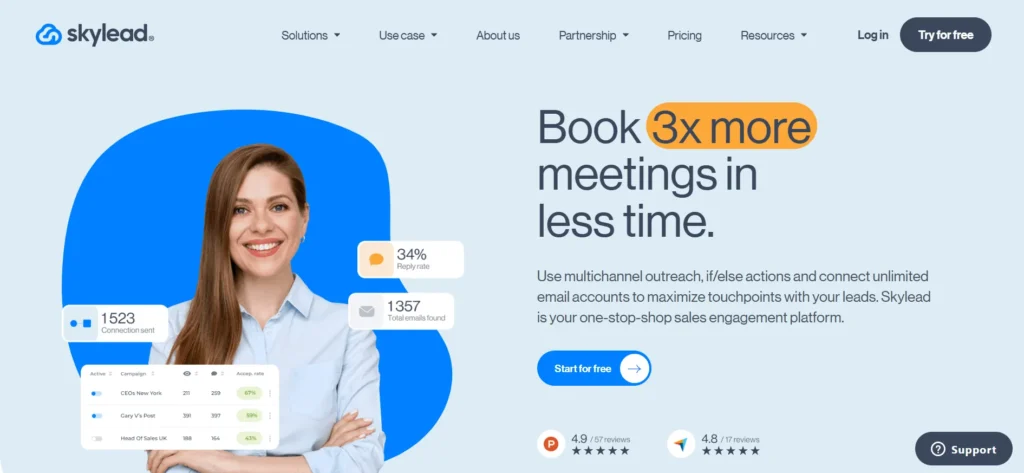
Skylead is an intelligent multichannel sales outreach software built for teams that want personalized outreach without complex workflow management. It enables sales professionals to combine email and LinkedIn outreach into a single automated sequence, ensuring consistent messaging across multiple touchpoints. Skylead strongly focuses on personalization and deliverability, offering built-in email discovery, verification, and warm-up features to improve inbox placement and campaign performance.
As a cloud-based platform, it reduces account safety risks commonly associated with browser extensions. Its unified inbox collects all conversations in one place, allowing sales reps to easily manage replies and follow-ups. Skylead is particularly effective for B2B teams targeting decision-makers who expect relevant, human communication. While it supports image and GIF personalization and multiple languages, native video personalization is not yet available.
Key Features
- LinkedIn sequences Multichannel email.
- In-built email searching and validation.
- Personalization of images and GIFs.
- Free email warm-up included
- Cloud-based automation
- Smart unified inbox
- Language support, Multilingual platform support
Pricing
- Starts at $100/month per seat
2. Expandi
Website: https://expandi.io/
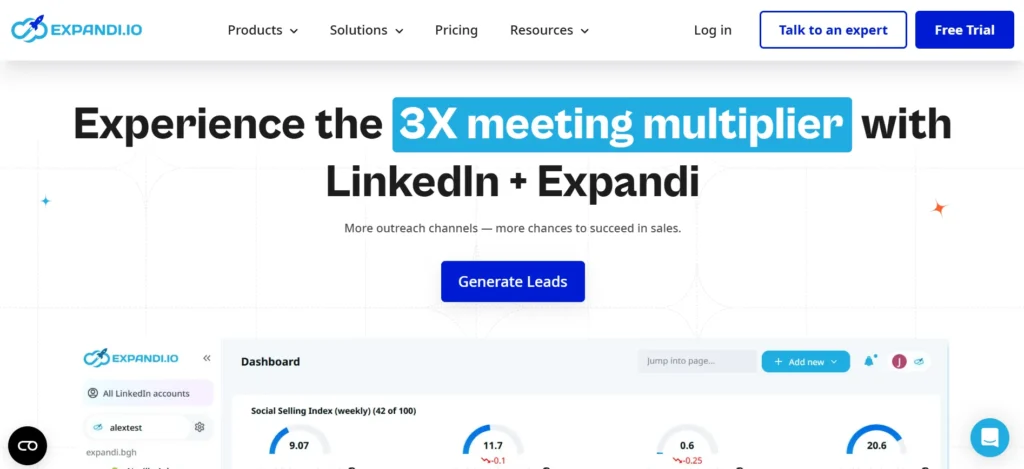
Expandi is a LinkedIn-focused outreach automation tool built for professionals who want to engage prospects at a safe and compliant pace. It automates key LinkedIn actions such as connection requests, follow-ups, profile visits, post likes, and endorsements. Being fully cloud-based, Expandi reduces the risk of LinkedIn account suspension compared to browser-based tools.
Its intelligent, behavior-based sequences allow users to create conditional workflows that adapt to prospect actions, making conversations feel more natural. While Expandi does not offer native image personalization, it integrates with tools like Hyperise for visual customization. The platform lacks email finder features and InMail automation, making it best suited for LinkedIn-first strategies. With a clean interface and quick setup, Expandi is ideal for agencies and B2B teams focused on relationship-driven LinkedIn outreach.
Key Features
- LinkedIn automation on clouds.
- Conditional sequences with intelligence.
- Connection requests and visits to auto profiles.
- The likes and endorsements are automated.
- Reply detection and inbox
- Team control and agency-friendly control.
- Third-party personalization integration.
Pricing
- Starts at $99/month per seat
3. Lemlist

Website: https://www.lemlist.com/
Lemlist is a powerful sales outreach software designed to improve deliverability and enable high levels of personalization, making it popular among sales teams running cold email campaigns. It allows users to create highly personalized emails using dynamic text, images, and custom landing pages, helping outreach feel more engaging and human. One of its standout features is Lemwarm, an integrated email writing tool that protects sender reputation and improves inbox placement.
Lemlist also supports multistep email sequences and detailed analytics to track opens, clicks, and replies. However, some advanced features such as additional mailboxes, email finding, and extended warm-up come at extra cost. The platform relies partly on a Chrome extension, which may concern security-focused users. Overall, Lemlist is ideal for teams prioritizing creative cold email personalization and strong deliverability.
Key Features
- Further email personalization.
- Personalization of image and landing page.
- Email writing (Lemwarm) is inbuilt.
- Tracking and analytics of the campaign.
- Multi-step email sequences
- Characteristics of teamwork.
- Email and mail optimization.
Pricing
- Starts at €55/month
4. Reply
Website: https://reply.io/
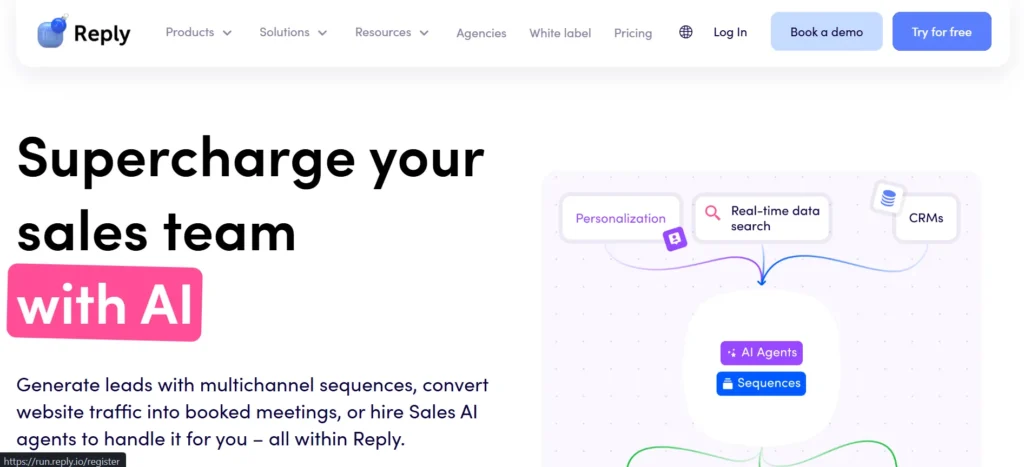
Reply is a semi-automated multichannel sales outreach tool designed to help teams manage email, LinkedIn, and call-based outreach from a single platform. It supports structured outbound workflows with email sequences, LinkedIn touchpoints, and calling activities. One of its standout features is the AI SDR, which helps automate responses, qualify leads, and schedule meetings, reducing manual effort for sales reps.
Reply integrates smoothly with popular CRMs, allowing teams to sync contacts and track outreach activity efficiently. While it supports LinkedIn steps within sequences, it does not offer full LinkedIn automation like dedicated LinkedIn marketing tools. Some data enrichment features rely on browser extensions, which may raise safety concerns. Overall, Reply is well-suited for SMBs and sales teams seeking a balance between automation, human control, and long-term campaign optimization through analytics.
Key Features
- Email and LinkedIn outreach
- AI SDR for reply handling
- CRM integrations
- Multistep sales sequences
- Campaign analytics
- Automation of lead qualification.
- Team collaboration tools
Pricing
- Starts at $159/month
5. Snov.io

Website: https://snov.io/
Snov.io is a lead enrichment and sales outreach platform, a combination of email finding, verification, CRM, and outreach. The teams that require a complete prospecting and emailing solution often use it. Snov.io permits users to locate confirmed email addresses, create prospect lists and conduct email campaigns using a single dashboard. It has a basic integrated CRM, which is helpful when a small team does not have a current CRM.
Snov.io can also be integrated with the LinkedIn lead collection via a Chrome extension and this can be a security concern to some users. Although the prices are affordable when used on a small scale, costs may rise considerably as the use grows. Snov.io would be the best fit with small sales agencies and startups that desire a combination of prospecting and email outreach. In general, it is a good value, yet it might not be suitable in the large-scale and high-volume case.
Key Features
- Email finder and verifier
- Built-in CRM
- Email campaign automation
- Lead list management
- LinkedIn lead collection
- API access
- Basic analytics
Pricing
- Starts at $29/month
6. Instantly

Website: https://instantly.ai/
Instantly is a sales-focused email outreach platform built for scale, simplicity, and strong inbox deliverability. It is widely used by cold emailers managing multiple inboxes who want consistent sending behavior without manual effort. The platform allows instant inbox connections and automatic unlimited inbox rotation, reducing spam risks and improving sender reputation over time. Instantly also includes a built-in B2B lead database and a lightweight CRM, enabling teams to manage prospects, campaigns, and replies from a single dashboard.
However, it is limited to email outreach and does not support LinkedIn or other social automation. Some advanced features, such as lead data and analytics, may require separate subscriptions. Despite this, Instantly remains popular for its fast onboarding, intuitive interface, and deliverability-first infrastructure. It is best suited for high-volume email campaigns rather than complex multichannel sales strategies.
Key Features
- Other infinite inbox connections.
- Automated inbox rotation
- Email warm-up system
- Built-in B2B lead database
- Analytics of campaign performance.
- Lightweight CRM
- Deliverability-first infrastructure
Pricing
- Starts at $30/month
7. HubSpot Sales Hub
Website: https://www.hubspot.in/
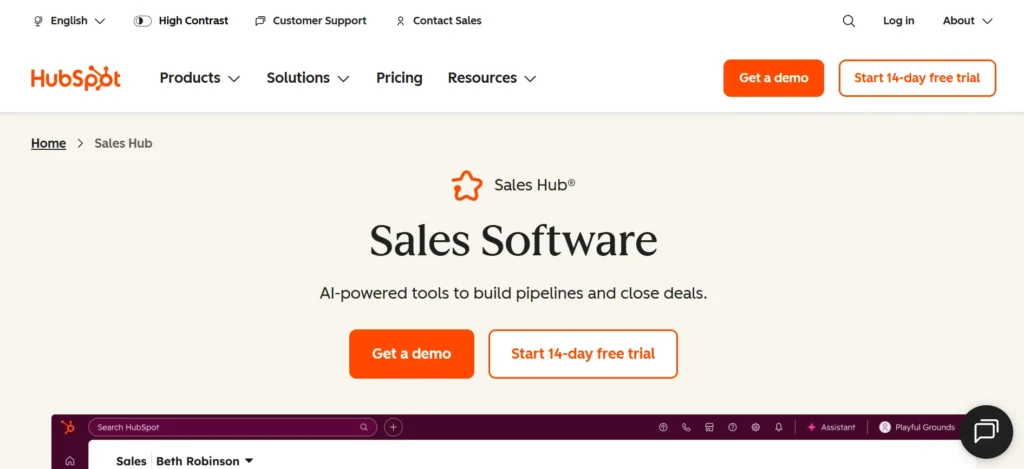
HubSpot Sales Hub is a sales engagement platform built on HubSpot’s native CRM, designed to help teams manage outreach, pipelines, and prospect interactions efficiently. It enables users to create personalized email sequences, automate follow-ups, schedule meetings, and track engagement activity in real time. Sales Hub works best for teams already using HubSpot CRM, as all sales data syncs automatically without the need for extra integrations.
The platform offers email templates, A/B testing, deal tracking, and detailed reporting dashboards that provide clear visibility into sales performance. Unlike aggressive outbound automation tools, HubSpot Sales Hub focuses on structured sales processes and relationship management. However, it lacks native multichannel automation and built-in email warm-up features, which limit its use for high-volume outbound campaigns. Overall, it suits SMBs prioritizing data accuracy, collaboration, and long-term customer relationships.
Key Features
- Native CRM integration
- Customized email messages.
- A/B testing tools
- Meeting scheduling
- Pipeline and deal tracking
- Email engagement tracking
- Reporting dashboards
Pricing
- Starts at $15/month
8. Dripify
Website: https://dripify.com/
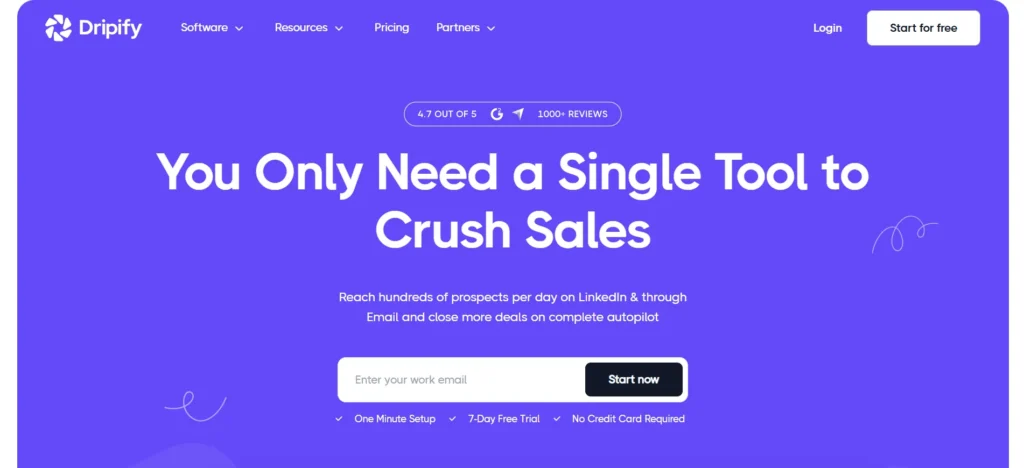
Dripify is a sales outreach software designed to simplify LinkedIn and email outreach for professionals who prefer clear, step-by-step workflows. It allows users to build multistep sequences using LinkedIn actions such as profile visits, connection requests, and messages, combined with email follow-ups. As a cloud-based platform, Dripify reduces reliance on browser extensions and improves account safety.
One of its standout features is the built-in email finder and verifier, which minimizes the need for third-party enrichment tools. While Dripify supports multichannel outreach, it lacks advanced A/B testing and image-based personalization options. The platform prioritizes ease of use over deep customization, making it ideal for freelancers, small sales teams, and agencies. With a clean interface, quick campaign setup, and clear reporting, Dripify offers effective outreach without enterprise-level complexity.
Key Features
- LinkedIn automation processes.
- Email outreach integration
- Built-in email finder
- Cloud-based automation
- Sequence builder
- Campaign performance report.
- CRM integrations
Pricing
- Starts at $39/month
9. SalesLoft
Website: https://www.salesloft.com/
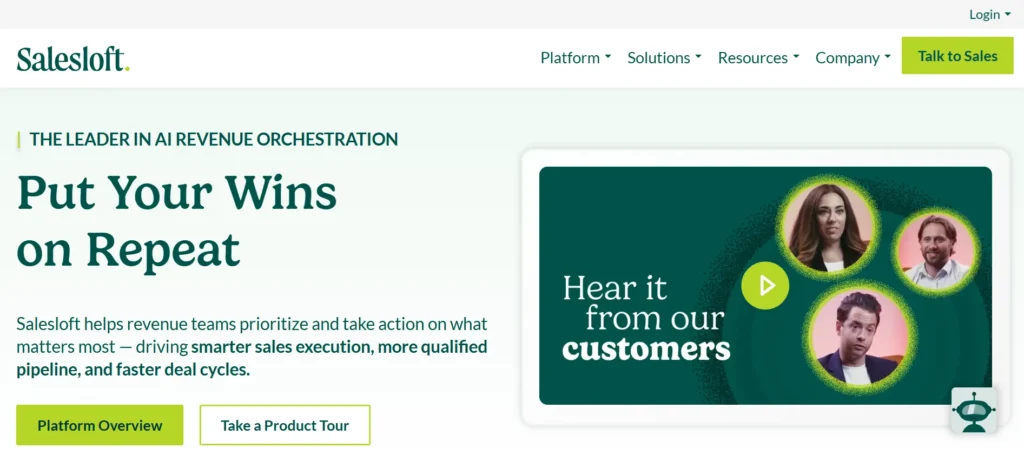
SalesLoft is an enterprise-grade sales engagement platform built to help large sales organizations manage pipelines, standardize outreach, and close deals more effectively. It is widely adopted by teams with structured outbound processes and those using LinkedIn Sales Navigator. SalesLoft enables teams to create email templates, manage calling workflows, track prospect follow-ups, and monitor pipeline health through advanced analytics. The platform strongly emphasizes process consistency, sales coaching, and performance measurement across teams.
Unlike lightweight outreach tools focused on aggressive automation and rapid scaling, SalesLoft prioritizes governance, reporting, and coordination between sales representatives and leadership. Due to its complexity and enterprise-level pricing, it is less suitable for small teams. Overall, SalesLoft works best for mature organizations with established sales processes that value operational visibility and performance management over deep multichannel personalization.
Key Features
- Pipeline management tools
- Navigator Sales integration.
- Email templates could be customized.
- Call tracking and logging
- Analytics and reporting
- Team coaching features
- Enterprise-grade security
Pricing
- Custom pricing
10. Hunter

Website: https://hunter.io/
Hunter is a lead-generation and email verification tool designed to help teams find accurate professional email addresses. It is highly regarded for its data reliability and verification capabilities. Users can search by domain, individual name, or company, making it valuable for prospecting and building targeted lists. Hunter integrates with various CRMs and sales tools, enabling seamless synchronization of data.
While it does not provide full outreach automation or campaign management, it complements email outreach platforms by supplying clean, verified contact information, minimizing bounces, and protecting sender reputation. The platform also supports bulk processing and offers API access for large-scale data enrichment. Hunter is best suited for sales teams, recruiters, and marketers who prioritize precise email discovery over automated outreach. Overall, it is a dependable tool for generating high-quality prospect lists and supporting email campaigns.
Key Features
- Email finder
- Email verification
- Domain search
- CRM integrations
- API access
- Bulk processing
- High-accuracy data
Pricing
- Starts at $34/month
11. Mailshake
Website: https://mailshake.com/
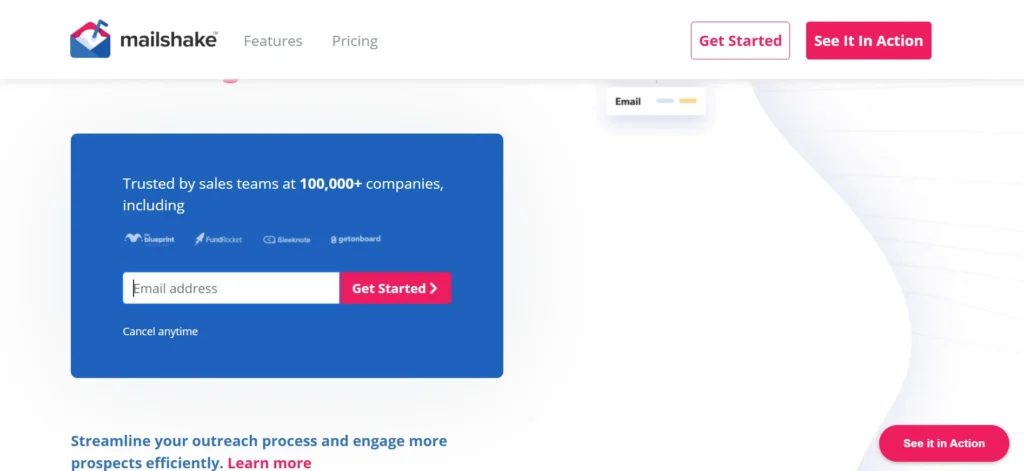
Mailshake is a Sales Outreach software designed for sales professionals and marketing teams to create simple, reliable drip campaigns without complex setup. It primarily focuses on cold email, follow-ups, and link-building outreach. Users can build email sequences, schedule follow-ups, and track engagement metrics such as opens, clicks, and replies. The platform includes built-in A/B testing for subject lines and message variations to improve campaign performance.
Mailshake offers an intuitive interface, making it suitable for beginners and small teams. However, it lacks advanced automation features such as conditional logic, image personalization, multichannel outreach, LinkedIn automation, and email warm-up. It integrates with popular CRMs and productivity tools to sync outreach data with existing workflows. Mailshake is ideal for teams seeking straightforward, reliable email outreach without complex technical requirements.
Key Features
- Email sequence automation
- Built-in A/B testing
- Simple campaign builder
- Engagement tracking
- CRM integrations
- Team collaboration tools
- Template library
Pricing
- Starts at $29/month
12. Woodpecker
Website: https://woodpecker.co/
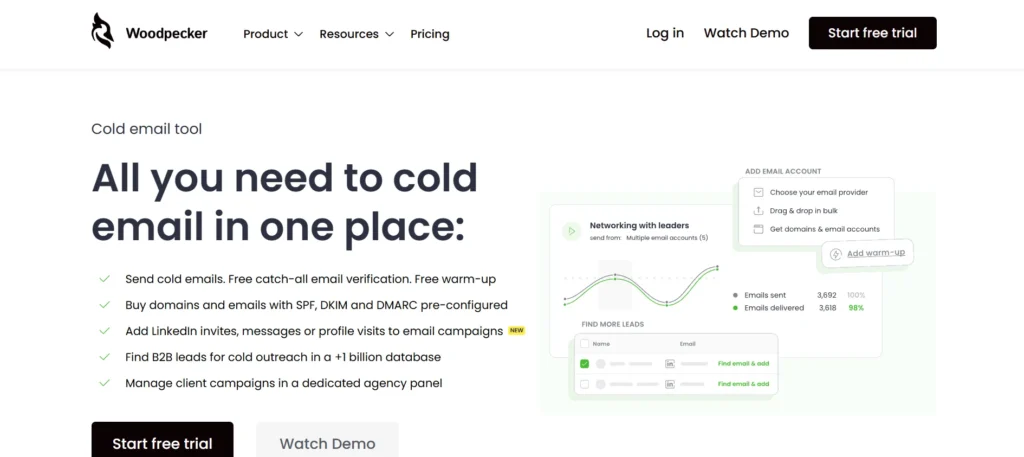
Woodpecker is an email outreach platform designed to help teams run effective cold email campaigns with strong deliverability and high-quality copywriting. It supports automated email sequences, follow-ups, and inbox rotation, making it ideal for campaigns across multiple sending addresses. One of its standout features is an AI-powered email writer that assists in crafting outreach messages. Woodpecker prioritizes inbox safety by regulating sending rates and tracking engagement metrics.
Users can add unlimited inboxes and rotate them automatically to reduce spam risks. While it integrates with CRMs and other sales tools, LinkedIn automation requires third-party applications like Dux-Soup. Email verification quality is moderate compared to dedicated enrichment tools. Woodpecker is best suited for teams focusing on efficient email copy, straightforward automation, and reliable inbox delivery rather than deep personalization or multichannel outreach.
Key Features
- AI email writer
- Inbox rotation
- Automated email sequences
- Deliverability monitoring
- CRM integrations
- API access
- In the case of team collaboration, there exist some features.
Pricing
- Starts at $25/month
13. Lusha
Website: https://www.lusha.com/
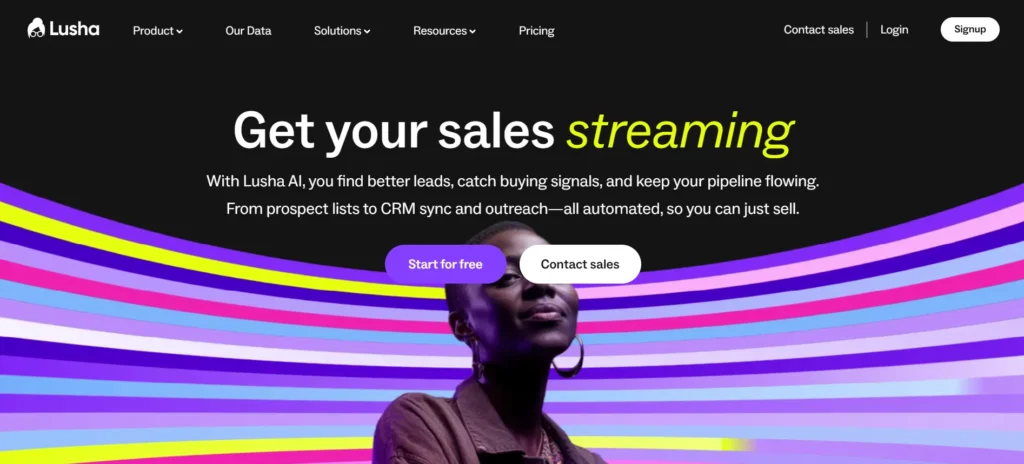
Lusha is a prospecting and contact enrichment platform designed to help sales teams find accurate professional contact information, including emails and phone numbers. It operates through browser-based tools and CRM integrations, making it easy to enrich existing records and streamline prospecting. Lusha offers AI-driven lead playlists that are automatically generated and updated according to preset criteria, helping teams identify high-potential prospects efficiently.
Unlike full outreach platforms, Lusha focuses on data enrichment rather than executing email or LinkedIn campaigns, and its inbox support is limited. The platform has strong coverage in North America and Europe, while other regions are less comprehensive. B2B sales teams, recruiters, and account managers commonly use Lusha to access up-to-date contact information quickly. It serves as a complementary tool alongside outreach software to improve data quality and enhance prospecting efforts.
Key Features
- AI-powered lead playlists
- Contact data enrichment
- Browser extension
- CRM integrations
- Team dashboards
- Compliance controls
- Prospect tracking
Pricing
- Starts at $22/month
14. Wiza
Website: https://wiza.co/
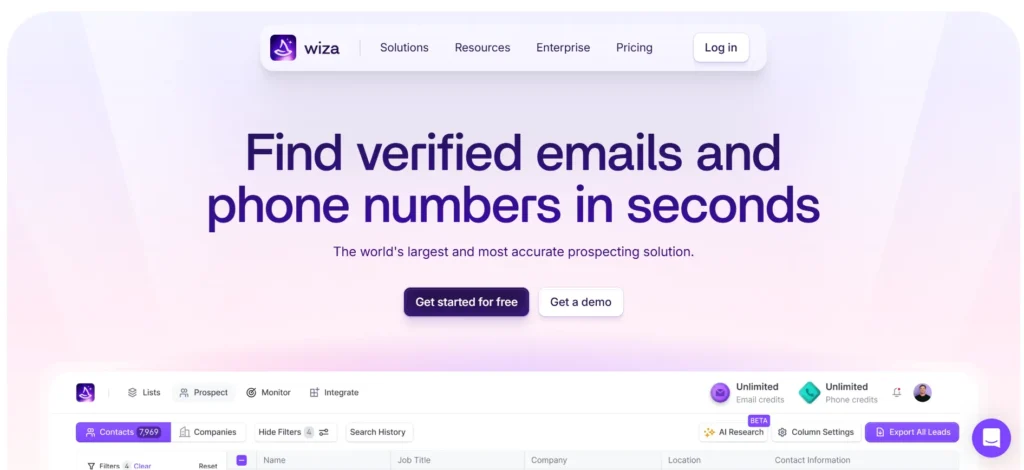
Wiza is a lead extraction and email verification tool designed specifically for LinkedIn Sales Navigator users. It allows sales teams to export lead lists from Sales Navigator searches and convert them into verified email addresses quickly and accurately, helping reduce bounce rates. The platform integrates with CRMs, enabling users to sync extracted leads directly into their sales systems.
Wiza does not offer outreach automation, campaign management, or sequencing, making it a pure data enrichment solution. As it relies on LinkedIn data scraping, some organizations may have concerns about safety and compliance. Wiza is ideal for sales teams that already use outreach platforms and need an efficient method to convert LinkedIn leads into verified contact lists. Its simple, task-focused interface supports easy mass lead export, making it a specialized tool for lead enrichment.
Key Features
- LinkedIn Sales Navigator may be extracted.
- Instant email verification
- CRM synchronization
- Bulk lead exports
- CSV downloads
- API access
- High-speed processing
Pricing
- Starts at $49/month
15. Dux-Soup
Website: https://www.dux-soup.com/
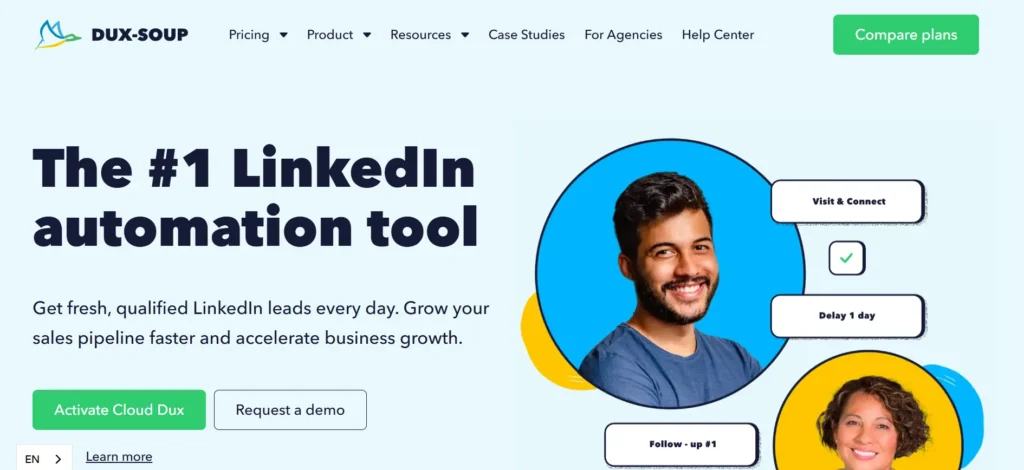
Dux-Soup is an automation program created on LinkedIn and used to work with LinkedIn outreach and growing a network of professionals. It automates profile visits, connection requests, follow-up, and InMail messages. Dux-Soup has both free and paid InMails, which is helpful in the case of users who use LinkedIn messaging intensively. The platform will connect to other popular CRM systems, including HubSpot and Pipedrive, to enable LinkedIn activity data to be integrated with sales processes.
Cloud-based automation can only be accessed on higher tiers, and the lower tiers are based on executing through a browser. Dux-Soup is not multichannel and has no native email automation. It fits best those individuals and teams that are not necessarily interested in outbound campaigns but that are more interested in LinkedIn prospecting. Dux-Soup is a useful tool to base LinkedIn-based outreach, however, it needs other tools to use with email or multichannel approaches.
Key Features
- LinkedIn automation
- Free and paid InMail support
- CRM integrations
- Activity tracking
- Automation of the cloud on the premium plans.
- Team management controls
- Reporting features
Pricing
- Starts at $11.25/month
Conclusion
Sales outreach tools are now critical to sales teams in the modern world who require the ability to scale efficiently without sacrificing the ability to be personalized or be in control. No matter how many emails to send out, how much LinkedIn automation you need, how many leads you need to enrich, or how much pipeline management you need at an enterprise scale, the tool will have the potential to make a big difference in terms of productivity, reply rate, and deal results.
There is no universal answer to that; all platforms are different to meet various needs based on the team size, outreach channels, budget, and sales approach. The trick is to ensure that your decision is in line with your business objectives, current processes, and business development. A sales outreach software can simplify things by automating them but when chosen wisely, it will be a relationship-strengthening tool, enhancing consistency and allowing teams to concentrate on the aspects that actually matter: high-quality conversations and conversions.
FAQs
1. What is a sales outreach tool?
Sales outreach software assists in the automation and management of communications with prospects via email, LinkedIn, and other platforms.
2. Is it possible to use Sales outreach tools with LinkedIn?
The cloud tools are typically safer, whereas the browser-based automation can have increased account risk.
3. Should I use an outreach tool with a CRM?
Not necessarily, some of the tools will also have an inbuilt CRM, and others can be connected with the existing CRM.
4. What is the best outreach tool to use in cold emailing?
Others, such as email-specialized tools such as Instantly, Lemlist, and Mailshake, can also be used to do cold emails.
5. Is it possible to implement sales outreach using small teams?
There are numerous tools, which are oriented towards startups, freelancers, and small sales teams.