


Deploying an application shouldn’t feel scary or complicated yet for many teams, it still does. One small mistake during deployment can break the app, frustrate users, and waste hours fixing issues. That’s why modern teams rely on application deployment tools instead of manual processes.
These tools automate the entire deployment process, helping you release updates faster, reduce errors, and keep everything running smoothly. Whether you’re working on a small startup app or a large enterprise system, the right application deployment software can save time and prevent costly downtime.
In this article, we’ve handpicked the top 14 best application deployment tools that developers and DevOps teams trust worldwide. No matter your experience level, this list will help you choose a tool that makes deployments simple, reliable, and stress-free.
Why Application Deployment Tools Matter
- Automate the entire release process, from build to production, reducing dependency on manual steps
- Lower the risk of deployment failures caused by human error or inconsistent environments
- Enable faster and more frequent releases, helping teams deliver features and fixes quickly
- Provide rollback, version control, and deployment history to recover easily from failures
- Support modern architectures like cloud-native apps, containers, and microservices
How to Choose the Right Deployment Tool
- Ensure the tool aligns with your existing tech stack, programming languages, and infrastructure
- Check whether it supports your deployment targets such as cloud platforms, containers, or on-prem servers
- Evaluate ease of use, learning curve, and quality of documentation for your team
- Look for scalability and performance as application size and traffic grow
- Consider security features, integrations, community support, and long-term maintenance
Comparison Table For: Application Deployment Tools
| Software Name | Best For | Popular Use Case | Deployment Type (Cloud / On-Prem / Hybrid) |
|---|---|---|---|
| Jenkins | Custom CI/CD pipelines | Automating build and deployment workflows | Cloud / On-Prem / Hybrid |
| GitHub Actions | GitHub-based projects | Automated deployments triggered by code commits | Cloud |
| GitLab CI/CD | All-in-one DevOps workflows | Build, test, and deploy from a single platform | Cloud / On-Prem |
| Octopus Deploy | Enterprise releases | Managing multi-environment deployments | Cloud / On-Prem |
| AWS CodeDeploy | AWS users | Automated deployments on AWS infrastructure | Cloud |
| Docker | Containerized apps | Packaging and deploying applications in containers | Cloud / On-Prem |
| Kubernetes | Scalable applications | Managing and scaling container deployments | Cloud / On-Prem / Hybrid |
| Azure DevOps | Microsoft ecosystem | CI/CD and release management | Cloud / On-Prem |
| Ansible | Automation-focused teams | Configuration and application deployment | Cloud / On-Prem / Hybrid |
| Terraform | Infrastructure automation | Provisioning deployment environments | Cloud / Hybrid |
| Spinnaker | Large-scale deployments | Safe multi-cloud application releases | Cloud |
| Argo CD | Kubernetes teams | GitOps-based application deployment | Cloud / Hybrid |
| Helm | Kubernetes packaging | Deploying complex Kubernetes apps | Cloud / On-Prem |
| Google Cloud Deploy | GCP users | Managed deployment pipelines on GCP | Cloud |
| CircleCI | Fast-moving teams | Automated CI/CD and deployments | Cloud |
List of Top 14 Best Application Deployment Tools
1. Jenkins
Website:https://www.jenkins.io/
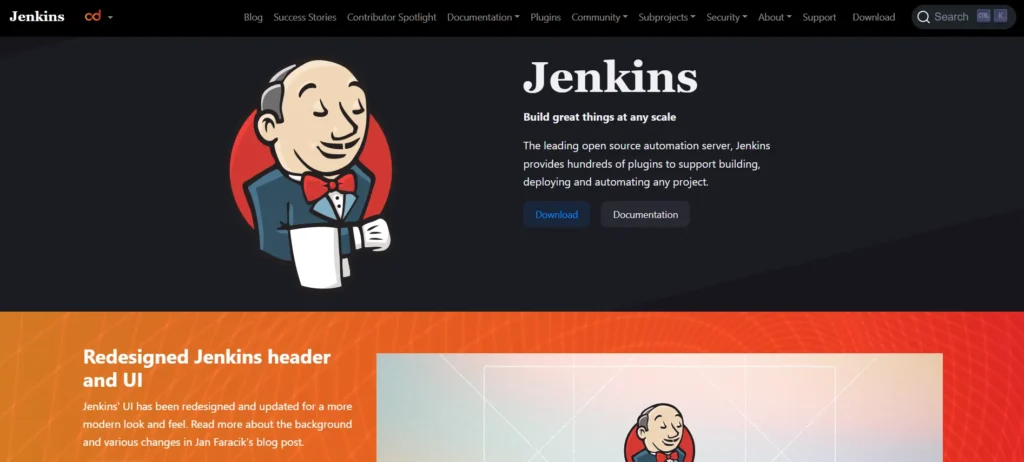
Jenkins is one of the most popular open-source automation servers used for application deployment. It enables developers to build, test, and deploy applications automatically through pipelines, reducing manual effort and deployment risks. Jenkins supports a wide range of use cases, from simple applications to complex microservices architectures.
What makes Jenkins powerful is its massive plugin ecosystem. Teams can customize their deployment workflows to integrate with almost any tool, cloud platform, or version control system. This flexibility makes Jenkins a strong choice for organizations that want complete control over their deployment process.
Top Features:
- Open-source and highly customizable
- Thousands of plugins for integrations
- Pipeline-as-code using Jenkinsfile
- Strong community support
- Scales well for large projects
Pricing:
- Free
Pros:
- Open-source with huge plugin ecosystem
- Highly customizable deployment pipelines
- Strong community and long-term reliability
Cons:
- Initial setup and maintenance can be complex
- UI feels outdated compared to modern tools
- Requires manual scaling and management
2. GitHub Actions
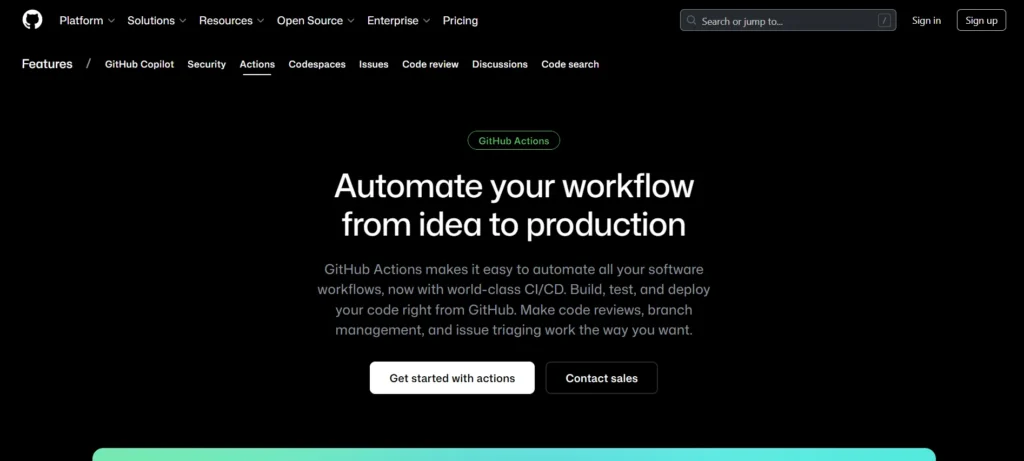
GitHub Actions is a native CI/CD solution and one of the most popular application deployment tools built directly into GitHub repositories. It enables developers to automate application deployments using simple YAML-based workflows triggered by events like code pushes or pull requests. This seamless integration makes deploying applications faster, more reliable, and developer-friendly.
Ideal for teams already using GitHub, GitHub Actions eliminates the need for external deployment solutions. With a growing marketplace of prebuilt actions, teams can easily deploy applications to cloud platforms, containers, and servers with minimal setup, streamlining the software delivery process.
Website:https://github.com/features/actions
Top Features:
- Native GitHub integration
- Event-driven deployment workflows
- Large marketplace of reusable actions
- Supports containers and cloud deployments
- Easy YAML-based configuration
Pricing:
- Free
Pros:
- Seamless integration with GitHub repositories
- Easy-to-write YAML workflows
- Large marketplace of ready-to-use actions
Cons:
- Limited flexibility outside GitHub ecosystem
- Debugging workflows can be difficult
- Cost can increase with heavy usage
3. GitLab CI/CD
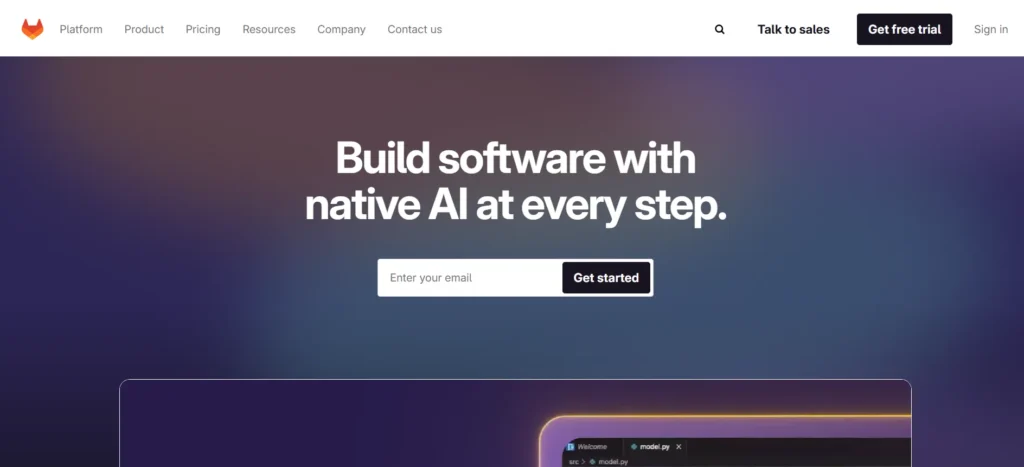
GitLab CI/CD is a built-in deployment and automation testing tool within the GitLab DevOps platform. It enables continuous integration, testing, and application deployment using a single configuration file. This unified approach simplifies DevOps workflows and improves visibility across the deployment lifecycle.
GitLab CI/CD is well-suited for teams looking for an all-in-one DevOps solution. From source code management to production deployment, everything is managed in one platform, making it easier to track, secure, and scale application deployments.
Website:https://about.gitlab.com/
Top Features:
- All-in-one DevOps platform
- Simple pipeline configuration with YAML
- Built-in container registry
- Strong security and compliance features
- Scales from startups to enterprises
Pricing:
- Pay as you go
Pros:
- Complete DevOps solution in one platform
- Strong CI/CD and deployment visibility
- Good security and compliance features
Cons:
- Can feel heavy for small teams
- Self-hosted version needs strong infrastructure
- Learning curve for beginners
4. Octopus Deploy
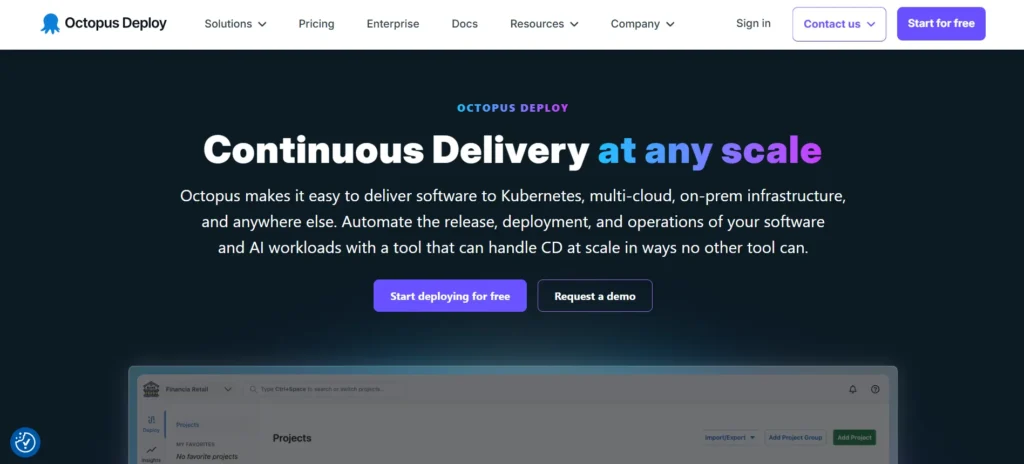
Octopus Deploy is a focused application deployment software designed to manage complex application releases. It excels at handling multi-environment deployments, making it popular among teams deploying enterprise applications across development, staging, and production.
The tool emphasizes visibility and control, allowing teams to clearly see what version of an application is deployed where. Octopus Deploy integrates well with CI tools and cloud platforms, making it a reliable choice for structured and repeatable deployments.
Website:https://octopus.com/
Top Features:
- Environment-based deployment management
- Strong release and version tracking
- Supports cloud and on-prem deployments
- Role-based access control
- Easy rollback and redeployment
Pricing:
| Free | Professional | Enterprise |
| $0 | $4170/yr | $23400/yr |
Pros:
- Excellent for multi-environment deployments
- Clear release and version tracking
- Strong rollback and audit features
Cons:
- Paid plans can be expensive
- UI may feel complex for small teams
- Limited native CI features
5. AWS CodeDeploy
AWS CodeDeploy is a fully managed service from Amazon Web Services and one of the leading application deployment tools. It automates the deployment of applications to EC2 instances, containers, and serverless environments, reducing downtime and minimizing deployment failures.
CodeDeploy is ideal for teams already using AWS infrastructure, as it integrates seamlessly with other AWS services. This allows organizations to build reliable, scalable, and secure deployment pipelines without the need to manage their own deployment servers, making the entire application delivery process faster and more efficient.
Website:https://aws.amazon.com/codedeploy/
Top Features:
- Fully managed AWS service
- Supports blue/green deployments
- Automatic rollback on failure
- Deep integration with AWS ecosystem
- Scales effortlessly with traffic
Pricing:
- Custom
Pros:
- Deep integration with AWS services
- Supports blue/green and rolling deployments
- Fully managed and scalable
Cons:
- Tied closely to AWS ecosystem
- Limited use outside AWS
- Configuration can be confusing initially
6. Docker
Docker is a widely used containerization platform that plays a crucial role in modern application deployment. It allows developers to package applications along with all dependencies into lightweight containers, ensuring consistency across development, testing, and production environments.
Docker simplifies deployment by eliminating “it works on my machine” issues. Teams can deploy applications faster, scale easily, and integrate Docker seamlessly with CI/CD pipelines and orchestration tools like Kubernetes.
Website:https://www.docker.com/
Top Features:
- Lightweight and portable containers
- Consistent deployments across environments
- Fast application startup times
- Strong ecosystem and tooling
- Easy integration with CI/CD pipelines
Pricing:
| Personal | Pro | Team | Business |
| $0 | $11/mo | $16/mo | $24/mo |
Pros:
- Consistent deployments across environments
- Lightweight and fast application startup
- Strong ecosystem and tooling
Cons:
- Not a complete deployment solution alone
- Security misconfigurations are common
- Requires orchestration for large-scale apps
7. Kubernetes
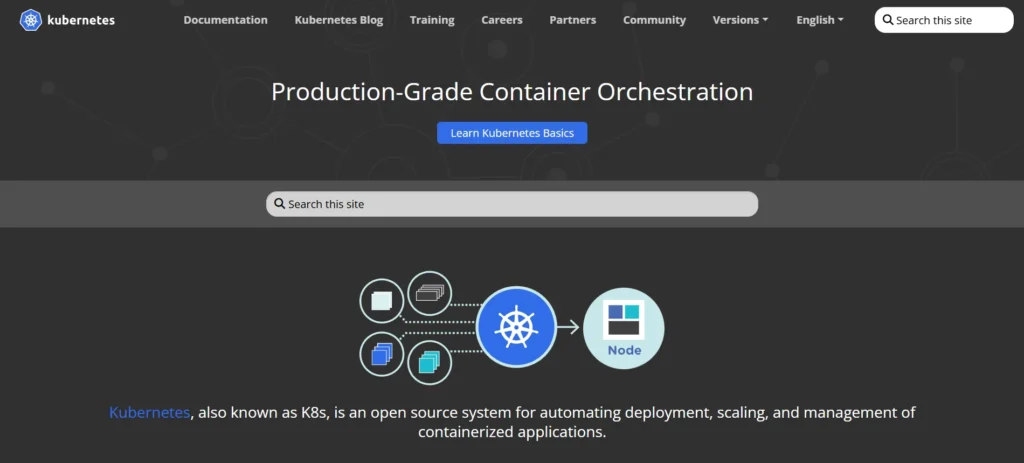
Kubernetes is a powerful container orchestration platform used to deploy, manage, and scale containerized applications. It automates application deployment, load balancing, scaling, and recovery, making it essential for large-scale and cloud-native applications.
Organizations use Kubernetes to handle complex deployments across clusters and cloud providers. Its flexibility and resilience make it ideal for microservices-based architectures and high-availability systems.
Website:https://kubernetes.io/
Top Features:
- Automated container deployment and scaling
- Self-healing and fault tolerance
- Supports multi-cloud and hybrid setups
- Strong ecosystem and community
- Declarative configuration model
Pricing:
| Basic | CPU Optimized | General Purpose | Memory Optimized | Storage Optimized |
| $12/mo | $42/mo | $63/mo | $83/mo | $163/mo |
Pros:
- Highly scalable and fault-tolerant
- Ideal for microservices architectures
- Cloud and vendor agnostic
Cons:
- Steep learning curve
- Complex setup and maintenance
- Overkill for small applications
8. Azure DevOps
Azure DevOps is Microsoft’s end-to-end DevOps platform that includes powerful application deployment and release management capabilities. It helps teams automate builds, tests, and deployments using pipelines tailored for cloud and enterprise environments.
Azure DevOps works exceptionally well for teams using Microsoft technologies but also supports cross-platform deployments. Its deep integration with Azure services makes application deployment smooth and highly reliable.
Website: https://azure.microsoft.com/services/devops/
Top Features:
- End-to-end CI/CD pipelines
- Strong integration with Azure cloud
- Supports multi-stage deployments
- Built-in monitoring and approvals
- Enterprise-grade security
Pricing:
- Custom
Pros:
- Strong integration with Microsoft tools
- Enterprise-grade security and controls
- Powerful release pipelines
Cons:
- UI can feel overwhelming
- Best suited for Azure ecosystem
- Pricing complexity for large teams
9. Ansible
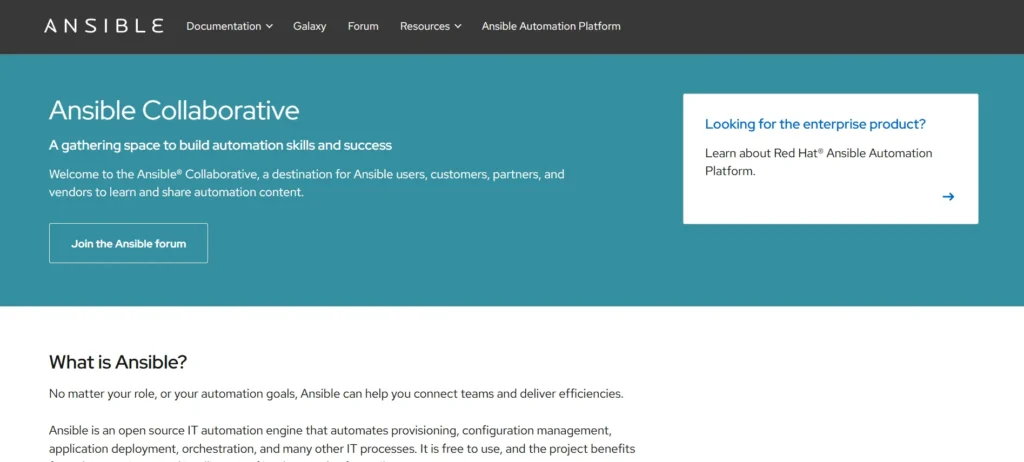
Ansible is an open-source automation platform and one of the most popular application deployment tools. It is widely used for application deployment, configuration management, and infrastructure automation. Using simple, human-readable YAML playbooks to define deployment steps, Ansible makes the deployment process easy to understand and maintain.
Being agentless, Ansible requires no software installation on target servers, making it lightweight and efficient. This approach is ideal for deploying applications across cloud, on-premises, and hybrid environments, enabling teams to automate complex deployments reliably and consistently.
Website:https://www.ansible.com/
Top Features:
- Agentless architecture
- Simple YAML-based automation
- Works across cloud and on-prem
- Strong security and compliance support
- Easy integration with CI/CD tools
Pricing:
- Custom
Pros:
- Agentless and lightweight
- Easy-to-read YAML playbooks
- Works across cloud and on-prem
Cons:
- Not event-driven by default
- Slower for large-scale deployments
- Limited UI compared to CI/CD tools
10. Terraform
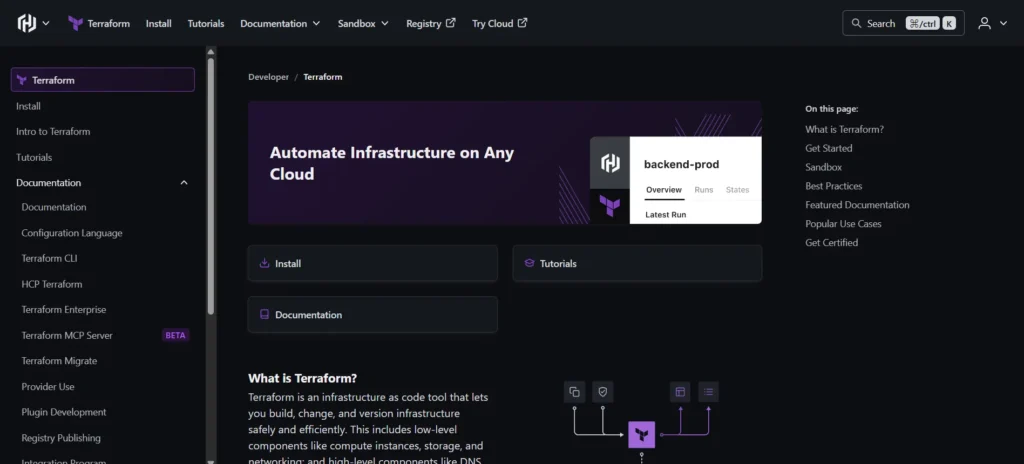
Terraform is an infrastructure-as-code tool that enables teams to define, provision, and deploy infrastructure needed for applications. While not a traditional deployment tool, it plays a key role in preparing and managing environments where applications are deployed.
Terraform allows teams to automate infrastructure deployment across multiple cloud providers using a single configuration. This ensures consistent, repeatable, and scalable application deployments.
Website:https://www.terraform.io/
Top Features:
- Infrastructure as code approach
- Multi-cloud support
- Version-controlled deployments
- Reusable modules
- Strong automation capabilities.
Pricing:
| Essential | Standard | Premium |
| $0.10/mo | $0.47/mo | $0.99/mo |
Pros:
- Excellent multi-cloud support
- Version-controlled infrastructure
- Highly reusable modules
Cons:
- Not meant for app deployment alone
- State management can be tricky
- Requires strong IaC knowledge
11. Spinnaker
Spinnaker is a powerful continuous delivery platform and one of the leading application deployment tools designed for deploying applications at scale. It is widely used by organizations managing complex, multi-cloud environments, helping teams deliver code changes safely and frequently with minimal downtime.
Spinnaker emphasizes advanced deployment strategies such as blue-green and canary releases, making it an ideal choice for teams that prioritize reliability, controlled rollouts, and high availability in production environments. Its robust features enable organizations to streamline large-scale deployments while reducing risk.
Website:https://spinnaker.io/
Top Features:
- Advanced deployment strategies
- Multi-cloud deployment support
- Automated rollbacks
- Strong pipeline visualization
- Built for large-scale systems
Pricing:
- Free
Pros:
- Advanced deployment strategies
- Excellent for large-scale systems
- Strong multi-cloud support
Cons:
- Complex setup and configuration
- Resource-heavy platform
- Steep learning curve
Suggested Read: 3D Printing Software
12. Argo CD
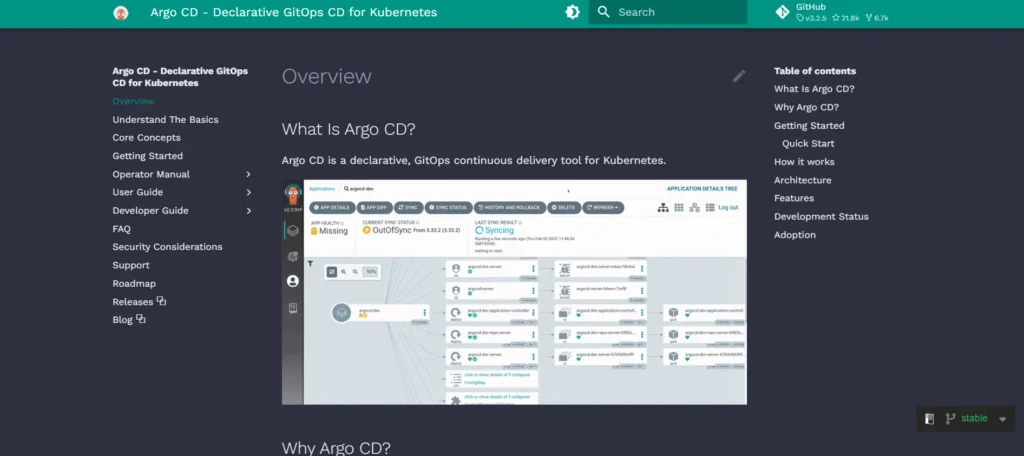
Argo CD is a GitOps-based continuous delivery tool designed specifically for Kubernetes applications. It uses Git as the single source of truth, ensuring that application deployments are consistent, auditable, and easy to manage.
With Argo CD, teams can automatically sync application states from Git repositories to Kubernetes clusters. This approach improves deployment transparency and reduces manual intervention in production environments.
Website:https://argo-cd.readthedocs.io/
Top Features:
- GitOps-driven deployment model
- Native Kubernetes support
- Automated sync and rollback
- Clear visual dashboards
- Strong security controls
Pricing:
- Free
Pros:
- GitOps-based and highly reliable
- Strong Kubernetes-native design
- Clear deployment visibility
Cons:
- Kubernetes-only tool
- Requires GitOps understanding
- Limited non-K8s support
13. Google Cloud Deploy
Google Cloud Deploy is a fully managed service and one of the top application deployment tools that helps teams release applications safely to Google Kubernetes Engine and other Google Cloud environments. It automates delivery pipelines while ensuring strong governance and security.
This tool is ideal for teams building cloud-native applications on Google Cloud. It supports progressive delivery strategies and integrates seamlessly with other Google Cloud services for monitoring, logging, and managing deployments efficiently.
Website:https://cloud.google.com/deploy
Top Features:
- Fully managed deployment pipelines
- Native Google Cloud integration
- Progressive delivery support
- Built-in approvals and controls
- Secure and scalable deployments
Pricing:
- Available on request
Pros:
- Fully managed Google Cloud service
- Strong security and governance
- Good for progressive delivery
Cons:
- Limited to Google Cloud ecosystem
- Less flexible than open-source tools
- Smaller community adoption
14. CircleCI
CircleCI is a popular CI/CD platform known for its speed and simplicity. It enables teams to automate application deployments with minimal configuration while supporting a wide range of programming languages and platforms.
CircleCI is especially favored by startups and fast-moving teams that want quick feedback and rapid deployments. Its cloud-native architecture ensures reliable and scalable deployment workflows.
Website:https://circleci.com/
Top Features:
- Fast and efficient pipelines
- Cloud-native architecture
- Easy YAML-based configuration
- Strong integration ecosystem
- Scales with growing teams.
Pricing:
| Free | Performance | Scale |
| $0 | $15/mo | Custom |
Pros:
- Fast and reliable pipelines
- Easy configuration and setup
- Scales well for growing teams
Cons:
- Limited control compared to self-hosted tools
- Costs increase with usage
- Custom workflows can be restrictive
Conclusion
In conclusion, choosing the right application deployment software can make a huge difference in how smoothly your software is released. Teams may automate deployments, lower error rates, and save time by using the tools mentioned in this article. There is a deployment solution that suits your needs, regardless of whether you are a seasoned team managing intricate systems or a novice just getting started with DevOps.
Manual deployment just cannot keep up with the rapid pace of modern applications. With the correct technology, you can confidently distribute updates, manage errors with simplicity, and concentrate more on creating amazing features rather than resolving deployment problems.
Before selecting a tool, consider your specific requirements, team size, and infrastructure. Once you choose the appropriate application deployment tools, your deployment process will be faster, safer, and far less stressful.
FAQs
Do Small Teams and Startups Need Deployment Tools?
Yes. Even small teams benefit from deployment tools as they save time, reduce mistakes, and allow developers to focus on building features instead of managing releases manually.
Are Application Deployment Tools Only Used for Cloud Applications?
No. Deployment tools can be used for cloud-based, on-premises, hybrid, and containerized applications depending on the tool and setup.
What is The Difference Between CI/CD Tools and Deployment Tools?
CI/CD tools focus on building and testing code, while deployment tools focus on releasing applications to servers or environments. Many modern tools combine both capabilities.
Are Open-Source Deployment Tools Reliable?
Yes. Many open-source deployment tools are widely used in production and have strong community support, regular updates, and proven reliability.
How do I Choose the Best Application Deployment Software for My Project?
Start by understanding your infrastructure, team skills, and deployment goals. Then choose a tool that fits your tech stack, scales well, and is easy for your team to maintain.