
What makes the iPad one of the most powerful tools for productivity and creativity? The answer lies in its versatility, especially when paired with the right note-taking apps for iPad. Whether you are a student organising lecture notes, a professional managing meetings, or a creative sketching ideas, the iPad offers a seamless digital writing experience.
With Apple Pencil support, cloud synchronisation, handwriting recognition, and multimedia integration, modern note-taking apps go far beyond simple text entry. Choosing the right app can improve organisation, efficiency, and workflow. The best options combine intuitive design with powerful features tailored to diverse user needs.
In this blog, we will take a look at the 15 Best Note Taking Apps for iPad.
Why Take Notes Digitally?
- Better Organisation and Searchability: Digital notes allow you to organise content into folders, tags, and categories, while instant search features help quickly find important information anytime.
- Easy Access Across Devices: With cloud synchronisation, digital notes can be accessed on tablets, phones, and computers, ensuring your information is always available wherever you go.
- Enhanced Editing and Flexibility: You can easily edit, rearrange, highlight, and update digital notes without rewriting everything, making corrections and improvements faster and more efficient.
- Multimedia Integration: Digital note-taking supports images, audio recordings, videos, links, and PDFs, allowing richer and more interactive content compared to traditional handwritten notebooks.
- Improved Collaboration: Many digital platforms allow real-time sharing and collaboration, enabling teams or classmates to work together on notes and projects efficiently.
- Environmentally Friendly Option: Taking notes digitally reduces paper usage, helping minimise waste while promoting a more sustainable and eco-friendly approach to learning and work.
- Secure Backup and Protection: Cloud backups and password protection keep digital notes safe from physical damage, loss, or theft, ensuring important information remains protected.
What Makes The Best Note Taking Apps For iPad?
- Apple Pencil Support: A top note-taking app must fully support Apple Pencil for smooth handwriting, pressure sensitivity, and natural writing experience.
- Intuitive Interface: The app should be easy to navigate with minimal learning curve, allowing users to focus on capturing ideas quickly.
- Cloud Syncing Capability: Seamless synchronisation across devices ensures notes are accessible on iPad, iPhone, Mac, and web platforms in real time.
- Organisation Features: Folders, tags, and search tools help users categorize and find notes efficiently without clutter or confusion.
- Multimedia Integration: The ability to insert images, audio recordings, PDFs, and links enhances the quality and context of digital notes.
- Handwriting Recognition: Converting handwritten text into typed text empowers faster editing, uniformity, and searchable content across the app.
- Export and Sharing Options: Easy export to PDF, text, or cloud services and sharing with others improves collaboration and flexibility.
- Customisation Tools: Features like themes, pen types, highlighters, and templates help personalise notes for better readability and creativity.
List of 15 Best Note Taking Apps For iPad
1. Simplenote
Website: https://simplenote.com
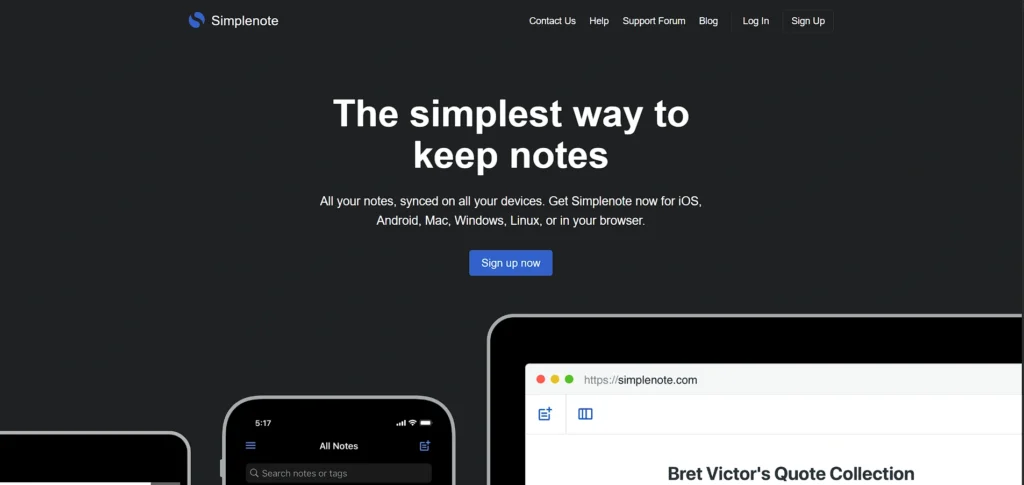
Simplenote is a lightweight and quick note taking application that is aimed at users who believe in simple and efficient work. It is also devoted to distraction-free writing and immediate cross-device syncing.
The app is compatible with organisation tags, version history to monitor modifications, and automatic cloud backups. As it has a clean interface, it is best suited to quick notes, lists and ideas. It is not as advanced in terms of formatting and handwriting capabilities, but it is fast and reliable.
Simplenote is free of any charges and it is ideal to students, writers, and professionals who desire to use an ideal and simple digital note-taking tool.
Key Features:
- Fast, distraction-free writing with instant content syncing
- Tag and search notes for quick retrieval
- Version history to view past edits
- Real-time cloud sync across all devices
- Markdown support for simple text formatting
2. GoodNotes
Website: https://www.goodnotes.com/
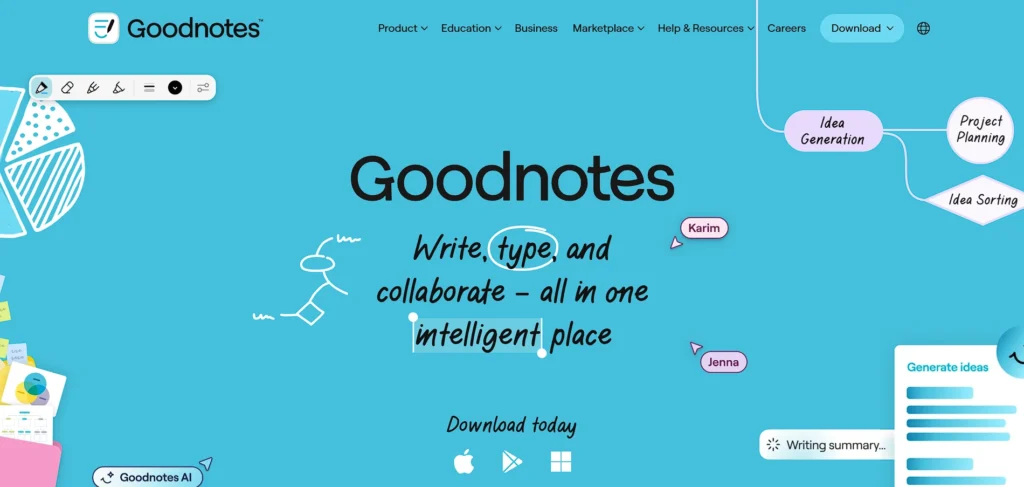
One of the most used iPad note taking apps is GoodNotes, particularly among the handwriting lovers. It provides excellent Apple Pencil features and ink flow and pressure-sensitive features.
The customers may arrange their notes into digital covered notes, folders, and covers. GoodNotes too permits PDF annotation, search of handwriting and export of documents. The study and professional note management are efficient because of its intuitive interface.
The app is both ideal and user-friendly, being useful to students and business, as well as being more natural to write with, unlike programs like Office. It has a one time purchase or subscription system according to the version.
Key Features:
- Natural handwriting with Apple Pencil support
- Annotate PDFs easily within notebooks
- Organize notes into folders and categories
- Search handwritten text across notes fast
- Custom covers and notebook templates available
3. Notability
Website: https://www.gingerlabs.com/
Notability is an all-in-one powerful product that integrates handwriting, typing, and audio recording. Students extensively use it as a lecture note taking tool as it is capable of synchronising written notes with audio recordings.
The app allows users to annotate documents in PDFs, scan documents, and to synchronize documents on iCloud easily. Its intuitive design is easy to use, switching between typing and drawing is easy. Productivity is improved with the optimization of Apple Pencil and multi-note view.
Notability is a subscription-driven pricing strategy and will be appropriate to users who seek to strike a balance between multimedia features and robust handwriting support.
Key Features:
- Combine handwriting and typed text effortlessly
- Syncs written notes with recorded audio seamlessly
- PDF annotation with highlighting tools
- Real-time iCloud syncing across devices
- Support for multiple paper styles and themes
4. Evernote
Website: https://www.evernote.com/
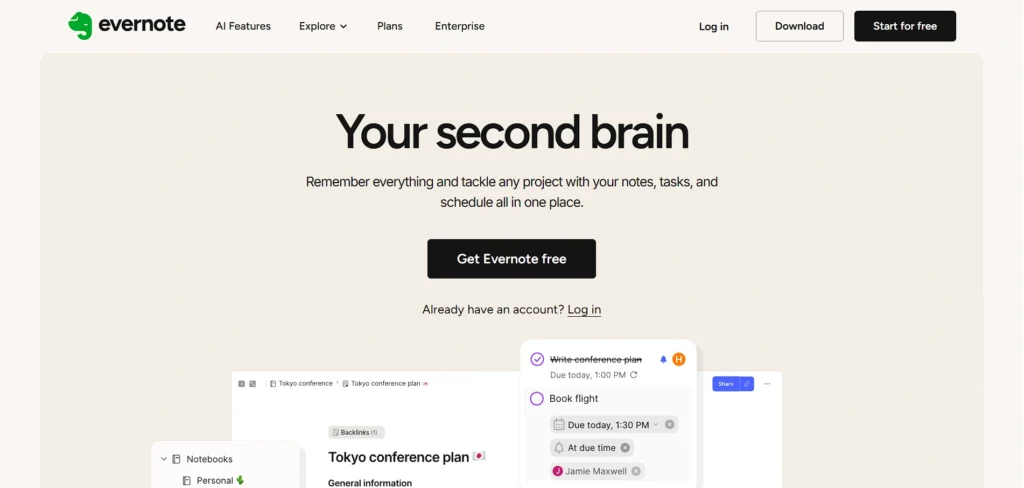
Evernote is a productivity and multitasking tool of note taking that is characterised by the powerful organisation system. It enables users to make notes, add labels, affix documents, and bookmark internet pages, making it one of the popular note taking apps for iPad.
The application helps with multimedia makes, scanning of documents and management of tasks. It also has a very strong search capability, such that images can be searched too. Evernote is ideal in organising information and this is seen to be effective in managing information among professionals and researchers.
Though it has a free version with restrictions, there are premium plans that allow higher functionality like access to offline and increased upload capacity.
Key Features:
- Create notebooks and organize notes intuitively
- Web clipping saves articles, images, and pages
- Powerful search finds text inside attachments
- Add voice notes and file attachments easily
- Cross-platform sync across all devices
5. Microsoft OneNote
Website: https://www.onenote.com/
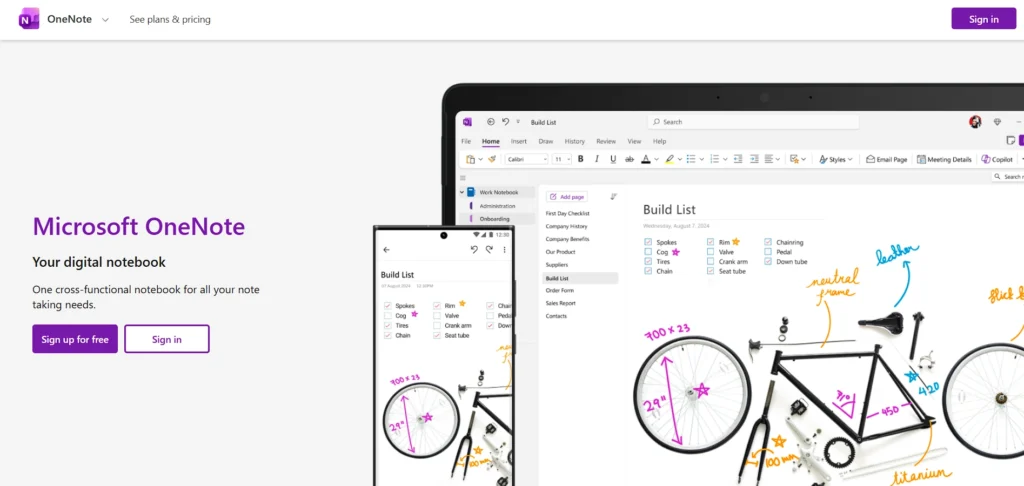
Microsoft OneNote is used in a way that it is an electronic binder and it places notes in notebooks, sections, and pages. It facilitates writing, typing, audio notes and integration of multimedia.
It is perfect with seamless integration with Microsoft Office making it ideal for both professionals and students. OneNote is supported in one drive, and it is available everywhere. Its unstructured canvas has the advantage of a flexible note structure, which is highly beneficial in brainstorming and planning.
The app is available at no cost, even though an improved storage can be achieved through Microsoft subscriptions. It is a dependable option of cooperative and organised note management.
Key Features:
- Notebook structure with sections and pages
- Handwritten, typed, and audio note support
- Easy integration with Microsoft Office suite
- Cloud sync via OneDrive for accessibility
- Flexible free-form note formatting options
6. Bear
Website: https://bear.app/
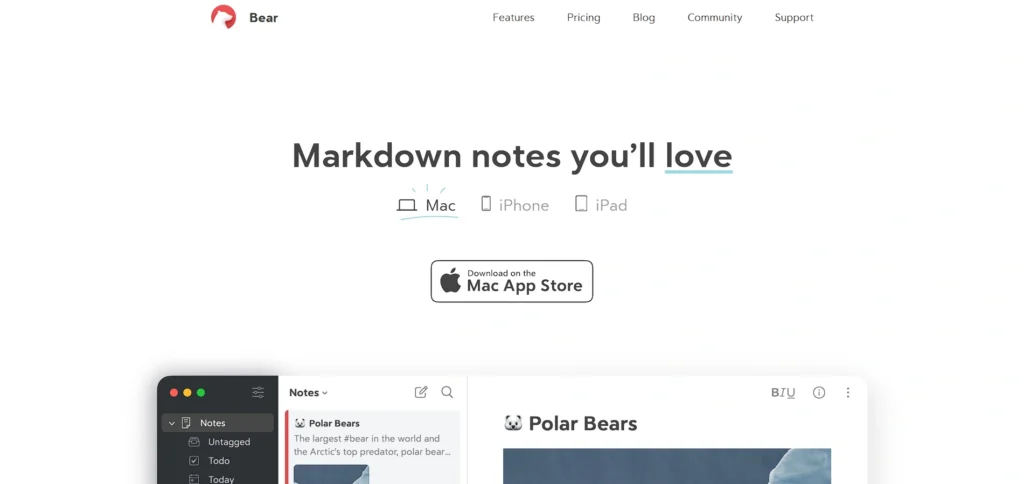
Bear is a well-designed writing and note taking apps for iPad and note taking application which is characterized by a minimal interface and support in Markdown. It enables one to arrange notes in hashtags and nest tags to categorise them effectively.
Bear is an ideal choice among writers and creatives who need the simplicity of strong formatting tools. The application facilitates the synchronisation of Apple devices through iCloud.
The free version has a set of fundamental functions, whereas a subscription provides themes and the ability to export. Bear is best suited to users who want to have a focused and elegant digital writing environment.
Key Features:
- Clean, minimalist writing interface for focus
- Use #tags to organise effortlessly
- Markdown support for quick formatting
- Sync across Apple devices via iCloud
- Themes and export formats enhance flexibility
Suggested Read:
7. Notion
Website: https://www.notion.so/
Notion is a single-handy productivity workspace that consists of notes, tasks, databases, and collaboration features. It gives the users the opportunity to establish personalised dashboard and structured content systems.
Notion is rich text formatting, file embedding, and teamwork. Its flexibility renders it appropriate in project management, study notes as well as business documentation. The application integrates with all platforms and provides templates to different workflows.
Free plans are also offered, but there are premium subscriptions that will offer advanced collaboration and storage functionality. Notion is best suited to those users who enjoy organising digitally, which is structured and customisable.
Key Features:
- Notes, tasks, and database all in one
- Real-time collaboration with teammates easily
- Templates for notes and project boards
- Embed files, media, and code snippets
- Cloud sync keeps content updated everywhere
8. Ulysses
Website: https://ulysses.app/
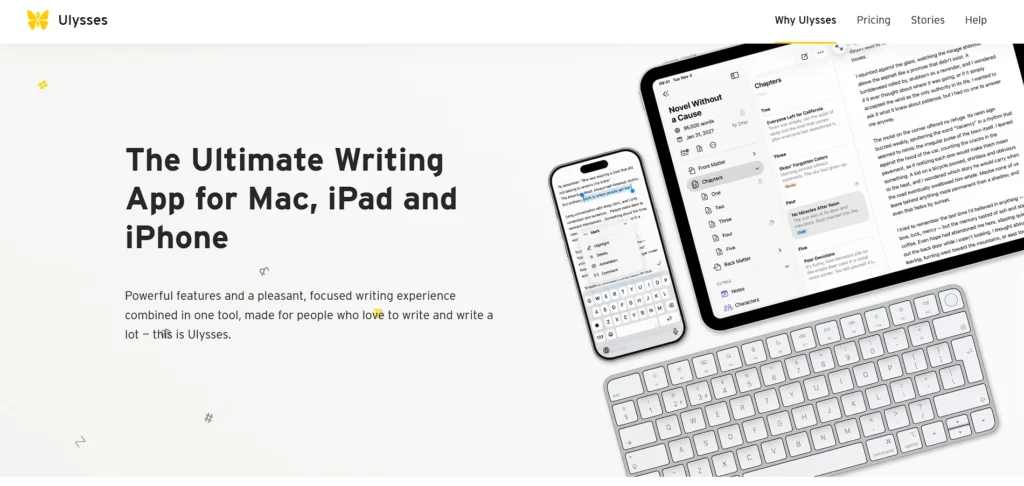
Ulysses is an advanced writing-oriented application designed to help users stay productive without distractions. It is particularly widespread among writers, bloggers, and long-form content publishers, and is also considered one of the reliable note taking apps for iPad for those who prefer structured, focused writing.
The application supports Markdown formatting and goal keeping, as well as automatic synchronization between Apple devices. Users are able to group content into folders and export it in several formats.
It has a smooth interface that minimizes distractions and makes writing more focused. Ulysses is a subscription-based tool but offers strong features for serious writers who need to organize their notes and create professional-level content.
Key Features:
- Distraction-free Markdown writing environment
- Organize content into groups and folders
- Sync notes across Apple devices instantly
- Set writing goals with progress tracking
- Export into multiple formats, including PDF
9. Zoho Notebook
Website: https://www.zoho.com/notebook/
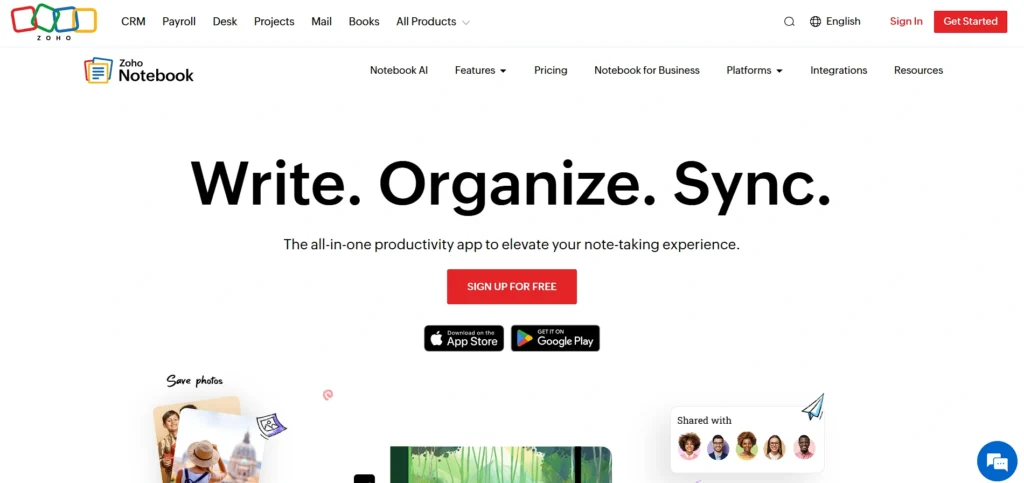
Zoho Notebook provides a graphically engaging note-taking experience that is card-like in organization. Users have an opportunity to make text notes, checklists, audio records, and drawings.
The application is cross-platform and can be integrated into the Zoho ecosystem. It is open source and it accommodates multimedia attachments. It is designed in a simple way and is backed by clouds thus making it very suitable to work with personal and professional notes.
Zoho Notebook especially would be fitting when users are looking at a free and yet feature rich alternative that has a visually akin organised interface.
Key Features:
- Note cards for text, audio, and sketches
- Beautiful card-based note organization layout
- Cloud storage and iCloud sync included
- Attach PDFs, files, and images easily
- Free with no hidden subscriptions required
10. LiquidText
Website: https://www.liquidtext.net/
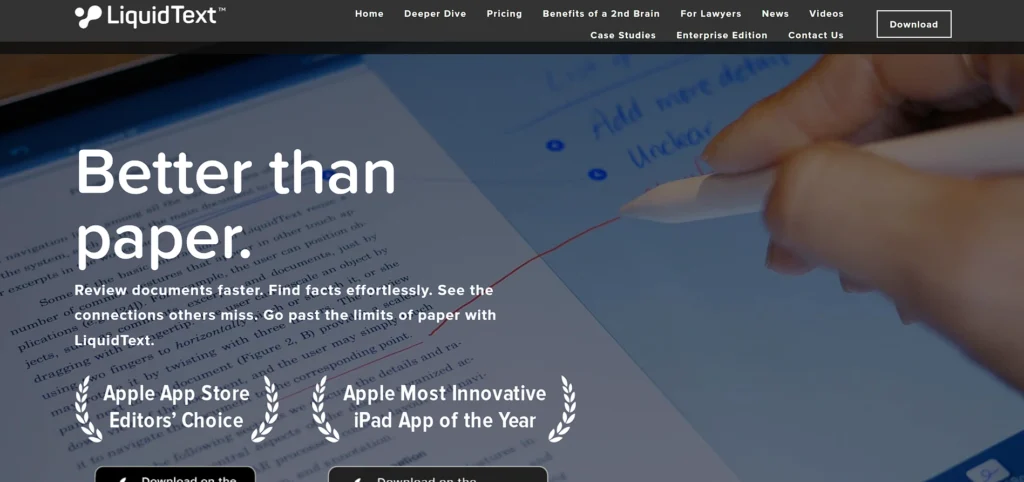
LiquidText is an effective note-taking and PDF annotation program that helps to read and thoroughly study, making it one of the best note taking apps for iPad. It enables users to highlight, extract, and relate ideas directly in documents.
Its special workspace allows you to pinch the text together, compare parts of the text, and make visual connections between the notes. This is particularly handy for students, researchers, and legal practitioners needing to work with complicated materials.
LiquidText uses Apple Pencil to annotate documents easily and provides cloud syncing to make it accessible. Although the free version offers some basic tools, the premium plans offer advanced features, which make it suitable for serious academic and professional use.
Key Features:
- Advanced PDF annotation tools for research
- Link snippets across documents visually
- Compare text side-by-side with notes
- Extract key ideas into workspace easily
- Apple Pencil optimised for annotation flow
11. MarginNote
Website: https://www.marginnote.com/
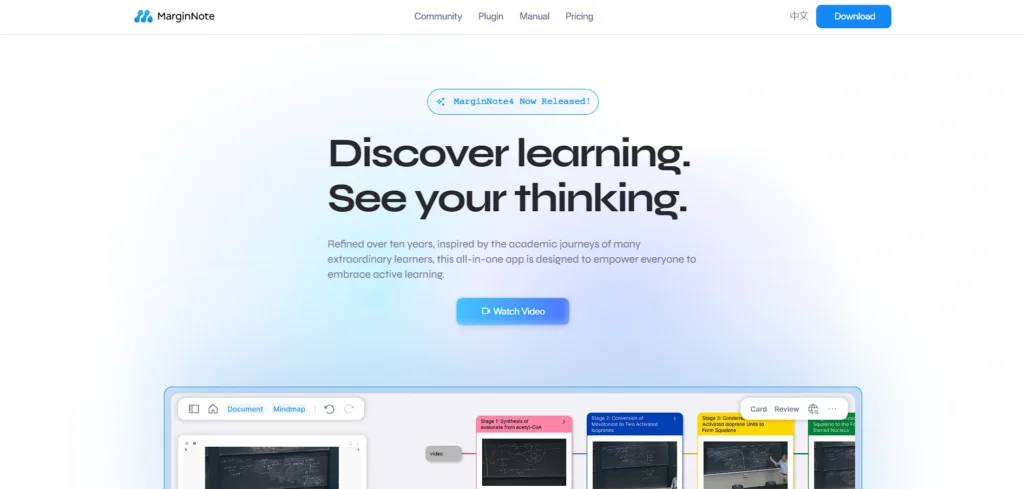
The product is MarginNote, which integrates a system to take notes, read PDFs and mind maps. It is especially used by students who are about to take exams or in the process of doing research. Users are able to make notes on documents, generate flashcards and visual knowledge trees to relate ideas.
The app allows typed and handwritten notes, which is flexible to study styles. Nevertheless, despite having a higher learning curve, its superior linking and organisation capabilities make it very effective with structured learning.
Given that MarginNote can be purchased as a one-time product or as a subscription, it is a good all-round tool in academic productivity.
Key Features:
- Mind map creation from notes and texts
- Advanced PDF reading and annotation features
- Create flashcards for study and revision
- Integrate writing with visual knowledge linking
- Smart note organization tools included
12. Squid
Website: https://www.squidnotes.com/
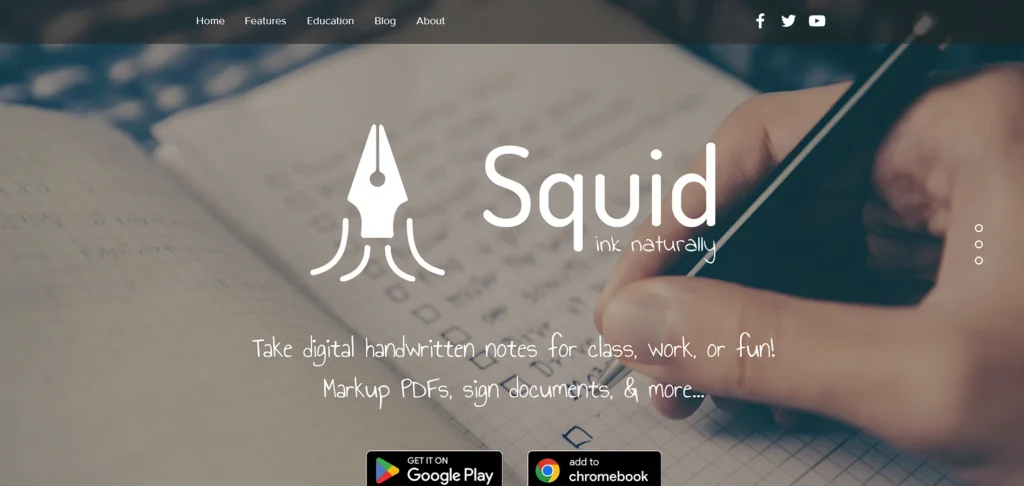
Squid is a handwriting based note taking application that provides a paper feel experience. It employs the ink technology that is based on vectors which enables one to zoom in and maintain the quality. This makes it one of the popular note taking apps for iPad for users who prefer a natural writing experience.
Squid is compatible with Apple Pencil and allows to annotate PDFs and documents. It is possible to form notes into notebooks to manage. This application suits those users who do not feel comfortable typing.
Although it has a free version that has the necessary tools, more features are available in the highest version such as advanced export and more templates. Squid can be referred to students and professionals who want to use a simple and efficient handwriting solution.
Key Features:
- Write naturally with vector-based ink technology
- Annotate PDFs and share quickly
- Notebook organisation for subject separation
- Zoom-friendly handwriting without loss of quality
- Apple Pencil precision for detailed drawing
13. Craft
Website: https://craft.do/
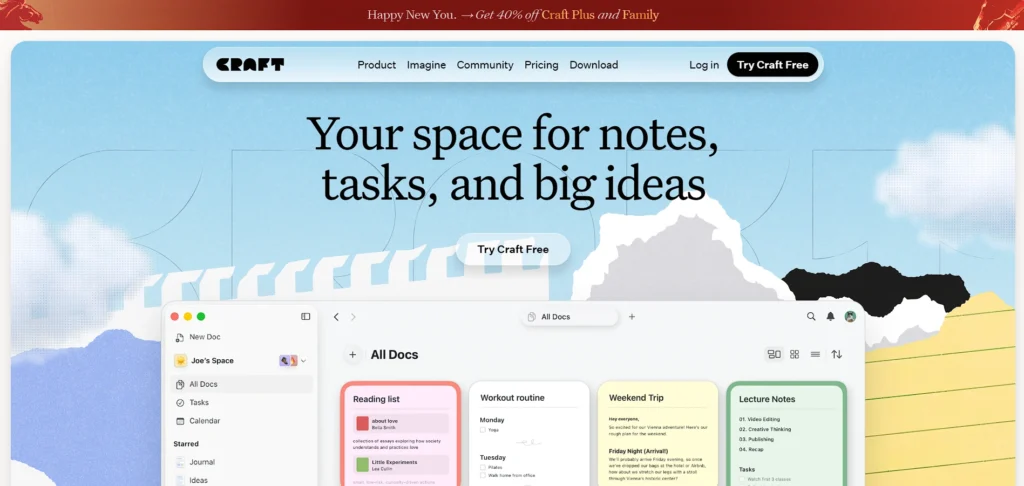
Craft is a contemporary note taking and document creation application that is characterised by a clean interface and collaborative capabilities. It enables users to create structured pages that are rich in formatting, media, and cross links.
Craft embraces real-time collaboration, and it is the best when it comes to teams and project management. It has a user-friendly layout that allows easy navigation and attractive documents.
The application is cross-platform and comes with free and paid subscriptions that have improved storage and sharing features. Craft is ideal to professionals and creators who want their work organised but presented in beautiful ways.
Key Features:
- Clean, visually appealing page layout designs
- Embed media, files, and web links easily
- Real-time collaboration with team editing
- Sync notes across all devices seamlessly
- Templates for professional document creation
14. Noted
Website: https://www.notedapp.io/
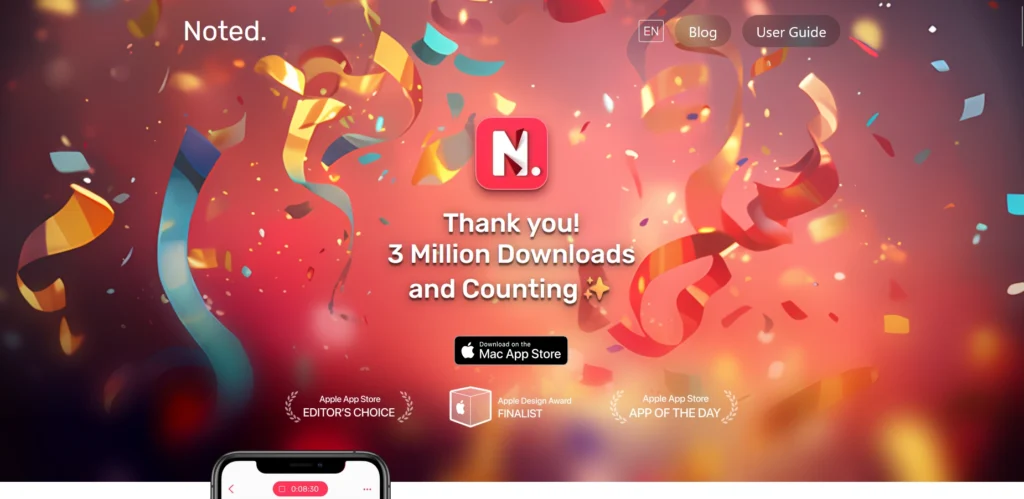
A special mention is made of a special note taking application among note taking apps for iPad, which combines audio recording and typed notes. It enables users to take notes on lectures, meetings, or interviews and highlight important areas of the text.
This coordination makes the reviewing of material effective and systematic. The application also has transcription capabilities in the premium version which increases accessibility and productivity.
Noted is particularly useful, with a clean and user-friendly interface, to students and professionals who need information presented in audio form. Cloud syncing allows the notes to be available on different devices. Noted is suited to recording in-depth discussions and detailed written briefs.
Key Features:
- Record audio while taking text notes
- Highlight key moments in recordings
- Transcribe audio into searchable text
- Tag and organize audio linked notes
- Syncs notes across devices seamlessly
15. Zinnia

Website: https://www.zinnia.com/
Zinnia is an imaginative digital journaling and planning application that is used as a notepad to take notes. It provides templates, decorative materials, and design features that convert notes to layouts that are aesthetically appealing.
Having good support of Apple Pencil, users can draw, write, and customize pages at will. Zinnia is especially popular with planners, journalists, and artistic users who prefer artistic organisation.
Although it does not focus on organisation and formal productivity solutions, it offers a distinct and pleasant online journaling experience. The app is based on the subscription business model and is targeted at visually inclined iPad users.
Key Features:
- Customisable journal templates and stickers
- Apple Pencil support for creative writing
- Daily planning and organizer pages included
- Design-focused layouts for expressive notes
- Syncs creations across devices seamlessly
Ending Thoughts
In conclusion, the right note taking apps for iPad can transform your iPad into a powerful digital workspace. Whether you prioritise handwriting support, seamless cloud syncing, audio recording, or advanced organisation features, there is an app tailored to your specific needs. Students, professionals, and creatives alike can benefit from tools that enhance productivity and simplify information management.
By choosing an app that aligns with your workflow and preferences, you can streamline tasks, capture ideas effortlessly, and stay organised anytime, anywhere. Investing time in selecting the best note-taking app ultimately leads to better efficiency and a more structured digital experience.
FAQs
Are Note-Taking Apps For iPad Free?
Many apps offer free versions with basic features, while advanced tools like cloud sync and premium templates require subscription plans.
Do These Apps Support Apple Pencils?
Yes, most top note-taking apps are optimised for Apple Pencil, offering smooth handwriting, pressure sensitivity, and palm rejection.
Can I Sync My Notes Across Devices?
Most leading apps provide cloud synchronisation, allowing you to access notes on iPhone, Mac, or other supported devices.
Are Note-Taking Apps Suitable For Students?
Yes, students benefit from features like PDF annotation, audio recording, handwriting recognition, and organised folders for subjects.
Can I Convert Handwritten Notes Into Text?
Many apps offer handwriting-to-text conversion, making it easy to search, edit, and share your notes digitally.