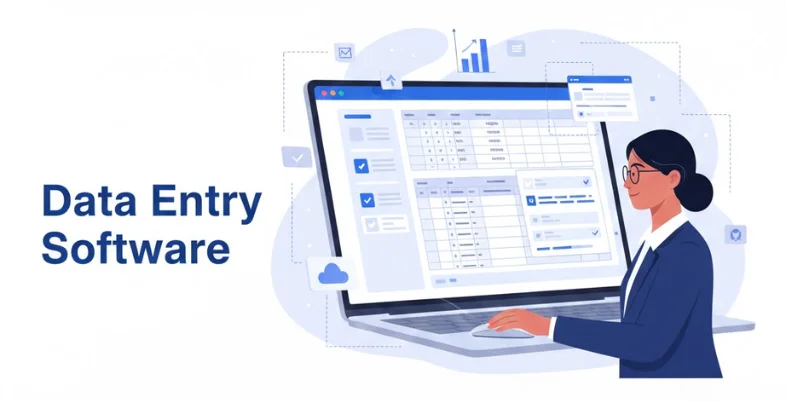
The manual processing of invoices, receipts, forms, and other documents may be time-consuming and prone to errors. Any business and any team may become less productive due to this monotonous work. It is easier with data entry software because it automatically gathers the information and places it in the right location, allowing employees to focus on more important tasks. It is also used to ensure that all the businesses remain accurate and consistent in their documents.
Most of them rely on AI to comprehend the various layouts of documents and derive information accordingly. They are even capable of learning through corrections, allowing them to improve over time. It can be invoices, receipts, or contractual documents, but in any case, these platforms save time, minimize errors, and simplify the process of handling documents significantly.
There are many alternatives, and it is hard to select the proper software. In this blog, we have mentioned the top 10 data entry programs that are trusted, user-friendly, and made to handle document processing at a faster pace and with minimal stress.
What is Data Entry Software?
The data entry software is a software that assists a business in gathering and systematizing information in the form of documentation, forms, invoices, and receipts, among others. Rather than having to type all the information manually, these tools help to retrieve the information correctly and format it in a structured format, such as Excel, CSV, or databases. Instead, they can take advantage of such features as OCR (optical character recognition) and AI to identify text, tables, and key fields, which makes the process less time-consuming and more certain.
Data Entry Platform is Usually of Two Types:
- Manual Data Entry Tools – In such software, users have to feed the system with data manually. They are applicable where the documents involved are few or where a complicated judgment is required.
- Automated Data Entry Software – These are based on AI, OCR, or machine learning to automatically extract data out of documents to save human effort, making it faster and more accurate.
The data entry programs can be useful when dealing with small and large teams. They are time-saving, lessen errors, and enable the employees to concentrate on other important issues than typing.
List of 10 Best Automated Data Entry Software
Such tools assist in automating data entry, saving time, and reducing errors. They simplify and streamline the process of documents.
1. Hypatos
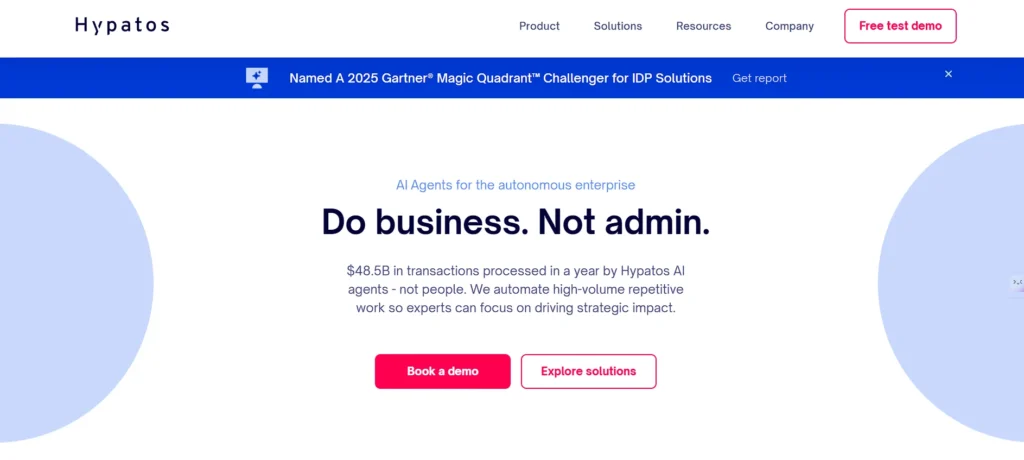
Hypatos is an AI-based data entry software platform focused on data entry, document processing, and invoicing system automation, designed to streamline operations and finance teams. It efficiently extracts data from invoices, purchase orders, and financial records, reducing manual effort while improving accuracy and processing speed.
Hypatos can comprehend document context instead of using predetermined templates, allowing it to adapt easily to changing layouts. This makes it a powerful option for large organizations that require consistent results across various document formats. The platform also features smart exception handling, enabling teams to focus only on documents that need attention while the rest are processed automatically.
Key Features:
- Artificial intelligence document comprehension.
- Automated data extraction
- Workflows of exception handling.
- High processing accuracy
- ERP integrations
- Enterprise scalability
Pricing:
- Pricing is available upon request and is determined depending on the volume of documents and the need to automate.
2. Kofax Capture

Kofax Capture is a powerful data entry automation system that can turn paper and electronic documents and transform them into structured data. Organizations with huge amounts of documents have been known to extensively use it, and they wish to avoid the errors that come with manual entry.
Kofax Capture is a system that enables one system to support scanning, OCR, data validation, and workflow automation. The tool is particularly effective in the regulated industries where accuracy and control are valued. When documents have been processed, data can be directly sent into business applications, which is faster and more efficient.
Key Features:
- OCR-based data capture
- Batch document processing
- Data validation tools
- Workflow automation
- Enterprise integrations
- Secure document handling
Pricing:
- Different editions and deployments are priced differently and normally sold on a customized license plan.
3. Docparser
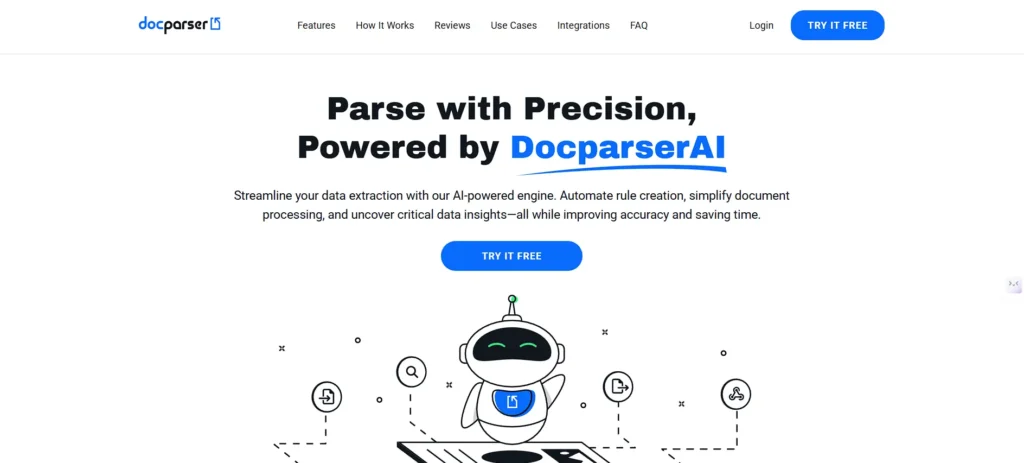
Docparser is a powerful data entry software designed to help individuals and businesses that work with documents regularly and no longer want to rely on manual typing. It assists in extracting information from PDFs, scanned reports, and Word files, converting them into clean and structured formats such as Excel or CSV. The platform can easily handle documents with varying layouts, which is common for invoices, purchase orders, and reports.
Users simply upload documents, define the required data fields, and Docparser takes care of the rest. It is especially useful for small teams and growing businesses that need an efficient solution without complex installations.
Key Features:
- Intelligent document parsing and Pdf.
- Works with multiple layouts
- Batch document uploads
- Export to Excel, CSV, JSON
- Automation integrations
- Cloud-based access
Pricing:
- Plans are available in prices as low as $39/month, with more advanced plans offered in case of increased document volumes and team size.
4. Nanonets

Nanonets is an artificial intelligence-driven data entry application that is used to eliminate manual data input in documents. It reads automatically invoices, receipts, forms, and other documents related to the business and transforms them into helpful data. The popularity of Nanonets is that it gets better with time by correcting mistakes, and this implies that the more you use it, the better it gets.
It is a good decision when the teams have to work with a large number of documents daily. The platform has automation workflows, and it is suitable for businesses that desire to have data flowing directly to accounting systems, CRM software , or databases.
Key Features:
- AI-based OCR and extraction
- Learns from corrections
- Deals with volumes of documents.
- Workflow automation
- API access
- Multi-document support
Pricing:
Free trial available. Some of the prices of paid plans begin at approximately $499 monthly, based on the volume of documents.
5. Amazon Textract
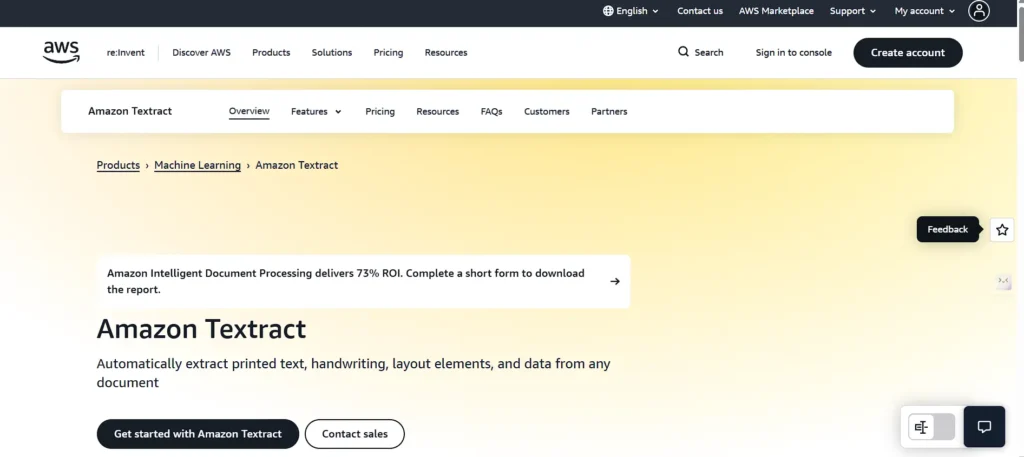
Amazon Textract is a cloud computing service that extracts text, tables, and other structured data (scanned documents) automatically. It is not just a simple OCR, as it comprehends document layouts and data field associations. This is why it is applicable to organizations that process invoices, forms, or reports in large volumes.
Textract is particularly handy when the business requires flexibility and scalability, and does not need to have servers. It can easily be incorporated into automated processes, and both small and large workloads can be effectively used. Since it is usage-based, the companies pay for what they process, and when businesses have variable volumes of documents, the system is cost-effective.
Key Features:
- Extracts text and tables
- Reads structured data
- Cloud-based scalability
- API-driven automation
- Supports bulk processing
- Secure data handling
Pricing:
- Pricing by the page with a minimum cost of $ 1.50 per 1,000 pages of text; more for structured data.
6. Veryfi
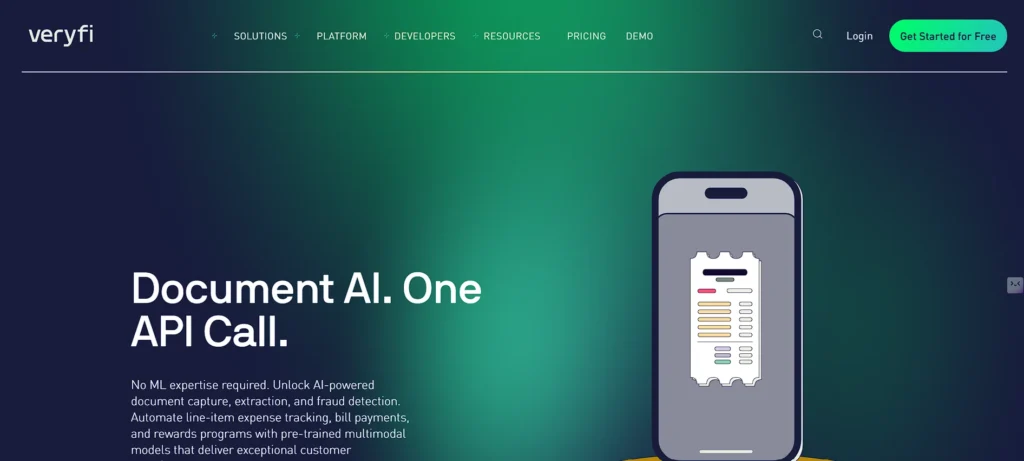
Veryfi is a data entry software platform primarily focused on financial document data entry, including receipts, invoices, and bills. It captures and stores data instantly, transforming it into standardized formats that accounting departments can use immediately. The platform is fast, accurate, and effective for organizations that require real-time data capture.
Veryfi is particularly helpful for expense tracking, bookkeeping, and financial automation. It also supports mobile capture and backend automation, allowing data entry to occur at any time. The system is highly accuracy- and speed-oriented and minimizes errors that commonly arise with manual entry.
Key Features:
- Real-time OCR
- Receipt and invoice capture
- Line-item extraction
- Mobile and API support
- Accounting integrations
- Fast processing speed
Pricing:
- The basic pricing of the API is about $500/month with charges per document, depending on usage.
7. Rossum
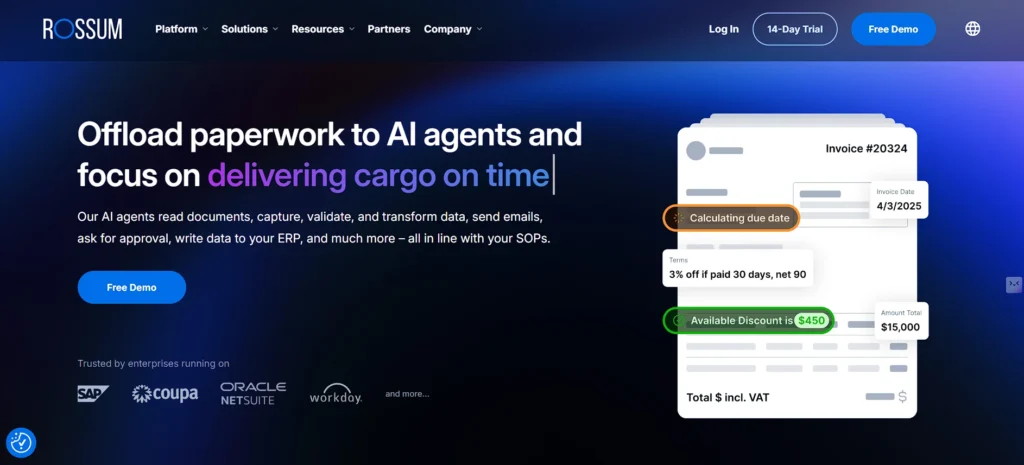
Rossum is an intelligent data entry application that is created to work with finance and operations departments that process invoices and purchase paperwork daily. It does not have strict templates but relies on AI to interpret documents more humanly. This enables it to operate in cases where document formats are altered.
Rossum also has validation workflows, and this implies that users are able to review and correct the extracted data easily. It is commonly applied in companies that require a high degree of automation and still require approvals to be controlled. The system is most suited to mid-sized through the large size businesses that desire a reliable and scalable document data entry system.
Key Features:
- Document intelligence with AI.
- Invoice and PO extraction
- Validation workflows
- ERP integrations
- High accuracy rates
- Scalable architecture
Pricing:
- Individual pricing according to the volume of documents and the requirements of the business.
8. DigiParser
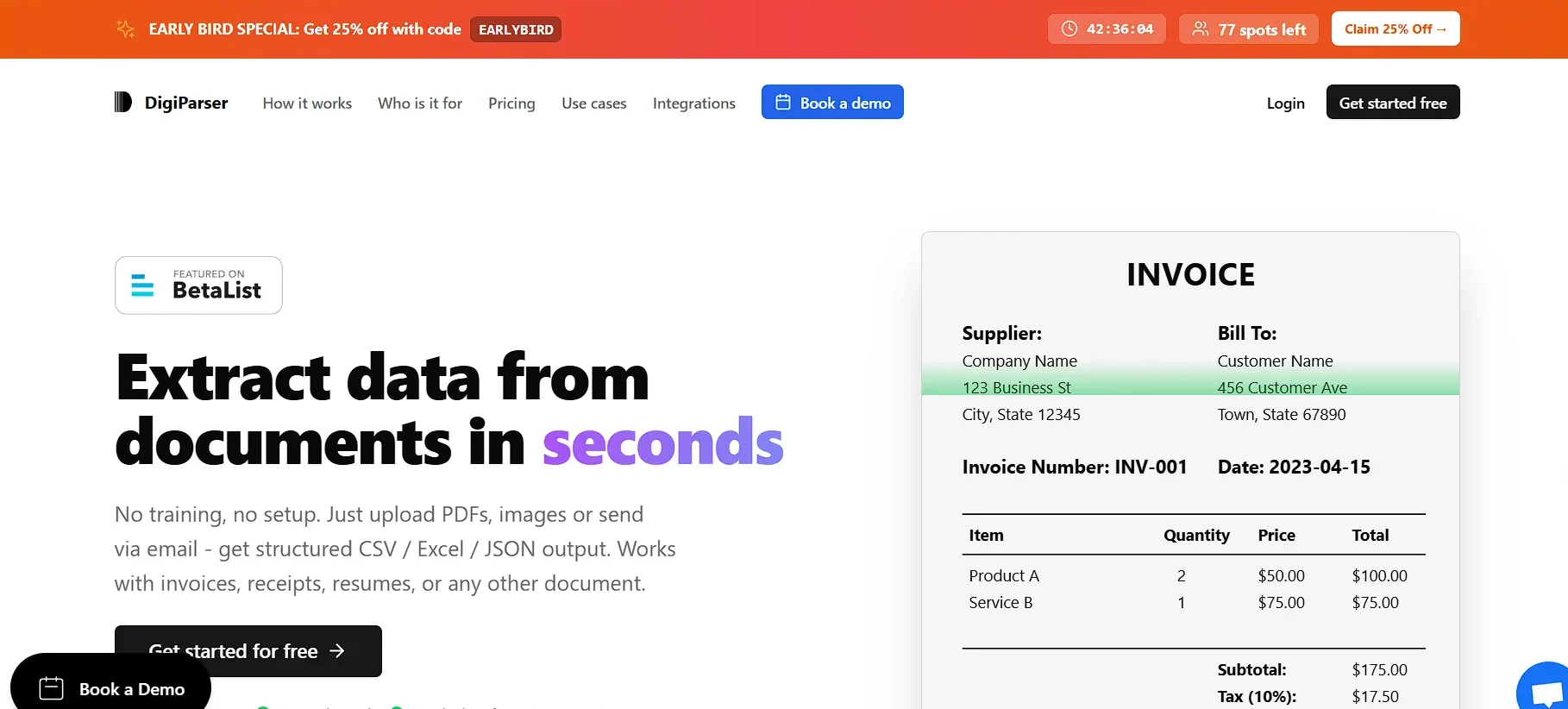
DigiParser is an easy but effective data entry automation application that is applicable to those companies that deal with assorted documents daily. It assists in deriving significant data in invoices, contracts, forms, and statements without having to use complicated rule settings.
The best thing about DigiParser is that it does not require any coding; people simply load documents, and the software will automatically process them and extract the needed information. This renders it appropriate within the team of reducing the manual typing without wasting time on technical settings. DigiParser is suitable when the business in question is a small business or mid-sized organization aiming to have effective automation without any unnecessary effort.
Key Features:
- Classification of documents automatically.
- AI-based data extraction
- No-code setup
- Batch document processing
- API integration
- Structured data export
Pricing:
- The basic plans begin at approximately 99 USD/month, and the advanced plans cost a higher price per month of use, depending on the volume of documents.
9. Google Document AI
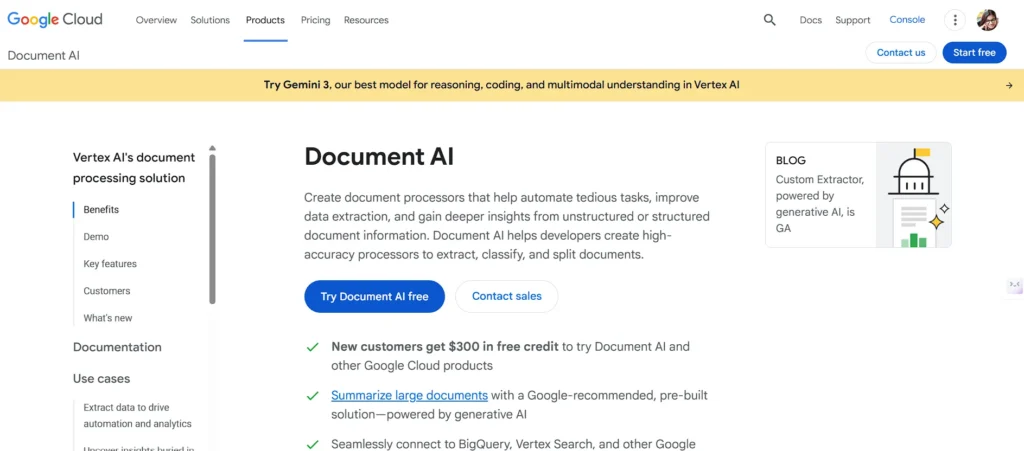
Google Document AI is an intelligent data entry software tool that assists companies in transforming unstructured documents into structured and usable data. It employs machine learning to understand documents such as invoices, receipts, and forms despite layout differences, making it a strong choice for businesses that work with a wide variety of document types.
The cloud-based system processes documents at scale, enabling organizations to handle increasing volumes with ease. It is particularly helpful for teams that require consistent accuracy with minimal human intervention. The extracted data can then be reported, automated, or analyzed.
Key Features:
- Smart document analysis.
- Table and form data extraction.
- Cloud-based processing
- Structured output formats
- Scalable performance
- Customizable models
Pricing:
- Pricing based on usage begins at around $0.10 per page, depending on the document.
10. ABBYY FlexiCapture
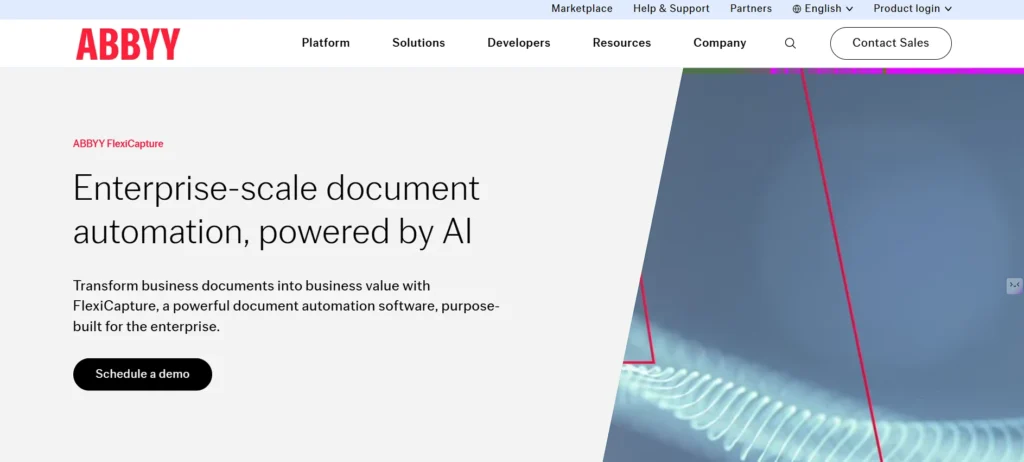
ABBYY FlexiCapture is a reputable business data entry automation system designed to process complicated and large volumes of documents. It assists companies in retrieving data on scanned documents, PDF documents, and structured forms with maximum precision.
ABBYY is typically deployed in those areas of a company where accuracy is important, i.e., finance, insurance, and logistics. The portal joins hi-tech OCR and validation devices, so that information is accurate before it is sent to business systems. Despite its strength, ABBYY FlexiCapture will shift a lot of human workload as soon as workflows are established.
Key Features:
- Advanced OCR technology
- Massive-scale document processing.
- Data validation workflows
- Multi-language support
- Cloud and on-premise options
- ERP system integration.
Pricing:
- The pricing is tailored and based on the volume of documents and the nature of deployment, along with the business needs.
Comparison Table of the 10 Best Data Entry Software
| Software | Key Features | Pricing (Starting) | Official Website |
| Hypatos | AI document comprehension, automated extraction, exception handling, ERP integrations | Custom (upon request) | https://hypatos.ai |
| Kofax Capture | OCR data capture, batch processing, validation, workflow automation | Custom license plans | https://www.softwaresuggest.com/kofax-capture |
| Docparser | Intelligent PDF parsing, multi-layout support, exports to Excel/CSV/JSON | $39/month | https://www.docparser.ai |
| Nanonets | AI OCR, learns from corrections, workflow automation, multi-document support | $499/month | https://nanonets.com |
| Amazon Textract | Text/table extraction, cloud scalability, API automation | $1.50/1,000 pages | https://aws.amazon.com/textract/ |
| Veryfi | Real-time OCR, receipt/invoice capture, line-item extraction, mobile support | $500/month + per document | https://www.veryfi.com |
| Rossum | AI document intelligence, invoice/PO extraction, validation workflows | Custom by volume | https://rossum.ai |
| DigiParser | Auto classification, no-code extraction, batch processing, API/Zapier | $99/month | https://www.digiparser.com |
| Google Document AI | Smart analysis, table/form extraction, cloud processing, customizable models | $0.10/page | https://cloud.google.com/document-ai |
| ABBYY FlexiCapture | Advanced OCR, large-scale processing, validation, multi-language support | Custom by volume/deployment | https://www.abbyy.com/flexicapture |
Benefits of Data Entry Platform in Businesses
The data entry software saves time, besides assisting businesses in enhancing accuracy and efficiency in document handling. The main advantages of these tools are the following:
1. Saves Time and Effort
Repetitive tasks are automated through data entry software, and hence, the employees do not have to type each document manually. This saves time wastage on the routine work and enables teams to engage more in other valuable activities that demand human judgment.
2. Reduces Errors
Data entry is likely to be erroneous, particularly when the quantity of documents is huge. It is certain that, with the help of automated tools, data is captured correctly with fewer errors, and one does not have to keep correcting it.
3. Improves Efficiency
The data extraction is done with software and results in a quicker and smoother workflow. Collaborative documents can be processed in large volumes and a uniform set of output, all of which contribute to higher productivity and operational efficiency.
4. Simple Interoperability With Other Tools
Most data entry systems are connected to accounting software and CRM programs, as well as cloud storage and other applications that businesses use. This is so that the data collected goes directly into your working process, without any additional processing.
5. Welcoming to Expanding Companies
As your document volume grows, data entry software can be expanded to meet that larger volume. Hundreds and thousands of documents, the said tool can work with an increased workload without requiring extra manpower.
Conclusion
Picking the right data entry software can make a big difference in how smoothly a business runs. Thesetools saves time, minimize errors, and simplify dealing with papers. It may be a robot-assisted platform, such as Nanonets and Rossum, or a robust enterprise product, such as ABBYY FlexiCapture and Kofax Capture. The right software will ensure that your team does more productive work and data entry on its own. Document processing is stress-free, easier, and more prompt with therightchoice.
FAQs
What is Data Entry Platform ?
Data entry software is one of the tools that assist businesses in extracting and organizing information in documents, forms, invoices, and receipts automatically without the necessity of manual typing.
Who Will be Able to Use Data Entry Tools ?
Data entry software can be used to enhance accuracy and speed up the processing of documents in small businesses, accounting teams, and operations departments, as well as in large enterprises.
Are These Tools Easy to Use?
Yes, the majority of the contemporary data entry software is easy to use, and its interface is perfect. Most of them also provide no-code configurations, drag and drop templates, and ready-to-work workflows.
Does it Support Data Entry Among Various Types of Documents?
Absolutely. Invoices, receipts, forms, contracts, and PDFs can be processed using Nanonets, Docparser, or Google Document AI, even when the layout is not the same.
Are Data Safe When It Has Been Used in These Tools?
Yes, reliable platforms assured data security through encryption, access controls, and adherence to the laws of data protection.