
Computer-aided design (CAD) today has become an indispensable tool to professionals in several industries due to the dynamic nature of design in the modern world. The need for design tools that are reliable is ever-expanding exponentially since architects are designing blueprints, whereas engineers are designing prototypes. Nonetheless, high-quality CAD software is usually expensive and may cause financial constraints, especially for freelancers, students, and small enterprises.
The introduction of Free CAD Software has changed all that in the world of design and made the tools powerful without the need to spend money. These affordable products offer powerful capabilities, which compete with premium commercial products, making design tools available to artists in every country. Introducing first ideas, working on finer technique sketches, or 3D models, there is a free solution that will suit your particular needs.
This provides an in-depth overview of the best 11 free CAD programs in 2025, their functionality, strengths, and the best use case. We will consider all the user-friendly interfaces ideal to use by beginners, all the way to parametric modelling tools that would be used by professionals. Knowing the terrain of the available options, you will be able to use it to make a good choice that suits your project requirements, expertise level, and future design objectives.
What is CAD Software?
The Computer-aided design programs, which allow their users to have powerful designing tools without spending money, are a subdivision of the computer-aided design software. Those tools include extensive functionality, including 2D drafting, 3Dmodellingg, parametric design, and the production of technical documentation. Unlike their commercial counterparts, free CAD software is almost always released as free open-source software or released under freemium software by commercial entities.
The kind of applications that are in place has changed the way people and business firms approach design projects. They remove financial constraints and stay professional-grade in their features, allowing even advanced design software to be used by students, hobbyists, startups, or even established or existing businesses who wish to streamline their operational costs. Most of the free CAD software provides features that were previously available in very costly professional packages, such as advanced rendering, simulation, and collaborative features.
Essential Features to Look for in Free CAD Software
When deciding on the right Free CAD Software to work with in your projects, you need to be aware of what the features of that software are so that you can make the right decision. These attributes will specify the efficiency, functionality, and viability of the software to your design requirements and workflow.
- Intuitive Interface: A well-designed user interface that saves a great deal of learning and enhances productivity. Locate software with an organised toolbar, logical menu arrangement, and workspace organisation patterns that are comfortable with your work style.
- File Compatibility: It should be ensured that the software can read the industry standard file formats, i.e,. The DWG, DXF, STEP, and STL. This interoperability enables easy collaboration with other co-workers and clients on different CAD systems without affecting the quality of design.
- Enablers of 3D Modelling: It is commonly the case that the ongoing design projects require three-dimensional visualisation. Choose software with the ability to offer strong 3D modelling, surface editing, and solid geometry creation to create an all-inclusive design.
- Parametric Design: In this case, the changes may be automated and propagated throughout the model. Parametric functionality saves a lot of time during design cycles, and the association between the different geometric elements is maintained in good form.
- Export: The possibility to sell your design on a myriad of platforms and production lines is a strong aspect of the export options. Locate programs that accept many different formats of output with many different applications.
Comparison Table for Free CAD Software
| Software Name | Rating | Best Feature |
| DraftSight | 5.0/5 | Professional 2D drafting capabilities |
| SmartDraw | 5.0/5 | Extensive template library |
| ActCAD | 4.9/5 | Hybrid 2D/3D functionality |
| FreeCAD | 4.5/5 | Parametric 3D modeling |
| LibreCAD | 4.3/5 | Pure 2D drafting focus |
| QCAD | 4.2/5 | Lightweight architecture design |
| Onshape | 4.0/5 | Cloud-based collaboration |
| BricsCAD | 4.0/5 | AutoCAD compatibility |
| 3D Crafter | 3.8/5 | User-friendly 3D modeling |
| Live Home 3D | 3.5/5 | Architectural visualization |
| OpenSCAD | 3.3/5 | Script-based 3D design |
Top 11 Free CAD Software
1. DraftSight

Rating: 5.0/5
Website: https://www.draftsight.com/
Best Use Cases: Professional 2D drafting, technical documentation, architectural blueprints
DraftSight is one of the best options available to professional designers who want a good 2D drafting tool and do not want to incur a licensing fee. It is a potent application that provides industry-standard tools, which can compete with the high-end ones, and, therefore, it is a priceless tool that is invaluable to architects, engineers, and technical draftsmen. The application has a user-friendly interface and a rich set of features that help users to develop accurate technical drawings with ease.
The platform is also adept at managing complex drafting projects, as well as a good performance with many different system configurations. It can be integrated with the existing workflows without any inconvenience because it is compatible with the standard file formats, and it has powerful editing tools that help to offer the accuracy needed in professional applications. DraftSight prioritises user experience with a mindful design and a customer-responsive ecosystem of customer support.
Key Features
- Advanced 2D drafting
- DWG file support
- Layer management system
- Dimension tools suite
- Professional annotation features
Pros
- Industry-standard compatibility
- Professional-grade precision tools
- Excellent performance optimisation
Cons
- Limited 3D capabilities
- Steep learning curve
- Resource-intensive for complex projects
Pricing: Custom pricing
Also Read: Best Clipping Software for Mac
2. SmartDraw
Rating: 5.0/5
Website: https://www.smartdraw.com/
Best Use Cases: Quick diagramming, floor plans, technical illustrations, business presentations
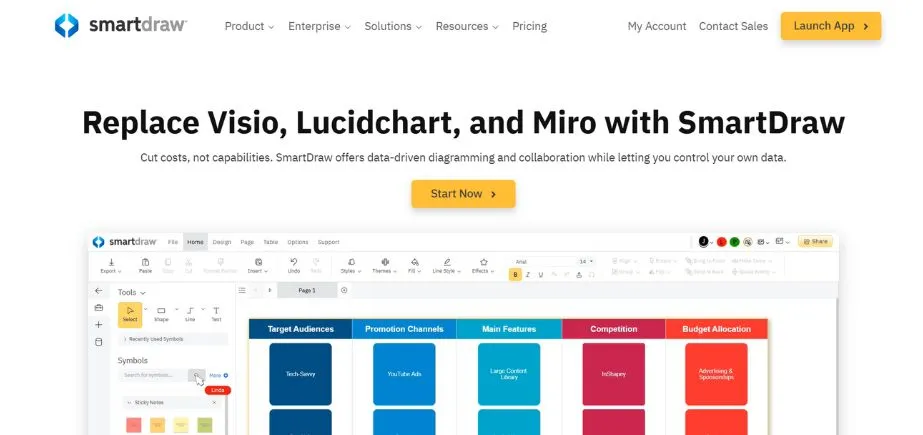
SmartDraw is a breakthrough in technical drawing, a mixture of CAD and intelligent automation capabilities. It is a flexible tool that serves those users who require professional-grade drawings but do not necessarily have a lot of CAD knowledge. The strength of the software is the enormous template library and intelligent formatting, which automatically scales designs according to the input.
Its user-friendly interface allows the use of the application by beginners and offers enough complexity to handle complicated projects. The integration features between SmartDraw and the popular business software add value to the software, as it can be incorporated into the organisation to streamline the workflow. The cloud-based nature of the platform guarantees device accessibility without losing the ability to maintain the same performance and collaborative capabilities.
Key Features
- Extensive template library
- Intelligent formatting automation
- Cloud-based accessibility
- Multi-platform integration
- Collaborative editing tools
Pros
- Beginner-friendly interface design
- Comprehensive template collection
- Excellent integration capabilities
Cons
- Limited advanced features
- Subscription-based pricing model
- Internet dependency requirements
Pricing: ₹21,384 One-time
3. ActCAD

Rating: 4.9/5
Website: https://actcad.com/
Best Use Cases: Hybrid 2D/3D projects, mechanical design, architectural drafting, engineering documentation
ActCAD is a perfect compromise between capabilities and cost, as it has both 2D and 3D capabilities in one integrated environment. This is a multipurpose solution that is attractive to professionals who desire to be versatile without having to sacrifice any precision or performance. The hybrid feature of the software means that users do not need a variety of applications to simplify the work processes and minimise learning curves.
The advanced feature-based platform has enhanced modelling features, full drafting features, and efficient rendering features. The user satisfaction is demonstrated by the frequent updates of the software and the active technical support provided by ActCAD. The software is standardised with different hardware setups to maintain the uniformity of its performance under different system specifications, which makes it user-friendly to all users with varied technical needs.
Key Features
- Combined 2D/3D workspace
- Sophisticated modelling utilities
- Extensive rendering capabilities
- Multi-format file compatibility
- Adaptable interface configurations
Pros
- Flexible design functionality
- Affordable pricing model
- Consistent feature enhancements
Cons
- Steep learning difficulty
- Restricted premium capabilities
- System specification demands
Pricing: ₹14,328 One-time
4. Onshape
Rating: 4.0/5
Website: https://www.onshape.com/en/
Best Use Cases: Collaborative design projects, cloud-based workflows, team coordination, remote design work
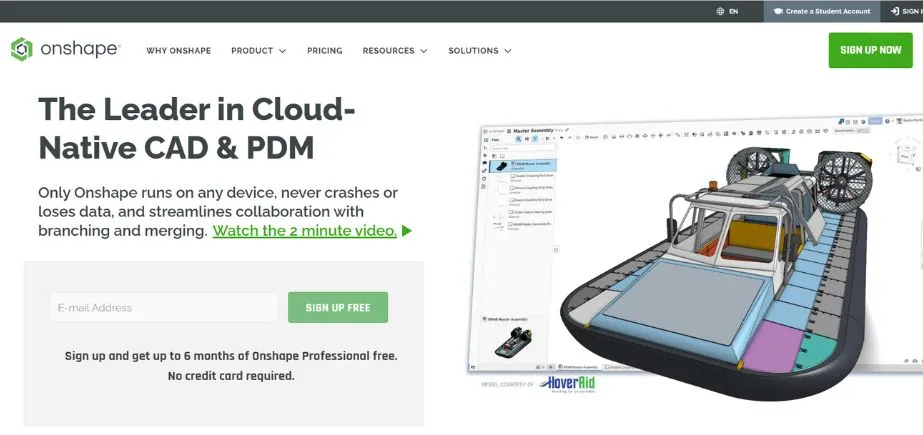
Onshape was one of the earliest cloud-native CADs developed to change the habits of design teams working on complex projects. This new place is any software that does not need to be installed because it is a thing of the past and offers total 3D modelling features, which can be used on any device with an internet connection. The real-time collaboration functionality of the software enables a smooth collaboration of the team despite geographical boundaries.
The advantage is that the platform itself has an updated architecture that enables the use of the power of cloud computing to perform complicated calculations and rendering processes. Onshape’s version control system manages the process of changes in design automatically, avoiding any collisions, and aids in maintaining the integrity of the project. The software is founded on a browser-based interface, which demonstrates accessibility, and no particular hardware settings must be used.
Key Features
- Cloud-native architecture
- Real-time collaboration tools
- Automatic version control
- Browser-based accessibility
- Integrated data management
Pros
- Excellent collaboration features
- No installation requirements
- Automatic backup systems
Cons
- Internet dependency requirements
- Limited offline capabilities
- Subscription pricing model
Pricing: free
5. QCAD
Rating: 4.2/5
Website: https://www.qcad.org/en/
Best Use Cases: Lightweight 2D drafting, architectural sketches, technical illustrations, educational projects
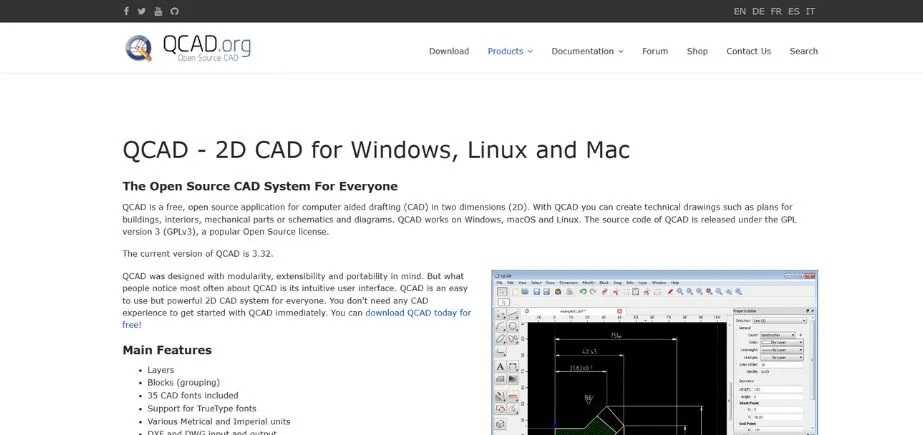
QCAD offers the best 2D drafting skills under its lightweight, yet powerful architecture. It is a useful application that appeals to users who do not require much functionality but who are motivated by simplicity and performance. The ease of use philosophy of the software particularly meshes well with the requirements of the architects, engineers, and students who cannot spare the money to invest in unnecessarily complex drafting software.
The ease of use of the platform is based on the basic drafting features and is detailed in a professional way. QCAD is also resource-efficient and can run on a small hardware configuration without much difficulty, so its users do not require fast hardware. The software is also open-source and therefore continues to be developed and supported by the community.
Key Features
- Streamlined architectural framework
- User-friendly interface arrangement
- Professional accuracy instruments
- Multi-format file compatibility
- Adaptable tool configurations
Pros
- Low system resource demands
- Sleek interface aesthetics
- Robust community assistance
Cons
- Restricted three-dimensional functions
- Elementary feature collection
- A few sophisticated utilities
Pricing: Custom pricing
6. BricsCAD
Rating: 4.0/5
Website: https://www.bricsys.com/
Best Use Cases: AutoCAD migration projects, professional drafting, 3D modelling, BIM workflows
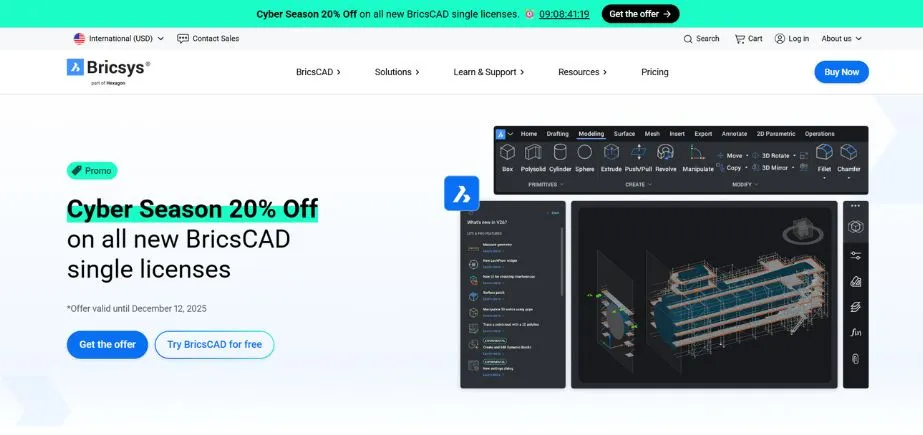
BricsCAD is highly compatible with the AutoCAD processes and has extra innovative features that improve productivity. This is an all-inclusive platform that appeals to professionals who want to replace expensive commercial products without compromising on functionality or performance. The friendly interface of the software simplifies the migration of users to the new CAD.
The strong point of the application is that it can work with advanced projects, yet has a very high stability and performance. The innovation of BricsCAD is reflected in such features as AI-enabled tools and a powerful modelling environment that extends beyond traditional CAD features. The frequent updates of the platform allow its users to enjoy the best technological changes.
Key Features
- AutoCAD compatibility layer
- Advanced 3D modeling
- AI-powered assistance tools
- BIM integration capabilities
- Comprehensive drafting suite
Pros
- Excellent AutoCAD compatibility
- Advanced feature set
- Regular software updates
Cons
- Complex interface layout
- Resource-intensive operations
- Steep learning curve
Pricing: Custom pricing
7. FreeCAD
Rating: 4.5/5
Website: https://www.freecad.org/
Best Use Cases: Parametric 3Dmodellingg, mechanical engineering, product design, educational applications
FreeCAD has become an example of excellence in open-source development with its advanced parametric modelling options that are freely available. This full-fledged platform will serve the engineers, designers, and hobbyists who need the modelling tools of professional quality without restrictions on licenses. The modular architecture of the software allows a user to tailor functionality to the requirements of a particular project.
The parametric design of the application allows you to design in intelligent ways, making changes in the model that automatically spread to the whole model. FreeCAD has a large workbench library to offer discipline-specific tools, including architectural design and finite element analysis. The active community of development guarantees the continuous improvement and the increase of features in the platform.
Key Features
- Parameter-driven modelling framework
- Component-based workstation design
- Comprehensive file format compatibility
- Python automation integration
- Multi-platform operating support
Pros
- Entirely cost-free access
- Vibrant developer community
- Broad personalisation capabilities
Cons
- Challenging mastery process
- User interface complications
- Intermittent performance issues
Pricing: Custom pricing
8. LibreCAD
Rating: 4.3/5
Website: https://librecad.org/
Best Use Cases: Pure 2D drafting, technical drawings, architectural plans, educational projects
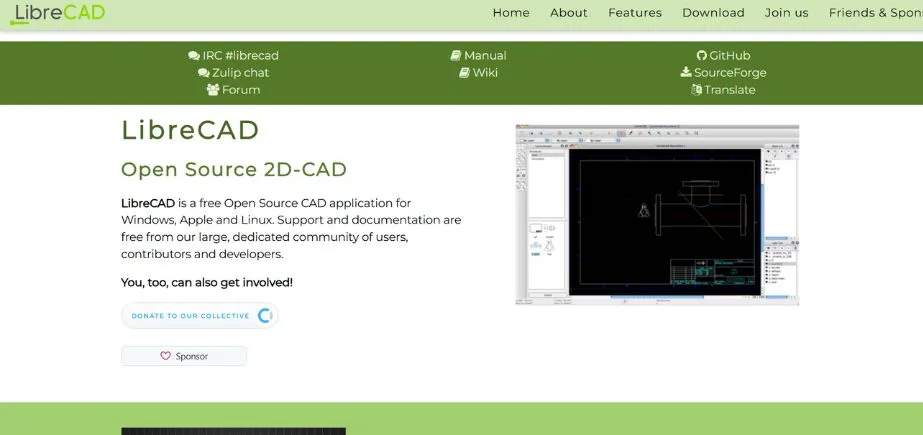
LibreCAD is focused on 2D drafting only and provides an efficient but simple drawing space to the user. The target audience of this specialised platform is professionals and students who would like to emphasise simplicity and accuracy in their drafting processes. The software focuses on the basic functionality and, thus, is reliable and not overbearing.
The application is well designed with a clean interface and is easier to use without limiting it to a lot of drafting options. The open source application of LibreCAD makes long-term sustainability of its facilities and the improvement of the project by the community possible. It is in demand due to the high efficiency of resource utilisation on the platform, which applies to most users with a comparatively smaller hardware arrangement.
Key Features
- Pure 2D drafting focus
- Clean interface design
- Comprehensive drawing tools
- Layer management system
- Cross-platform availability
Pros
- Focused functionality approach
- Minimal resource requirements
- Strong community support
Cons
- No 3D capabilities
- Limited advanced features
- Basic rendering options
Pricing: Custom pricing
9. 3D Crafter
Rating: 3.8/5
Website: https://3dcrafter.software.informer.com/8.2/
Best Use Cases: Beginner 3D modelling, creative projects, game development, artistic visualisation
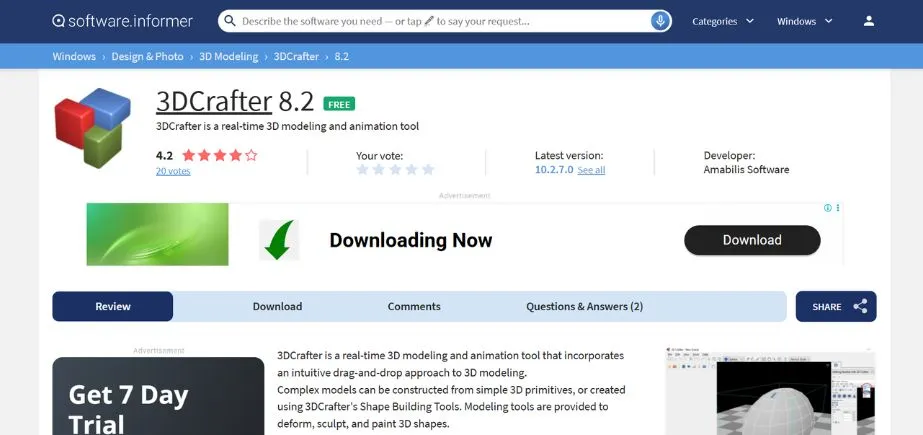
3D Crafter offers a free and easy-to-use intro to the world of three-dimensional modelling thanks to its drag-and-drop interface. This user-friendly platform is designed to serve amateurs and artistic professionals who are not restricted by complex technical specifications and who are in need of 3D functionality. The methodology of the software is both user-friendly and provides enough depth to develop meaningful projects.
The use value of the application is that the 3Dmodellingg is approachable to users who do not necessarily have a high technical background, and the 3D Crafter’s real-time manipulation tools give an immediate visual response, which adds to the creative process. The ease of use of the platform makes it especially useful in the educational setting and for creative discovery.
Key Features
- Drag-and-drop interface
- Real-time manipulation tools
- Basic animation capabilities
- Texture mapping support
- Export format variety
Pros
- Very beginner-friendly
- Intuitive interface design
- Real-time visual feedback
Cons
- Limited advanced features
- Basic rendering capabilities
- Minimal professional tools
Pricing: Free
10. Live Home 3D
Rating: 3.5/5
Website: https://www.livehome3d.com/
Best Use Cases: Home design visualisation, interior planning, real estate presentations, architectural concepts
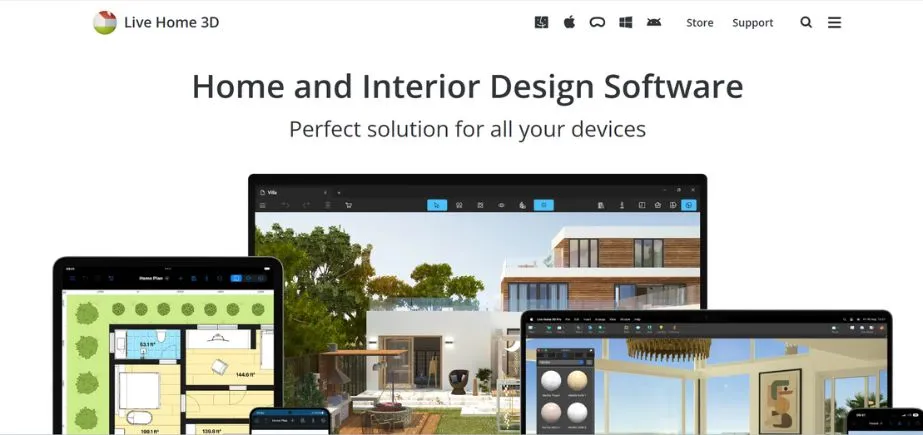
Live Home 3D focuses on the visualisation of residential design, which is a specialised application that offers the tools that are more specific to residential planning and interior design projects. This specialised solution is targeted to attract architects, interior designers, and homeowners who require easy-to-use applications to plan residential spaces. The software is powerful because of its ability to produce a realistic simulation of dwelling spaces.
The ease of use in the platform allows non-professional users to engage in architectural visualisation, but at the same time, it gives enough detail that can be applied in professional practice. Live Home 3D has a high level of rendering, which creates quality images that clients can use when presenting and marketing their products. The residential applications of the software also guarantee workflow and features that are relevant.
Key Features
- Residential design focus
- Realistic rendering engine
- Interior planning tools
- Furniture library inclusion
- Virtual walkthrough capabilities
Pros
- Specialised residential tools
- High-quality rendering output
- User-friendly interface
Cons
- Limited to residential design
- Basic CAD functionality
- Minimal professional features
Pricing: Free
11. OpenSCAD
Rating: 3.3/5
Website: https://openscad.org/
Best Use Cases: Parametric design programming, educational modelling, algorithmic geometry, technical prototyping
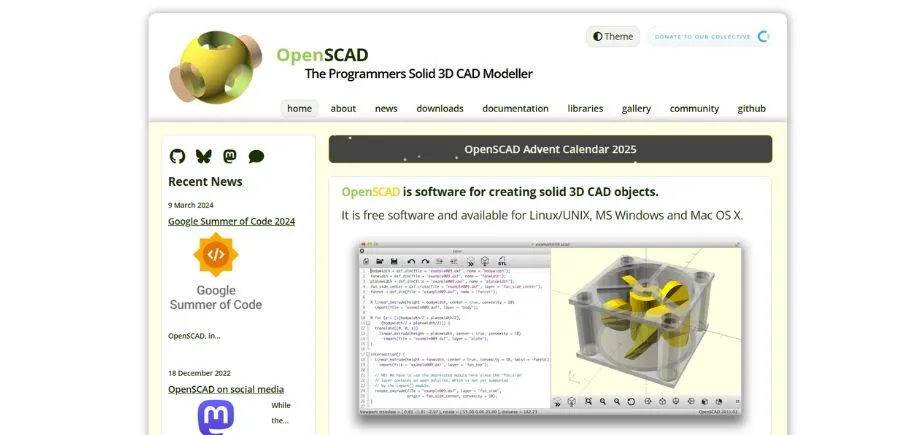
OpenSCAD uses a very different method of 3Dmodellingg, as it involves scripting the design, which is more attractive to users who are used to programmatic control rather than a visual interface. The platform is a specialized one, which addresses engineers, programmers, and other technical users who believe in precision and repeatability in their design processes. The parametric character of the software allows the use of complex relationships between geometry in the form of code.
The strong point of the application is that it allows one to develop accurate, mathematically defined models that can be easily changed by changing the parameters. The text-based nature of OpenSCAD guarantees the design reproducibility to the full extent and facilitates the usage of version control. The algorithmic design orientation also makes the platform useful to users who require multiple design variations to be generated programmatically.
Key Features
- Modeling based on scripts.
- The capability to design with parameters.
- Mathematical accuracy instruments.
- Cross-platform availability
Pros
- Accurate mathematical control.
- Full design repeatability.
- Best on a parametric job.
Cons
- Steep learning curve
- Limited visual interface
- Knowledge needed in programming.
Pricing: Free
How to Choose the Right Free CAD Software
So that the Free CAD Software can be chosen best, some factors, which will add serious consideration to one’s needs, technical ability, and project goals, must be taken into consideration. These are the key guidelines that you will learn to make a prudent choice to enhance your design productivity.
- Project Requirements: You ought to examine your typical design projects and observe to what extent 2D drafting and/or 3D modeling is necessary.
- Learning Curve: Determine how much time you have used CAD and how long you need to spend to learn new software.
- Compatibility Needs: View your collaboration needs and file formats you are working with in your workflow. Ensure that the software used is capable of reading or writing industry standard files, e.g., DWG, DXF, or STEP files.
- System Resources: Find out your hardware capabilities like processor speed, memory,ry, and graphics card specifications. Other CAD programs have been known to run on a high-performance workstation, and some can run on a plain machine.
- Scalability in the Future: consider your long-term design needs and how your project will expand. Choose the software that is capable of sustaining the expanding requirements without the necessity of making any fundamental adjustments to the workflow.
Conclusion
In 2025, the landscape of Free CAD Software can provide designers, engineers, or creative professionals with the opportunity to have access to powerful design tools without any financial limitations. Whether it’s one of the broadest solutions, such as ActCAD and DraftSight, which can compete with high-priced commercial solutions, or more niche products like Live Home 3D and OpenSCAD, there definitely is a solution to any design need or ability level.
The history of these free tools shows how open source development and new business models have democratized access to professional-grade design tools. Seize up to the basics of design, optimise business operations, or be an experienced individual willing to explore other options. Free CAD Software can offer you the viable options to pursue your design goals without sacrificing either quality or functionality.
Frequently Asked Questions
Q1: Can the results provided by free CAD software be considered professional?
A: Yes, many open-source computer-aided design software suites like DraftSight, FreeCAD, and ActCAD offer professional features capable of producing output of industry quality that competes with the output of expensive commercial software.
Q2: In what ways are the 2D and 3D CAD software different?
A: Two-dimensional technical drawings and blueprints designed to be produced with free 2D CAD programs are also targeted at three-dimensional outputs that are modelled with depth, volume, and a realistic look with the development of 3D CAD.
Q3: Do they support free CAD with standard file formats?
A: Most of the popular free CAD programs can support industry standard formats like DWG, DXF, STEP, IGES, and ST, which implies that they can be used with professional processes.
Q4: Are there any limitations to the use of free CAD software?
A: Some of the restrictions may be less developed functions, lack of technical support, export watermarks, or commercial use restrictions, depending on the specific software license.
Q5: Which is the most user-friendly free CAD software?
A: SmartDraw and 3D Crafter offer the simplest interface and easy-to-use tools and templates, so it is possible to start with CAD with them.