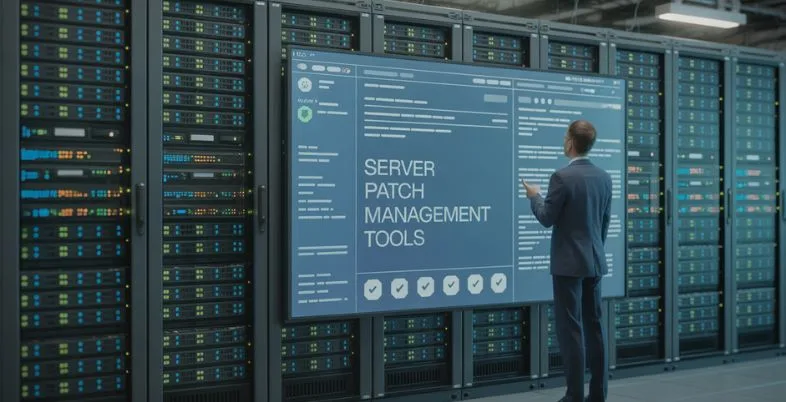
Why do organisations across the globe continue to prioritise robust patch management strategies in an era defined by constant cyber threats and rapid software evolution? As businesses increasingly rely on complex server infrastructures, unpatched vulnerabilities have become one of the leading causes of security breaches and system downtime. Server patch management tools play a critical role in safeguarding IT environments by ensuring operating systems and applications remain secure, stable, and up to date.
Modern patch management solutions go beyond simple updates. They offer automation, centralised control, compliance reporting, and risk-based prioritisation, helping IT teams manage patches efficiently across on-premise, cloud, and hybrid servers. With cyberattacks growing more sophisticated, choosing the right patch management tool can significantly reduce exposure to threats and operational disruptions.
What is a Server Patch Management Tools?
Server patch management tools is an expert IT utilisation that automatically handles the procedure of recognising, obtaining, testing, and executing software updates (patches) on servers, operating systems, and applications.
These patches address security vulnerabilities, software bugs, and performance problems that would render systems prone to cyberattacks or failure to operate in the first place. Patch management software is constantly performing a scan of endpoints to identify missing or expired patches and rank updates by risk and severity and apply them based on set schedules or policies.
It also offers a centralised visibility, reporting and compliance tracking so that IT teams can assure that systems are secure, stable and up to date and reduce downtime and manual effort through complex IT environments.
What Features to Look For in a Patch Management Software?
- Automated Patch Deployment: Automatically identifies, plans, and implements patches on servers and endpoints to minimise human involvement and minimize security vulnerabilities.
- Multi-OS and Multi-Platform: Supports Windows, Linux, and macOS patching and virtual environments to be used, in order to provide the same protection across multiple infrastructures.
- Third-Party Application Patching: Operates third-party applications patches, which are popular and removes the vulnerabilities beyond operating systems, as well as enhances the overall security posture.
- Patch Testing and Approval Controls: This enables testing patches to be conducted in controlled environments and approval workflows are done to preclude system instability or compatibility problems.
- Centralized Management Dashboard: Gives a unified display to track patch position, failures and adherence in all the machines in real time.
- Scheduling and Maintenance Windows: Provides the ability to have some flexibility in scheduling the patch deployments to the off-hours to achieve minimal impact on the business operations.
- Compliance Reporting and Auditing: Prepares in-depth audit, regulatory compliance and vulnerability assessment reports to facilitate security and governance needs.
- Rollback and Failure Recovery: Enables patches to be rolled back in case of a problematic patch and quick recovery choices in order to keep the system running despite a failed deployment.
List of Top 15 Server Patch Management Tools
1. NinjaOne Patch Management
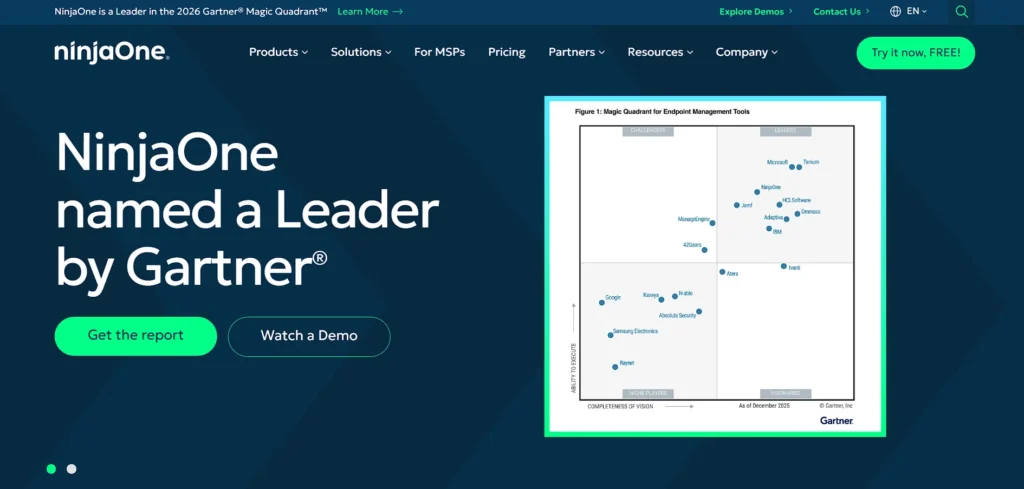
Website: https://www.ninjaone.com/
NinjaOne Patch Management is an endpoint management and patch automation platform that is built on the cloud to enable simplifying and securing the patching process of Windows, macOS, and Linux systems. It provides automated patch finding, scheduling, prioritization and reporting through a centralized dashboard and assists IT teams in remediation of vulnerabilities and compliance within a short amount of time.
NinjaOne makes fewer manual actions and accelerates the deployment of updates even in a scattered or remote setting with intelligent automation, customizable policies, and support of thousands of third-party applications.
It has an easy to use interface and robust reporting, which makes it perfect in any situation where the MSPs and internal IT teams need an efficient and scalable patch management system.
Key Features:
- Cloud-native patching for Windows, macOS, and Linux
- Automated OS and third-party application updates
- Policy-based patch approval and scheduling
- Real-time patch status and health monitoring
- Centralized dashboard with compliance reporting
- Lightweight agent with minimal system impact
Pros:
- Extremely easy to deploy and manage
- Strong automation reduces manual work
- Excellent UI and reporting clarity
- Scales well for MSPs and enterprises
- Reliable third-party application coverage
Cons:
- Pricing not publicly listed
- Limited advanced vulnerability analytics
- Best features require full NinjaOne suite
Pricing:
- Custom Pricing
2. ManageEngine Patch Manager Plus
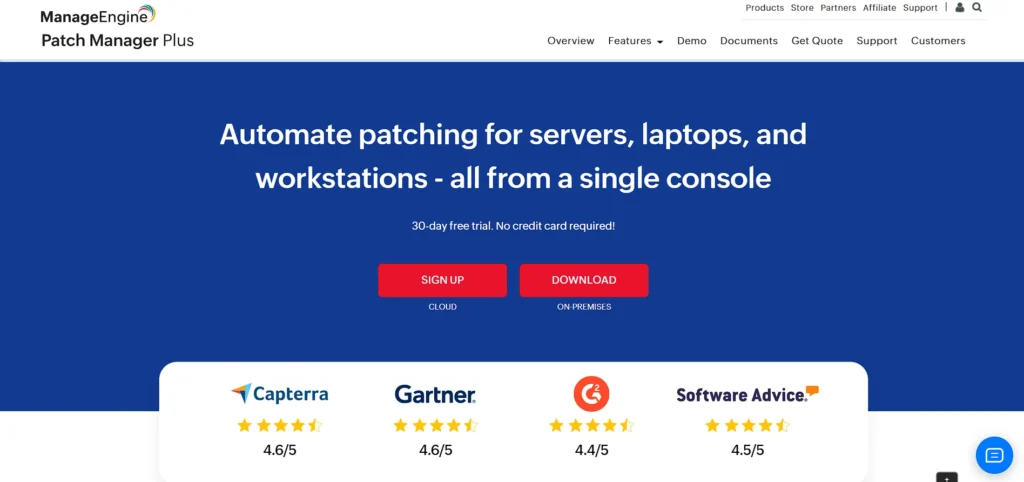
Website: https://www.manageengine.com/patch-management/
ManageEngine Patch Manager Plus is an all-inclusive patching software and one of the leading server patch management tools that enables auto-scanning, testing, deployment, and reporting of patches across Windows, macOS, and Linux servers and endpoints.
It supports hundreds of third-party applications in addition to OS updates, making it useful in diverse IT environments that must address both system and application vulnerabilities. The platform allows administrators to configure patch policies, manage deployments, and track compliance through detailed reports from a single centralized console.
Its flexibility and broad OS and application coverage make it suitable for enterprises and SMBs that require reliable automated patching and regulatory compliance.
Key Features:
- Automated patching for Windows, macOS, and Linux
- Supports 850+ third-party applications
- Patch testing and approval workflows
- On-premises and cloud deployment options
- Detailed compliance and audit reports
- Rollback support for failed patches
Pros:
- Very broad OS and app support
- Flexible deployment models
- Strong compliance reporting
- Suitable for SMBs and enterprises
- Competitive pricing
Cons:
- UI can feel complex initially
- Performance slows in very large deployments
- Advanced features require higher plans
Pricing:
- Contact sales
3. Automox
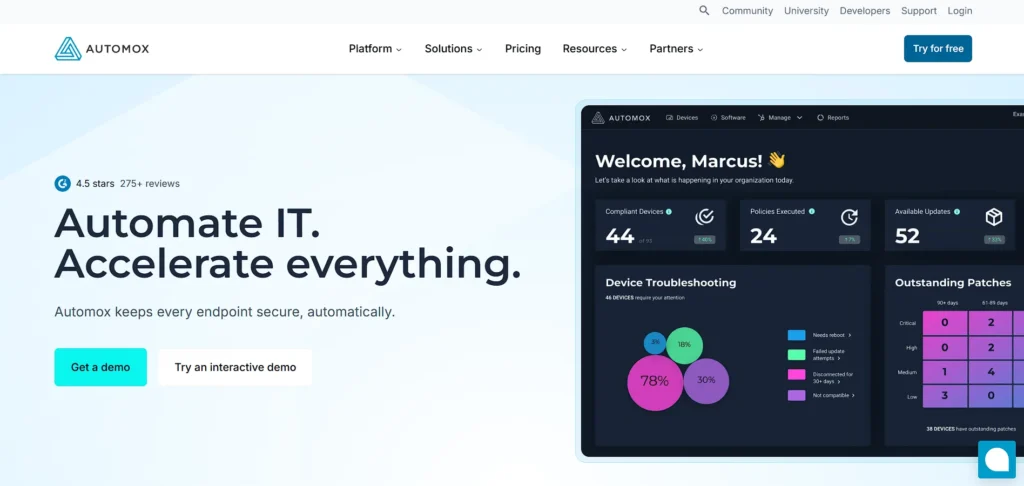
Website: https://www.automox.com/
Automox is an endpoint and patch management platform that is cloud-native to combine automation, visibility, and control into a single platform supporting Windows, macOS, and Linux.
Automox identifies and applies the patches that are missing, implements policies and automates updates of the operating systems and third-party applications using a lightweight agent and cloud console and assists IT teams to secure infrastructure with minimal human intervention. Its automation of policies minimizes time and effort needed to ensure compliance and risk reduction through ensuring that systems are patched regularly through distributed networks.
Automox has rich features including simplicity, real time visibility and scalability that makes it a powerful option to organizations that have adopted cloud first operations.
Key Features:
- Cloud-native, agent-based patch management
- Cross-platform support (Windows, macOS, Linux)
- Policy-driven automation workflows
- Third-party application patching
- Real-time patch compliance visibility
- Scripting and custom remediation support
Pros:
- No on-prem infrastructure needed
- Clean and modern interface
- Strong automation capabilities
- Works well for remote teams
- Fast deployment
Cons:
- Higher cost than some competitors
- Limited built-in reporting depth
- Learning curve for advanced policies
Pricing:
- $1/ Per endpoint/month
4. Atera

Website: https://www.atera.com/
Atera is a remote monitoring and management (RMM) solution that has in-built patch management, making it one of the reliable server patch management tools, along with ticket management, auto management, and real-time system monitoring.
It is also designed in a way that it is easy to scan and deploy patches of OS and applications with the help of MSPs and IT teams to ensure the system stays secure and efficient.
The price-per-technician model and the all-inclusive tools that Atera offers make it affordable for small to mid-sized companies or service providers with a number of clients to serve. Its unified strategy enables IT departments to consolidate patching and other operations in a single and streamlined interface.
Key Features:
- Integrated patch management within RMM platform
- Automated OS and software updates
- Real-time monitoring and alerts
- Patch scheduling and approval rules
- Reporting and audit logs
- Built-in IT automation scripts
Pros:
- Per-technician pricing model
- Ideal for MSPs and IT teams
- Easy setup and onboarding
- Combines multiple IT tools in one
- Cloud-based access
Cons:
- Patch management not as deep as standalone tools
- Limited customization for enterprises
- Reporting can feel basic
Pricing:
- Pro– $129/mo per technician
- Growth– $179/mo per technician
- Power– $209/mo per technician
5. SolarWinds Patch Manager
Website: https://www.solarwinds.com/patch-manager
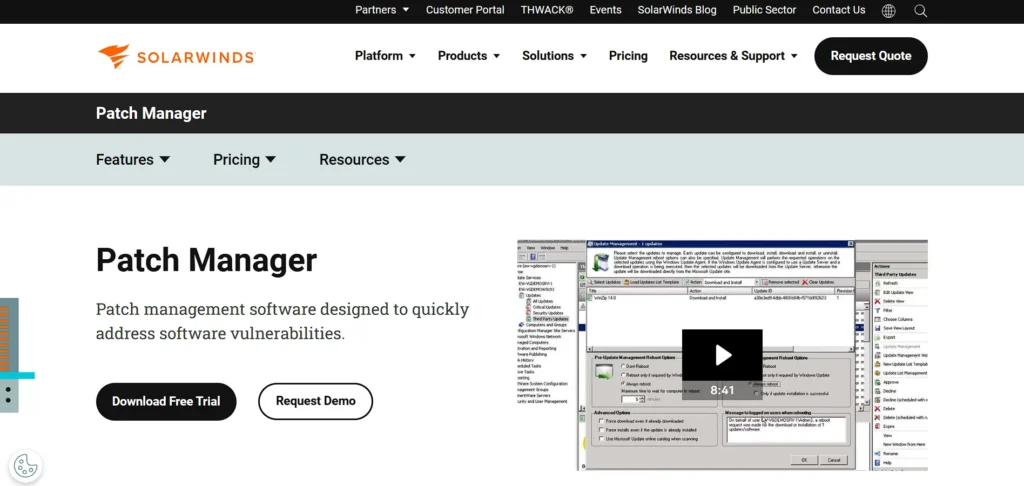
SolarWinds Patch Manager is an enterprise patching solution that tightly integrates with Microsoft WSUS and SCCM (Microsoft Endpoint Configuration Manager) to automate patch deployment and compliance reporting.
It simplifies the complex task of updating Windows servers and workstations and extends support to third-party applications, offering centralized control through intuitive dashboards. SolarWinds empowers IT administrators to schedule patches, monitor success rates, and generate compliance reports, reducing the risk of vulnerabilities in large infrastructures.
Its deep Microsoft ecosystem integration and automation capabilities make it a strong choice for organizations heavily invested in Windows environments.
Key Features:
- Deep integration with WSUS and SCCM
- Automated Microsoft server patching
- Third-party application updates
- Patch compliance dashboards
- Scheduling and maintenance windows
- Centralized patch approval workflows
Pros:
- Excellent for Windows-heavy environments
- Strong reporting and compliance tools
- Reduces WSUS management complexity
- Trusted enterprise brand
- Reliable automation
Cons:
- Limited macOS/Linux support
- Requires existing Microsoft infrastructure
- Higher licensing cost
Pricing:
- Monitoring & Observability– $7 Per node / month
- Database– $142 Per database / month
- IT Service Management– $39 Per technician / month
- Incident Response– $9 Per user / month
6. Ivanti Patch Management
Website: https://www.ivanti.com/
Ivanti Patch Management part of Ivanti’s broader endpoint security portfolio is among leading server patch management tools that automate the detection, prioritization, and deployment of patches across Windows, macOS, and Linux systems.
It provides risk-based patching that helps organizations address the most critical vulnerabilities first and integrates tightly with other Ivanti security tools to support holistic endpoint protection.
Ivanti’s advanced automation, centralized management console, and extensive OS/application coverage make it suitable for large enterprises and environments with complex IT landscapes. Its strength lies in vulnerability awareness and policy control that supports both security and compliance.
Key Features:
- Risk-based patch prioritization
- Cross-platform OS and app patching
- Vulnerability-aware patch deployment
- Centralized policy management
- Patch automation with rollback support
- Integration with Ivanti security suite
Pros:
- Strong focus on security risk reduction
- Suitable for large enterprises
- Advanced automation options
- Extensive application catalog
- Compliance-ready reporting
Cons:
- Complex initial configuration
- Higher total cost of ownership
- UI can feel dated
Pricing:
- Request pricing
7. Syxsense Manage
Website: https://www.syxsense.com/
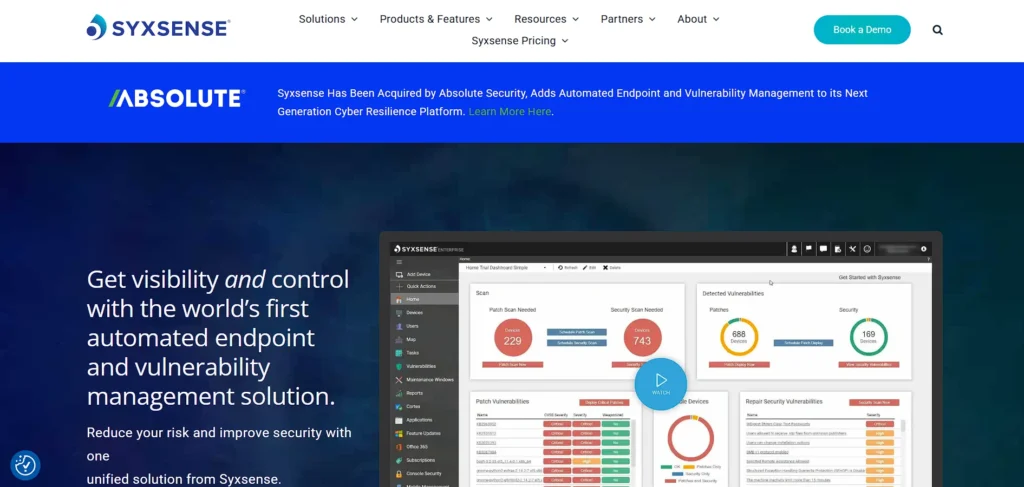
Syxsense Manage offers unified endpoint management and automated patch deployment across Windows, macOS, and Linux from a single console.
It combines real-time device intelligence with robust patch scanning, prioritization, and scheduling to help IT teams keep systems up-to-date and secure. The platform’s live endpoint visibility lets administrators quickly assess patch status and take action, while customizable deployment windows minimize disruption during business hours.
Syxsense also integrates vulnerability insights to better inform patch policies and prioritization, helping organizations reduce risk and maintain compliance.
Key Features:
- Unified endpoint and patch management
- Real-time endpoint intelligence
- Automated OS and third-party patching
- Cloud-based management console
- Patch scheduling with blackout windows
- Compliance and vulnerability reporting
Pros:
- Strong real-time visibility
- Simple cloud deployment
- Good cross-platform support
- Scales well for mid-size teams
- Integrated endpoint controls
Cons:
- Smaller third-party app library
- Reporting customization is limited
- UI learning curve
Pricing:
- Request Pricing
8. Kaseya RMM Software
Website: https://www.kaseya.com/products/rmm-software/
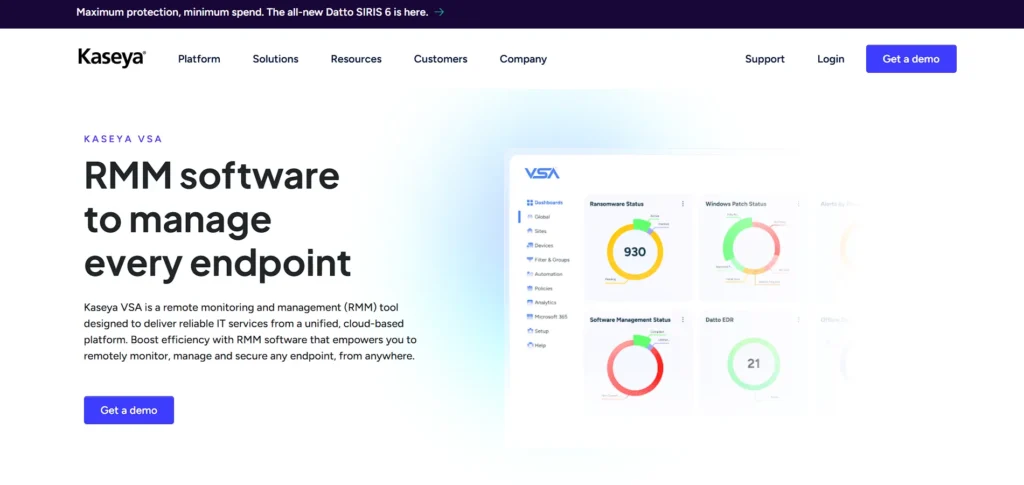
Kaseya RMM Software is a remote monitoring and management tool designed to automate patch deployment and broader IT tasks for endpoints and servers, making it a reliable choice among server patch management tools.
Its automation engine allows administrators to configure policies that scan for missing updates, schedule patch deployments, and remediate vulnerabilities, reducing manual workload and improving security posture. Kaseya RMM Software also includes remote control, scripting, and event monitoring, making it a comprehensive platform for MSPs and IT teams managing complex, distributed environments.
While some users find its initial setup steep, RMM Software’s automation and integration with other IT operations features deliver strong value in medium and large environments.
Key Features:
- Automated patch management policies
- Server and endpoint patch deployment
- Scripting and automation engine
- Remote monitoring and alerts
- Patch compliance reporting
- Integration with Kaseya ecosystem
Pros:
- Powerful automation capabilities
- Highly customizable workflows
- Suitable for large MSPs
- Strong scripting support
- Mature platform
Cons:
- Steep learning curve
- Interface feels complex
- Best value when bundled with Kaseya tools
Pricing:
- Custom pricing
9. N-able N-central
Website: https://www.n-able.com/products/n-central-rmm
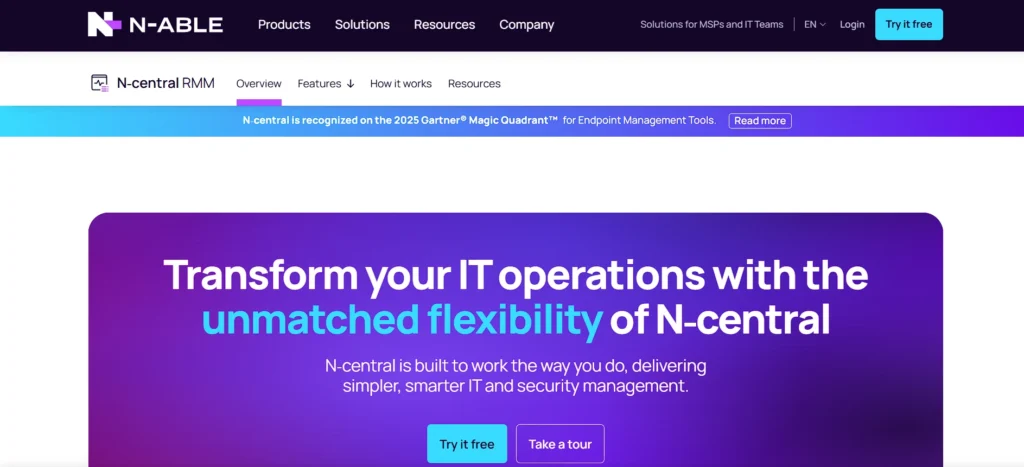
N-able N-central is a unified endpoint management and automation platform that includes automated patch management capabilities for Windows, macOS, and Linux systems.
It enables IT teams to discover and remediate missing patches, apply custom rules for deployment, and maintain compliance through robust reporting. In addition to patching, N-central offers remote monitoring, backup, and automation workflows, positioning it as a comprehensive solution for MSPs and enterprises.
Its powerful automation engine and broad feature set help reduce manual tasks, streamline service delivery, and improve operational efficiency across large, distributed networks.
Key Features:
- Automated server and endpoint patching
- Policy-based patch deployment
- Remote monitoring and management
- Patch compliance dashboards
- Automation and scripting support
- Multi-tenant architecture for MSPs
Pros:
- Strong MSP-focused design
- Robust automation engine
- Scales well across clients
- Good reporting capabilities
- Reliable patch scheduling
Cons:
- Interface can feel crowded
- Setup requires planning
- Higher cost for small teams
Pricing:
- Request Pricing
Suggested Read: Automation Testing Tools
10. Action1
Website: https://www.action1.com/
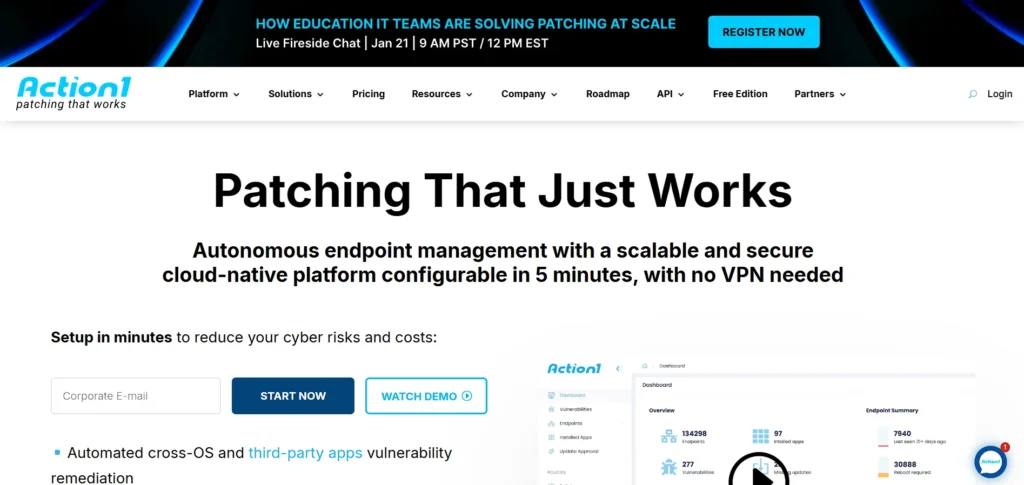
Action1 is a cloud-native patch management platform and one of the effective server patch management tools that focuses on automated updates and remediation for both operating systems and third-party applications, particularly across Windows and macOS environments.
It offers a freemium tier (free up to a defined number of endpoints) and scales to larger deployments with flexible pricing. Action1’s cloud architecture enables IT teams to quickly identify missing patches, schedule deployments, and generate compliance reports without needing on-prem infrastructure.
Its straightforward setup and strong automation make it attractive for SMBs and teams seeking cost-effective, easy-to-use patch management.
Key Features:
- Cloud-native patch management
- Automated OS and app patching
- Real-time vulnerability assessment
- Remote endpoint access
- Patch compliance reporting
- Lightweight agent deployment
Pros:
- Free for up to 100 endpoints
- Very fast setup
- Clean and simple UI
- Strong automation for SMBs
- No on-prem infrastructure
Cons:
- Limited advanced enterprise features
- Smaller app catalog than competitors
- Reporting depth is basic
Pricing:
- Request Pricing
11. GFI LanGuard
Website: https://gfi.ai/products-and-solutions/network-security-solutions/languard
GFI LanGuard is a patch management and network security scanning solution that automatically discovers devices, assesses vulnerabilities, and deploys patches across Windows, macOS, and some Linux systems.
It combines patching with network auditing and compliance reporting, helping organizations identify and fix security gaps while demonstrating adherence to standards like PCI or HIPAA.
GFI LanGuard’s automated patch scanning and dashboard give administrators insight into patch status and risk level, though some users note its interface and reporting could improve. It’s a solid choice for teams that need both patch management and vulnerability assessment in one tool.
Key Features:
- Patch management with vulnerability scanning
- Automated patch detection and deployment
- Network security auditing
- Compliance reporting tools
- Centralized management console
- Scheduled patch updates
Pros:
- Combines patching and security scanning
- Good compliance visibility
- Works well in Windows environments
- Reliable vulnerability detection
- One-time license option
Cons:
- Interface feels outdated
- Limited macOS/Linux support
- Slower performance on large networks
Pricing:
- Custom pricing
12. PDQ Deploy & Inventory
Website: https://www.pdq.com/
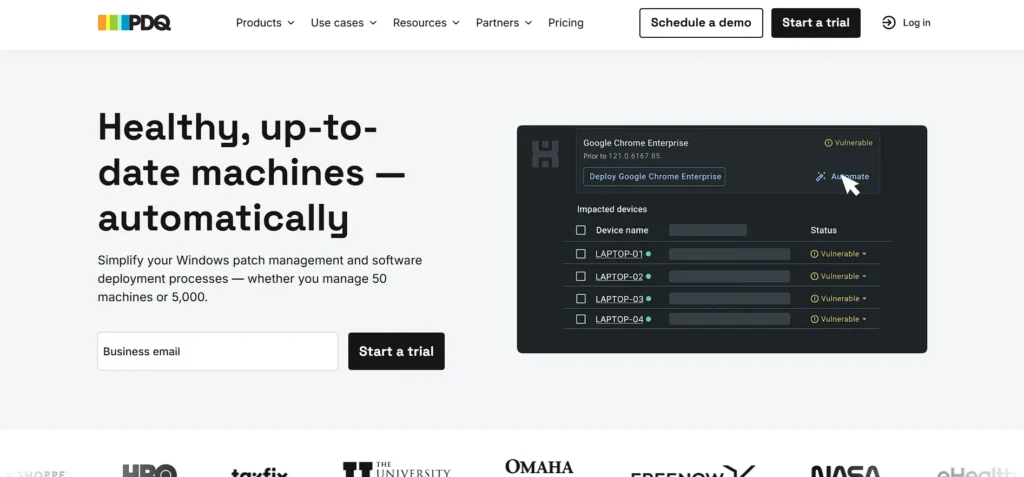
PDQ Deploy & Inventory is a Windows-centric solution among server patch management tools, focused on rapid, customizable rollout of patches, scripts, and applications across Windows servers and endpoints.
PDQ Deploy automates patching tasks and integrates with PDQ Inventory to target specific machines based on system data like OS version or installed software. Its ease of use and scripting flexibility appeal to IT teams seeking control and speed in Windows environments.
While it doesn’t offer extensive cross-platform support, its focused capabilities and detailed reporting make it a favorite for SMBs and Windows-heavy infrastructures.
Key Features:
- Automated Windows patch deployment
- Software and script distribution
- Deep system inventory tracking
- Custom deployment packages
- Scheduling and targeting rules
- Integration between Deploy and Inventory
Pros:
- Extremely easy to use
- Excellent for Windows environments
- Fast deployment speeds
- Strong scripting support
- Affordable pricing
Cons:
- Windows-only focus
- No native cloud management
- Limited third-party automation
Pricing:
- Custom pricing
13. Microsoft Intune
Website: https://learn.microsoft.com/en-us/intune/
Microsoft Intune (part of Microsoft Endpoint Manager) provides policy-driven update deployment and compliance management for Windows servers and endpoints, integrated tightly with Azure AD and other Microsoft cloud services.
It allows administrators to enforce update rings, schedule patch deployments, and monitor compliance across devices from a cloud console, making it a natural choice for organizations invested in the Microsoft ecosystem.
Intune’s strengths lie in its scalability, cloud-native approach, and integration with broader device management and security policies, supporting unified endpoint management alongside patching.
Key Features:
- Cloud-based patch and update management
- Windows Update ring policies
- Integration with Azure AD
- Compliance and device health tracking
- Unified endpoint management
- Conditional access enforcement
Pros:
- Native Microsoft ecosystem integration
- Scales globally
- Strong security policy controls
- Cloud-first architecture
- Ideal for modern workplaces
Cons:
- Limited non-Microsoft OS support
- Complex policy configuration
- Requires Microsoft licensing
Pricing:
- Custom pricing
14. Patch My PC
Website: https://patchmypc.com/
Patch My PC is a lightweight yet powerful solution often considered alongside server patch management tools, focused on automating third-party application updates within enterprise environments, particularly when integrated with Microsoft Endpoint Manager or SCCM.
It simplifies the process of keeping hundreds of common applications up to date by automating detection, packaging, and distribution of updates.
While its cross-platform support is limited and it doesn’t handle server patching broadly, its efficiency in third-party app patching and compatibility with Microsoft management tools make it valuable for IT teams looking to overcome gaps in native patch coverage.
Key Features:
- Automated third-party application patching
- SCCM and Intune integration
- Pre-built app catalogs
- Patch testing and publishing
- Deployment automation
- Lightweight architecture
Pros:
- Excellent third-party app coverage
- Seamless Microsoft tool integration
- Saves significant admin time
- Easy setup
- Reliable update packaging
Cons:
- Not a full OS patch solution
- Windows-focused only
- Requires SCCM or Intune
Pricing:
- Patch- $2/device/year
- Plus- $3.5/device/year
- Premium- $5/device/year
15. Red Hat Satellite
Website: https://www.redhat.com/en/technologies/management/satellite
Red Hat Satellite is an enterprise lifecycle and patch management solution tailored specifically for Red Hat Enterprise Linux (RHEL) environments.
It enables IT teams to manage system updates, configurations, and subscriptions at scale across physical, virtual, and cloud infrastructures. With Satellite, administrators can automate patch deployment, apply security updates, and enforce configuration standards — helping maintain consistent, compliant systems.
Its integration with Red Hat’s ecosystem and emphasis on scaling Linux operations make it a go-to choice for organizations that rely on RHEL at the core of their server infrastructure.
Key Features:
- Centralized RHEL patch management
- Lifecycle and content management
- Automated security updates
- Configuration and compliance enforcement
- Scalable infrastructure management
- Integration with Red Hat ecosystem
Pros:
- Best-in-class for RHEL environments
- Highly scalable
- Strong compliance controls
- Reliable automation
- Enterprise-grade support
Cons:
- Linux-only (RHEL focused)
- Complex initial setup
- High cost for small teams
Pricing:
- Contact sales
Quick Comparison
| Tool | Deployment Type | Key Features | Automation | Best For | Pricing |
|---|---|---|---|---|---|
| NinjaOne Patch Management | Cloud-native | Centralized dashboard, 3rd-party app patching, policy-based scheduling, real-time status | High (automated patch finding, scheduling, prioritization) | MSPs & enterprises needing scalable cloud patching | Custom |
| ManageEngine Patch Manager Plus | Cloud & on-prem | Supports 850+ third-party apps, patch testing & approval, compliance reports, rollback | High (automated scanning & deployment) | SMBs & enterprises needing compliance & flexibility | Contact Sales |
| Automox | Cloud-native | Policy-driven automation, 3rd-party app patching, real-time visibility | High | Cloud-first organizations, remote teams | $1/endpoint/month |
| Atera | Cloud-based RMM | Integrated patching, real-time monitoring, audit logs, IT automation | Medium (RMM workflows) | SMBs, MSPs | Pro $129/tech/mo, Growth $179, Power $209 |
| SolarWinds Patch Manager | On-prem | WSUS & SCCM integration, patch compliance dashboards, scheduling | Medium | Windows-heavy enterprises | $7/node/mo (monitoring), $142/db/mo |
| Ivanti Patch Management | On-prem & cloud | Risk-based patching, centralized policies, rollback, vulnerability awareness | High | Large enterprises, complex IT environments | Request Pricing |
| Syxsense Manage | Cloud | Unified endpoint management, real-time intelligence, scheduling w/ blackout windows | High | Mid-size organizations, cloud-focused teams | Request Pricing |
| Kaseya RMM Software | Cloud & on-prem | Automated patch policies, scripting, remote monitoring, compliance reporting | High | MSPs & large IT teams | Custom |
| N-able N-central | Cloud-based | Policy-based patching, automation, remote monitoring, multi-tenant support | High | MSPs & large distributed networks | Request Pricing |
| Action1 | Cloud-native | OS & 3rd-party patching, vulnerability assessment, remote endpoint access | High | SMBs & teams seeking low-cost cloud solution | Free up to 100 endpoints, custom beyond |
| GFI LanGuard | On-prem | Patch + vulnerability scanning, network auditing, compliance reporting | Medium | Teams needing combined patch & vulnerability management | Custom |
| PDQ Deploy & Inventory | On-prem | Automated deployment, deep inventory, scripting, targeting rules | Medium | SMBs & Windows-centric environments | Custom |
| Microsoft Intune | Cloud | Update rings, Azure AD integration, compliance tracking | High | Microsoft ecosystem organizations | Requires MS licensing |
| Patch My PC | On-prem + SCCM/Intune | Automated 3rd-party app patching, pre-built catalog, deployment automation | Medium | Windows environments with heavy 3rd-party apps | Patch $2/device/yr, Premium $5 |
| Red Hat Satellite | On-prem | Lifecycle & content management, centralized RHEL patching, compliance enforcement | High | Enterprise RHEL environments | Contact Sales |
Ending Thoughts
In conclusion, patch management software plays a critical role in maintaining the security, stability, and compliance of modern IT environments, and reliable server patch management tools are a key part of this process. As cyber threats continue to evolve and software vulnerabilities increase, timely and consistent patching is no longer optional but essential. A robust patch management solution helps organizations automate updates, reduce human error, and gain full visibility into patch status across servers and endpoints.
By ensuring systems are always up to date, businesses can minimize downtime, prevent security breaches, and meet regulatory requirements with greater confidence. Choosing the right patch management software ultimately strengthens an organization’s overall cybersecurity posture and supports smooth, uninterrupted business operations.
FAQs
Why is Patch Management Important For Businesses?
Patch management is essential because it fixes security vulnerabilities, prevents cyberattacks, improves system stability, and ensures regulatory compliance across IT environments.
What Types of Systems Can Patch Management Software Update?
Patch management software can update operating systems, servers, endpoints, and third-party applications across Windows, Linux, macOS, and virtual environments.
How Often Should Patches Be Applied?
Critical security patches should be applied as soon as possible, while regular patches are typically scheduled weekly or monthly based on organizational policies.
Can Patch Management Software Reduce Downtime?
Yes, it minimizes downtime by scheduling patches during maintenance windows, testing updates beforehand, and automating deployments efficiently.
Is Patch Management Suitable For Small Businesses?
Absolutely. Many patch management tools offer cloud-based, cost-effective solutions designed specifically for small and mid-sized businesses.